Memorial ManagementLoved Ones
How do I add more Loved Ones to a group?
Resize a Loved Ones group so it can hold up to twelve profiles before adding more relatives.
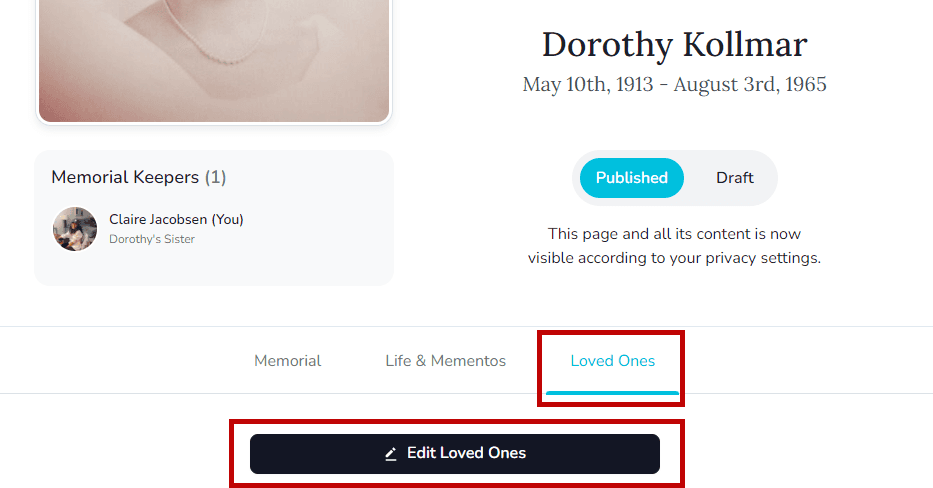
- Open the memorial's Loved Ones tab and click Edit Loved Ones.
- Hover over the group you want to adjust and use the size picker in the lower-left corner.
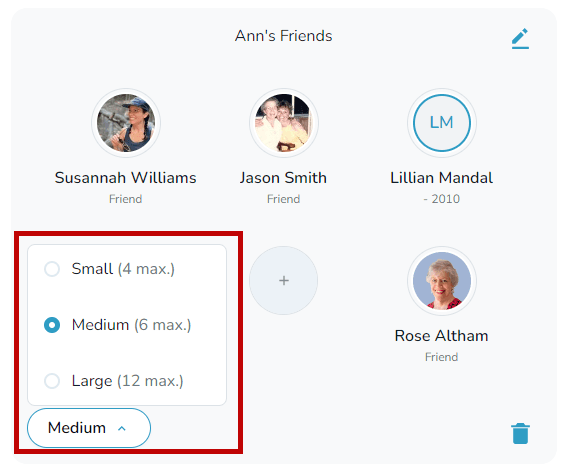
- Choose Small (4 profiles), Medium (6 profiles), or Large (12 profiles) to make room for more people.
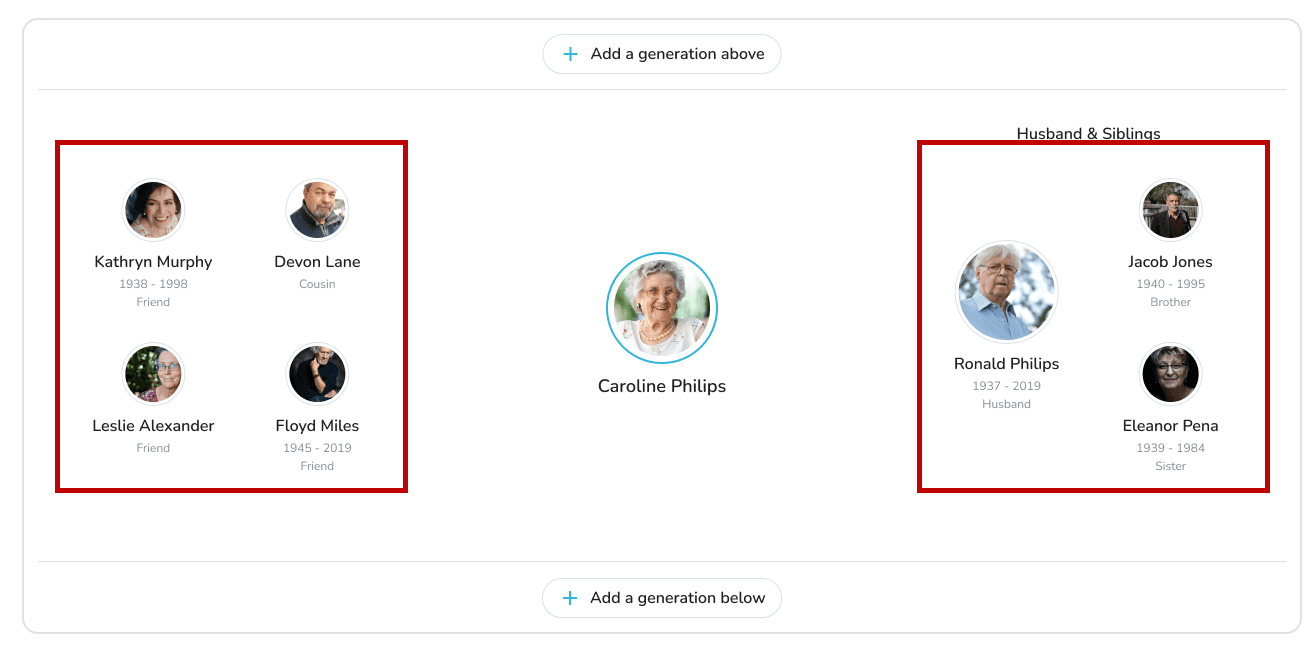
Main generation is fixed
The two groups that appear on the main generation are already large and cannot be resized.