Memorial ManagementLoved Ones
How do I add a name to a group in Loved Ones?
Open the group editor to add or update titles that label sections of the Loved Ones tab.
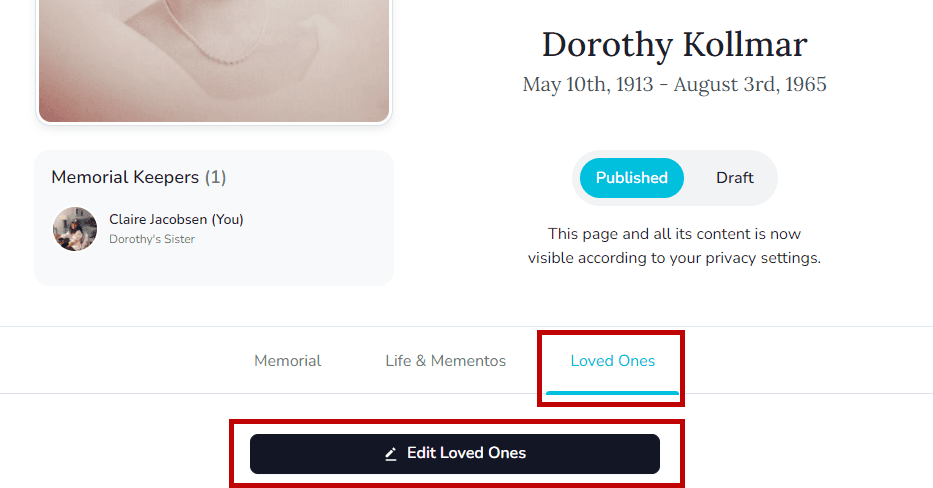
- Open the memorial's Loved Ones tab and select Edit Loved Ones.
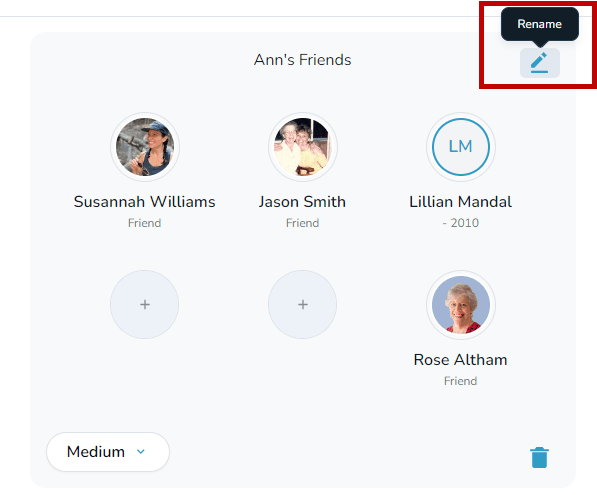
- Hover over the group you want to label and choose the pencil icon in the upper-right corner.
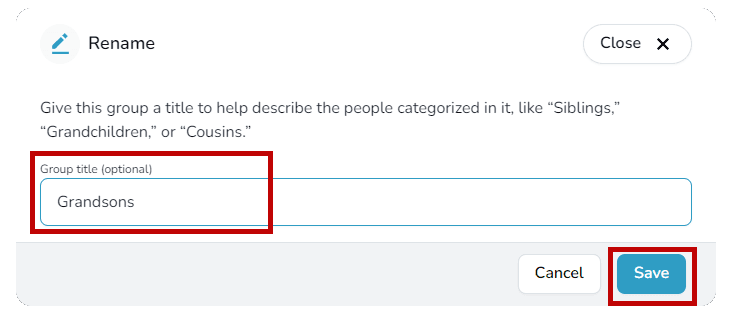
- Enter the group name, then click Save.
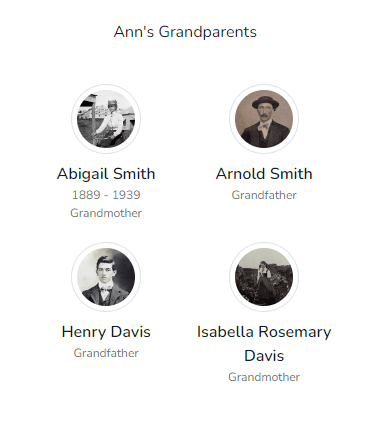
- The title now appears at the top of the group on the memorial.