
Memorial ManagementLoved Ones
How do I delete a loved one?
Open the Loved Ones editor, select the person, and confirm the delete action.
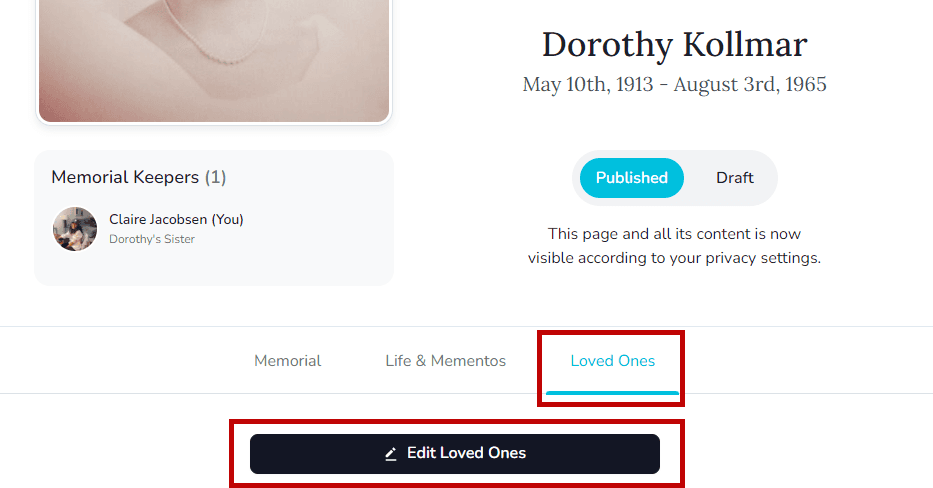
- Go to the memorial’s Loved Ones tab and select Edit Loved Ones.
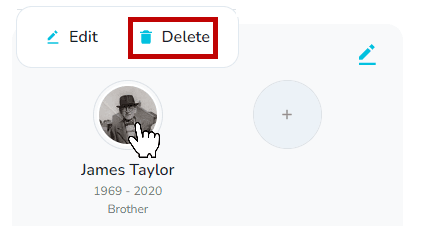
- Click the person you want to remove and choose Delete.
- Confirm the prompt to remove them from the Loved Ones list. You can re-add them later if needed.