
Memorial ManagementLoved Ones
How do I delete a group on Loved Ones?
Use the trash icon in the Loved Ones editor to remove a group and everyone in it.
Deletion is permanent
Deleting a group also removes every loved one assigned to it. Drag people to another group before continuing if you want to keep them.
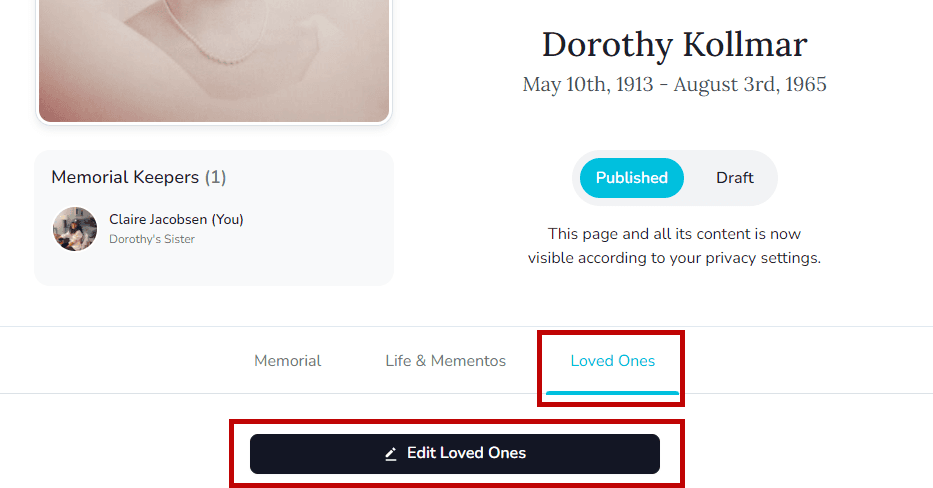
- Open the memorial's Loved Ones tab and choose Edit Loved Ones.
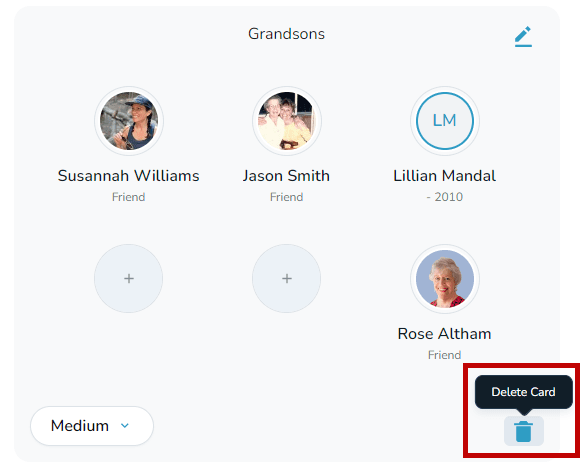
- Find the group you want to remove and select the trash can icon.
- Confirm the deletion when prompted—the group disappears from the tree.