Memorial ManagementLoved Ones
How do I rename the Loved Ones tab?
Edit the Loved Ones section, enter a new title, and save to update the tab name visitors see.
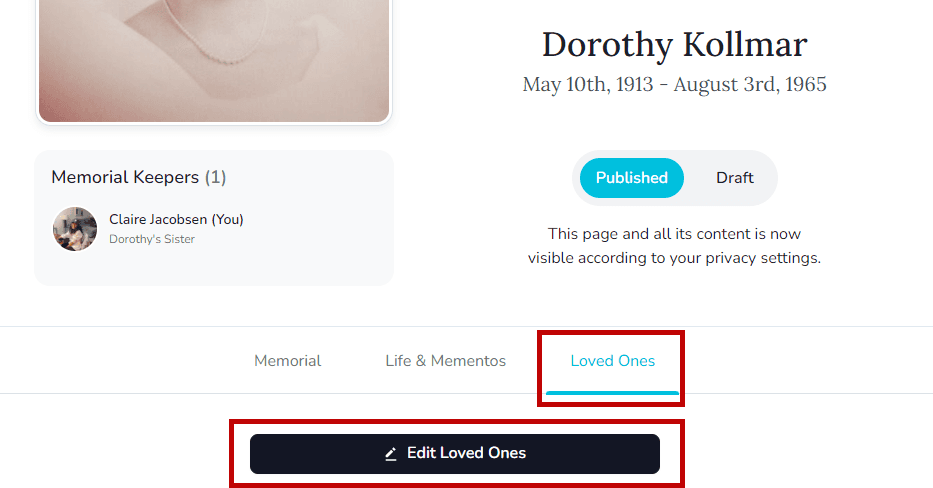
- Open the memorial and click the Loved Ones tab, then choose Edit Loved Ones.
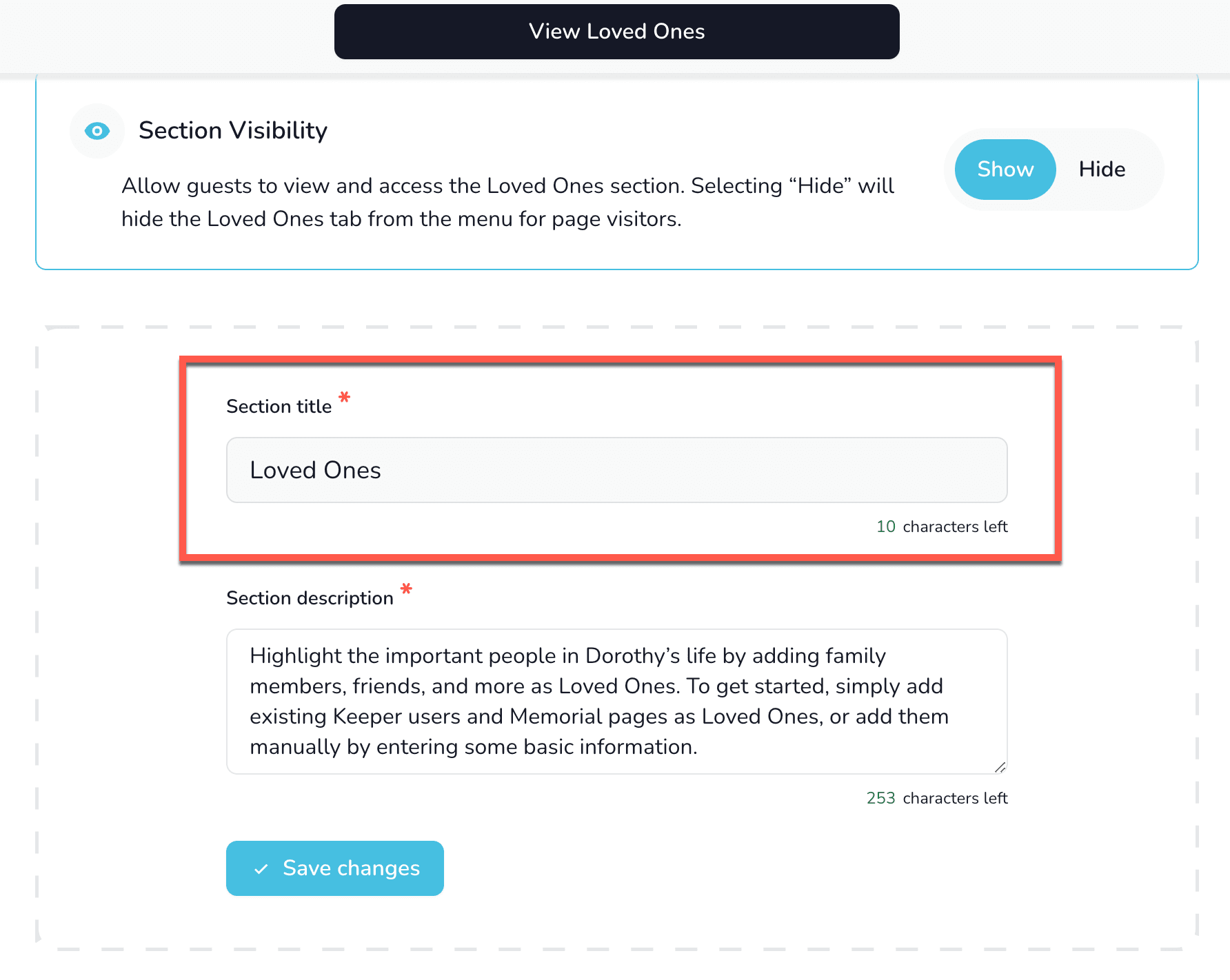
- In the Section title field, type the new label (for example, “Family Tree” or “Chosen Family”).
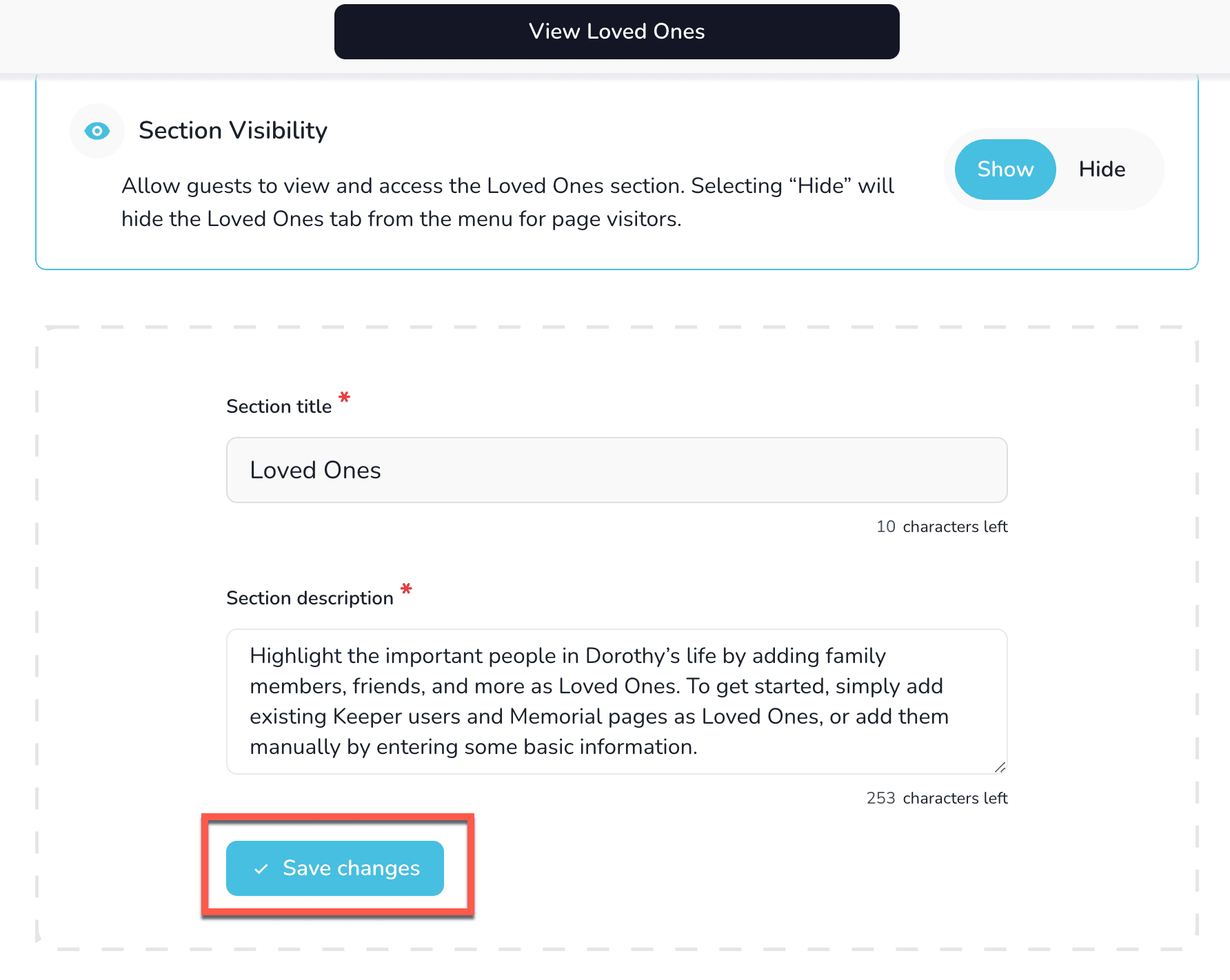
- Select Save Changes. Visitors now see the updated name.