Memorial ManagementMementos Library
How do I create an album in my Mementos Library?
Select multiple mementos in the Life & Mementos editor and group them into an album.
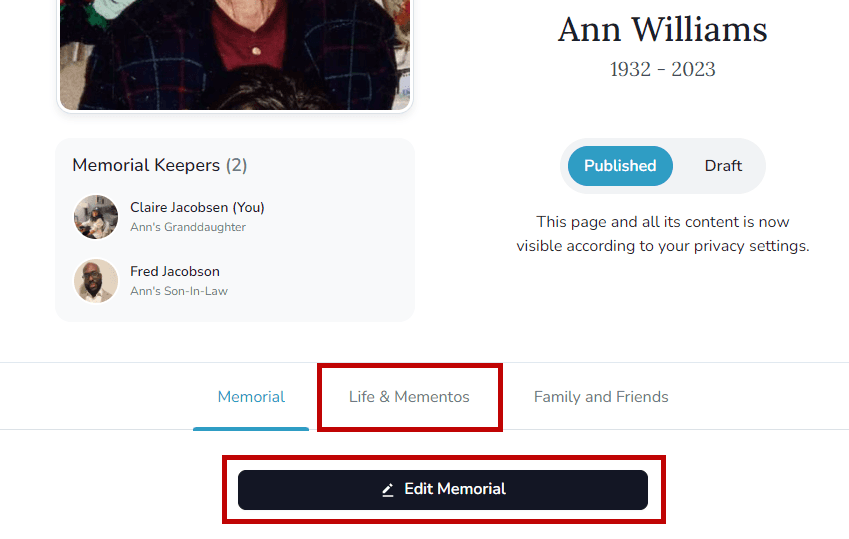
- Log in, open the memorial, and select Life & Mementos.
- Choose Edit Life & Mementos.
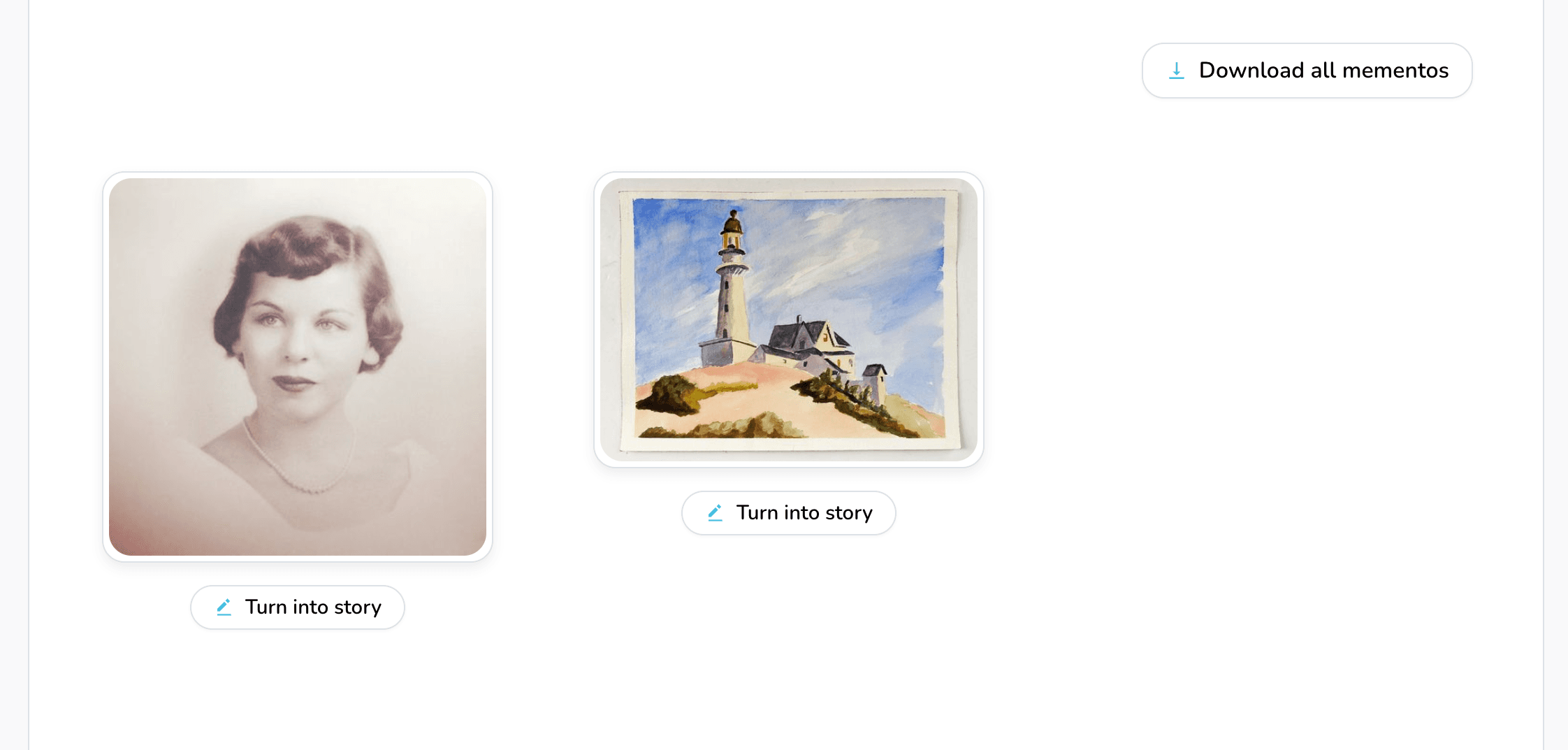
- Scroll to the Mementos Library.
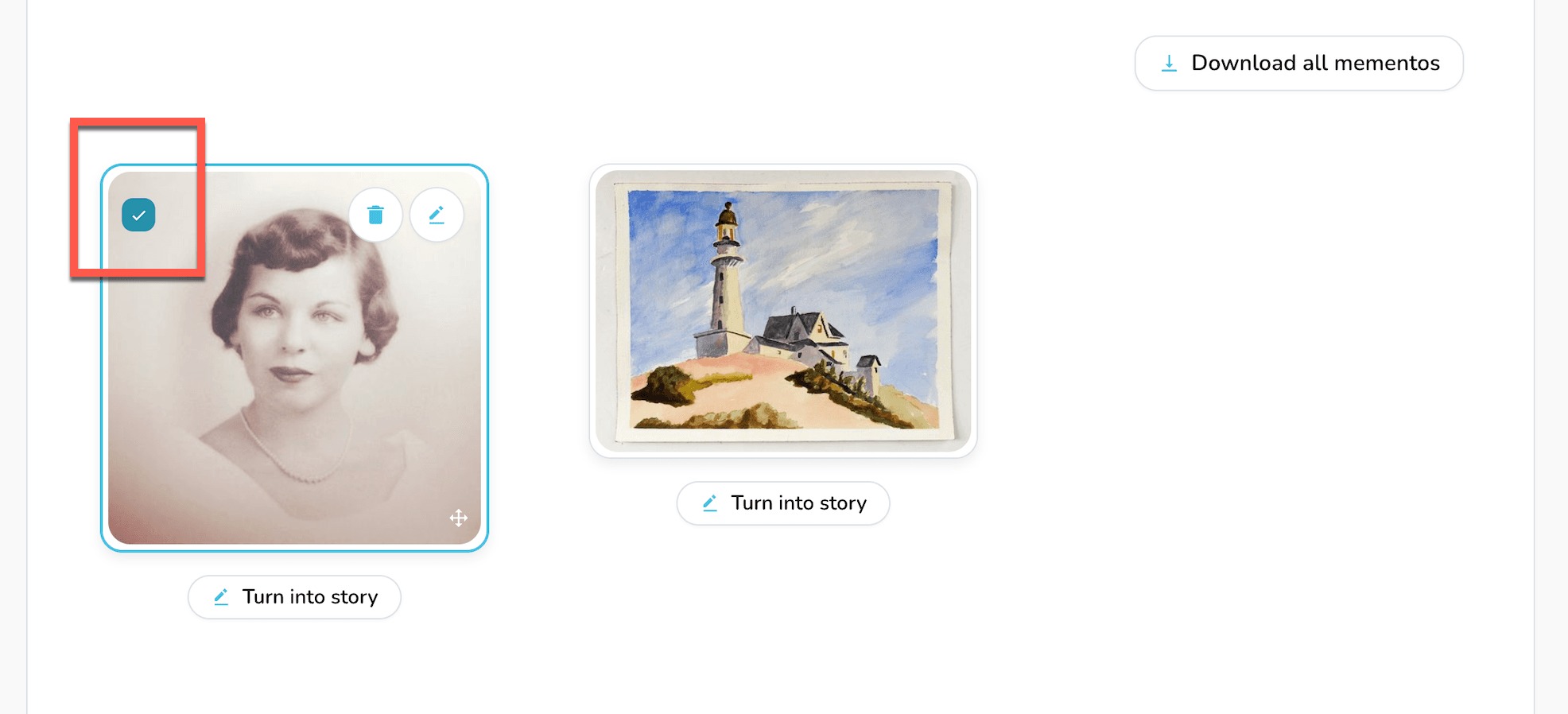
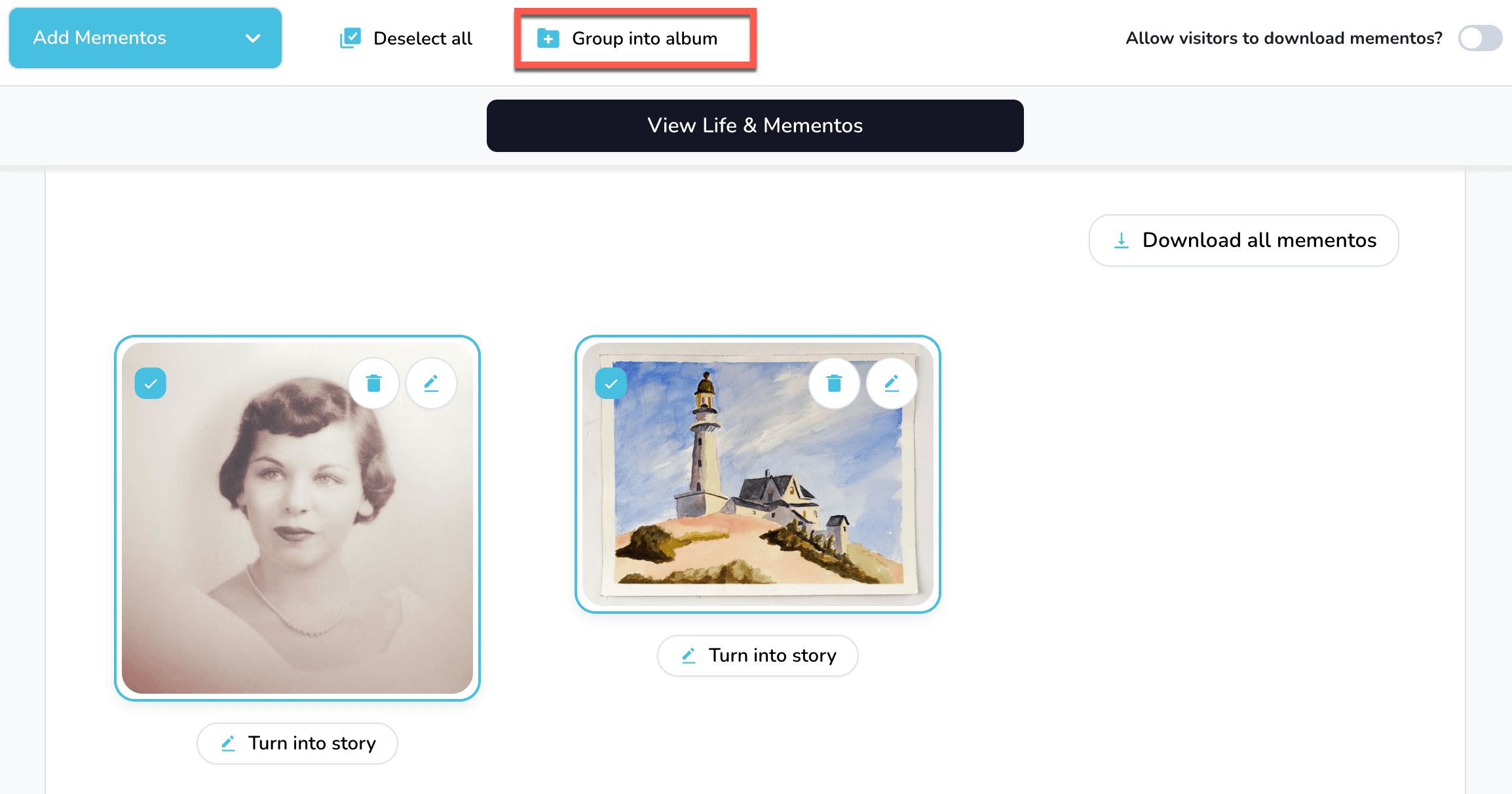
- Hover or tap each item you want in the album and check the box in the upper-left corner.
- In the toolbar, choose Group into album.
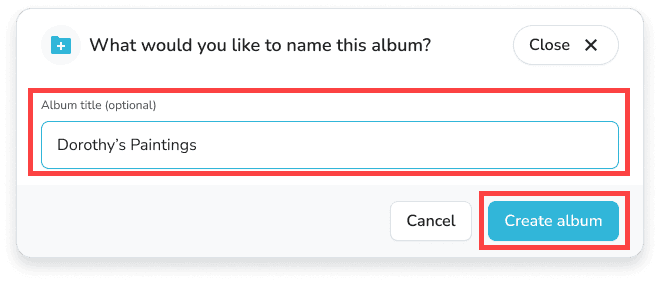
- Give the album a title (optional) and select Create album.
The new album appears alongside your other mementos.