
Memorial ManagementPrivacy Settings
How do I share a password protected memorial page?
Send secure links or share the password so guests can view a password-protected memorial.
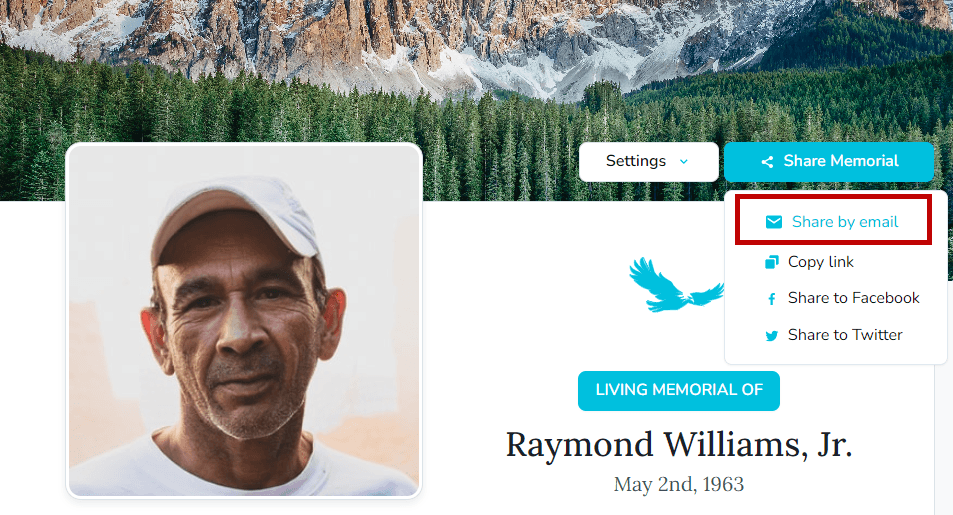
When a memorial is set to Password Protected, keepers can invite guests in two ways.
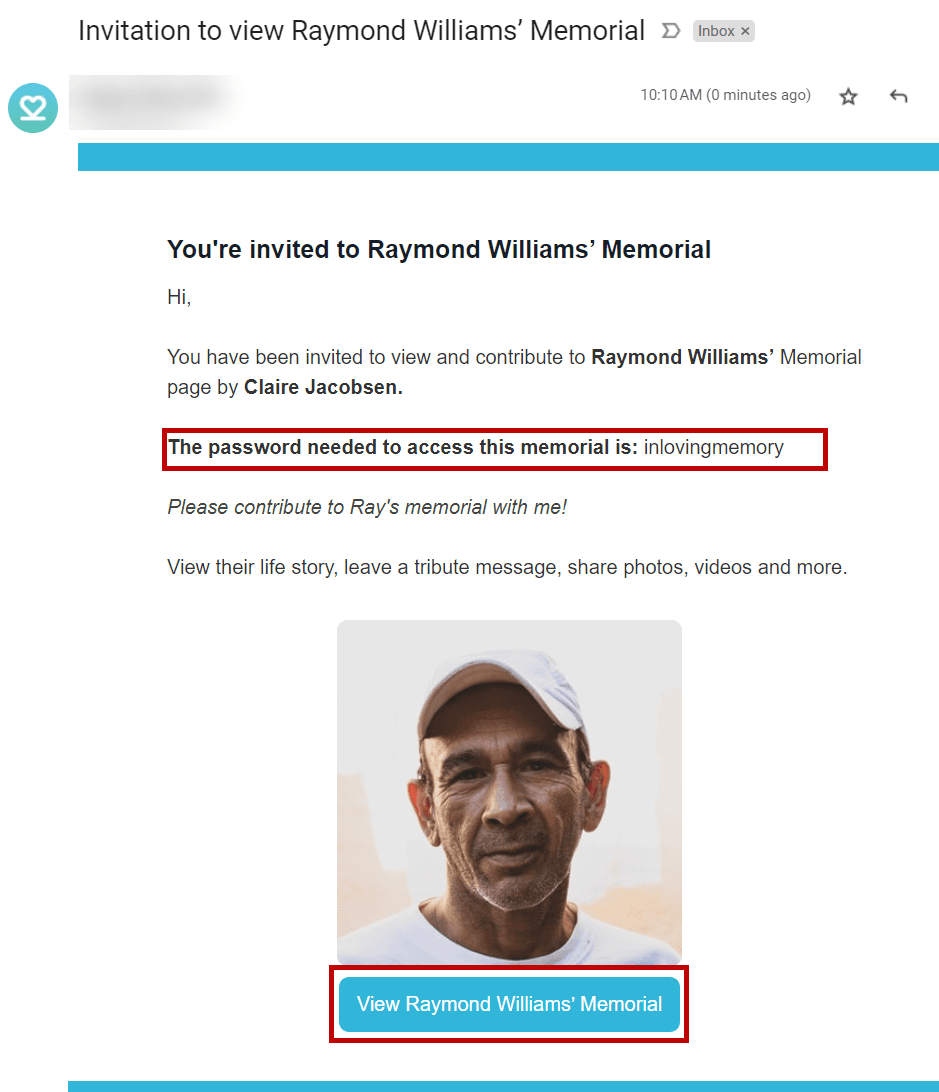
- Use Share by email to send invitations directly from Keeper. The email includes a special link that automatically passes the password so guests can open the memorial without typing anything.
- The email also lists the password. Share it with trusted guests so they can sign in later if they lose the original link.
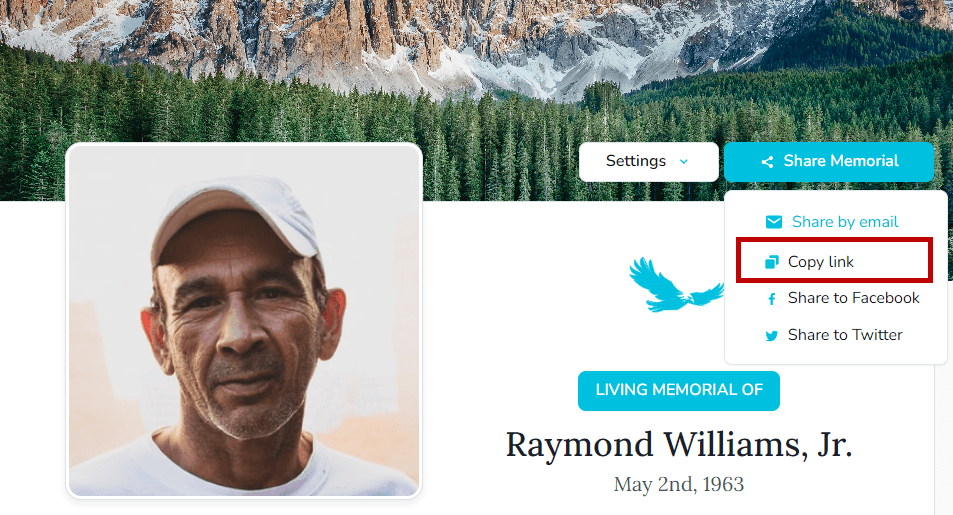
- Prefer to message people yourself? Copy the special link from the share dialog and paste it into a text, social post, or email—the link already contains the password.
Need sharing basics?
Review the guide on sharing memorial pages for other invitation options.