
Memorial ManagementRequests
How do I approve or decline Requests?
Steps to approve or decline Keeper requests from the Dashboard.
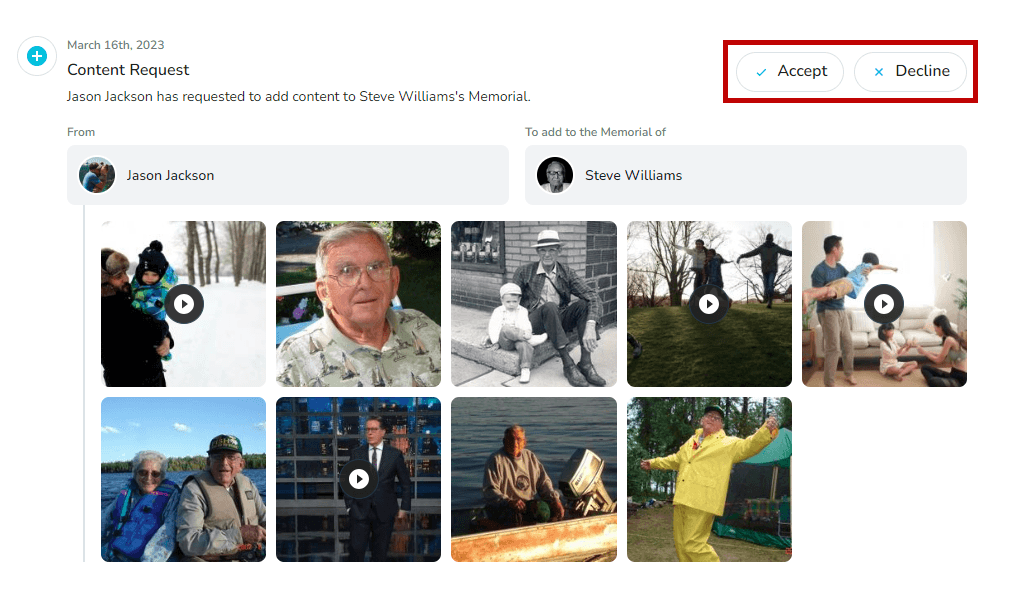
Keeper lets visitors submit requests to Keeper Administrators. Review every request from the Requests tab on your Dashboard.
Approve or decline requests
- Log in to your Keeper account.
- Navigate to the Dashboard.
- Select Requests in the top menu.

- Choose a request to review, then select Accept or Decline.
How do I share a password protected memorial page?
Send secure links or share the password so guests can view a password-protected memorial.
What can I do about an account or memorial page that is fraudulent, fake, inappropriate, or unauthorized?
Review Keeper’s approach to disputes and submit a report so the team can investigate.