
How do I make sure only invited people can see my memorial?
Turn on Invitation Only privacy, manage invitations, and control who can view or contribute.
What is the Invitation Only setting?
Invitation Only privacy restricts the memorial to people you explicitly invite. Only Keeper Administrators and invited guests can view or contribute. This setting is available on Keeper Plus plans.
Share an Invitation Only memorial
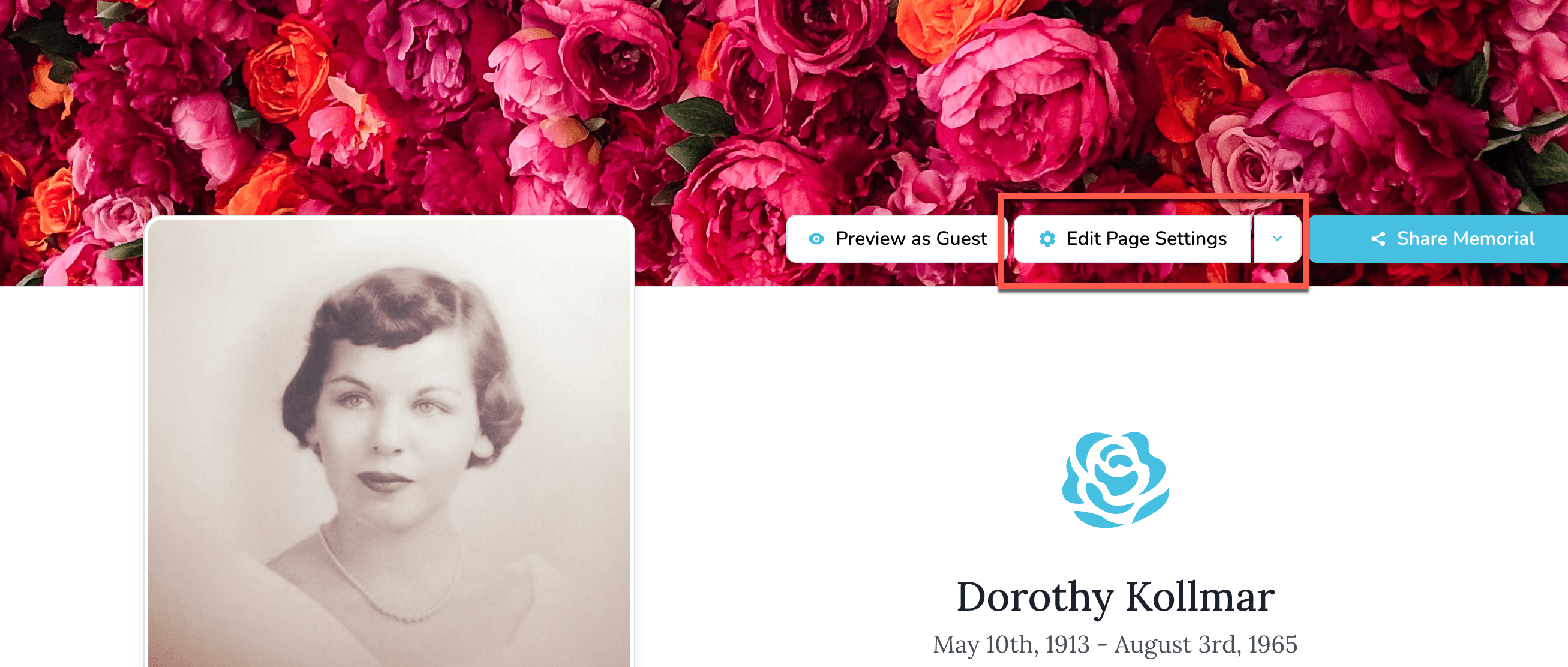
- Open the memorial and select Edit Page Settings.
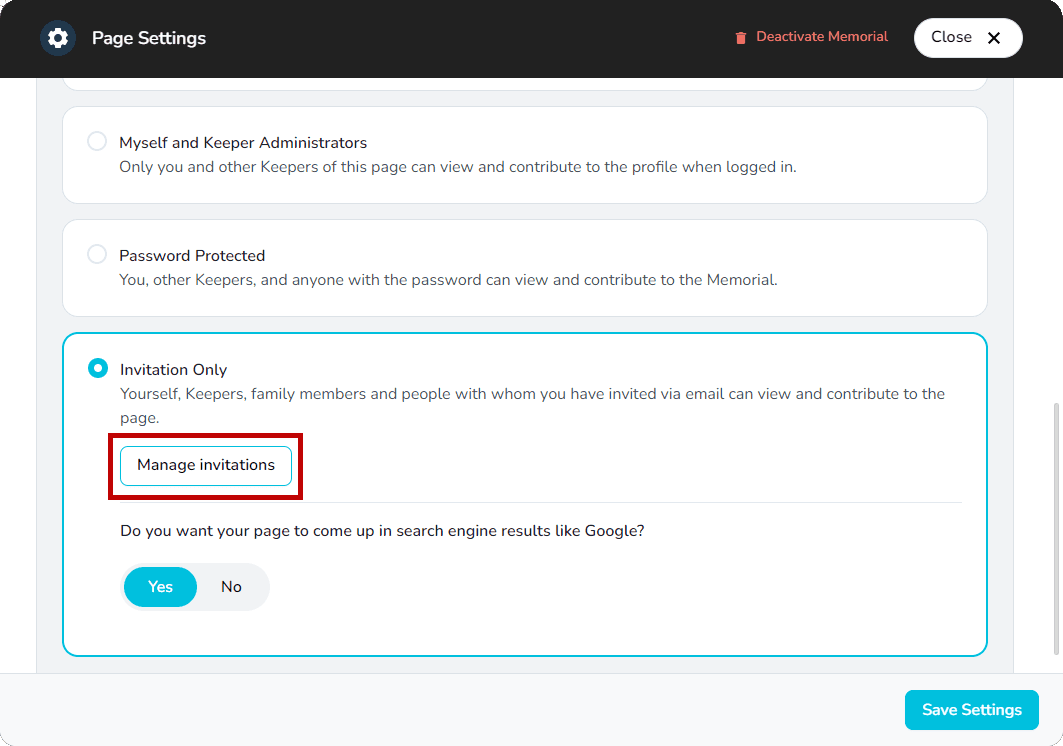
- Go to Viewing & Privacy and choose Manage Invitations.

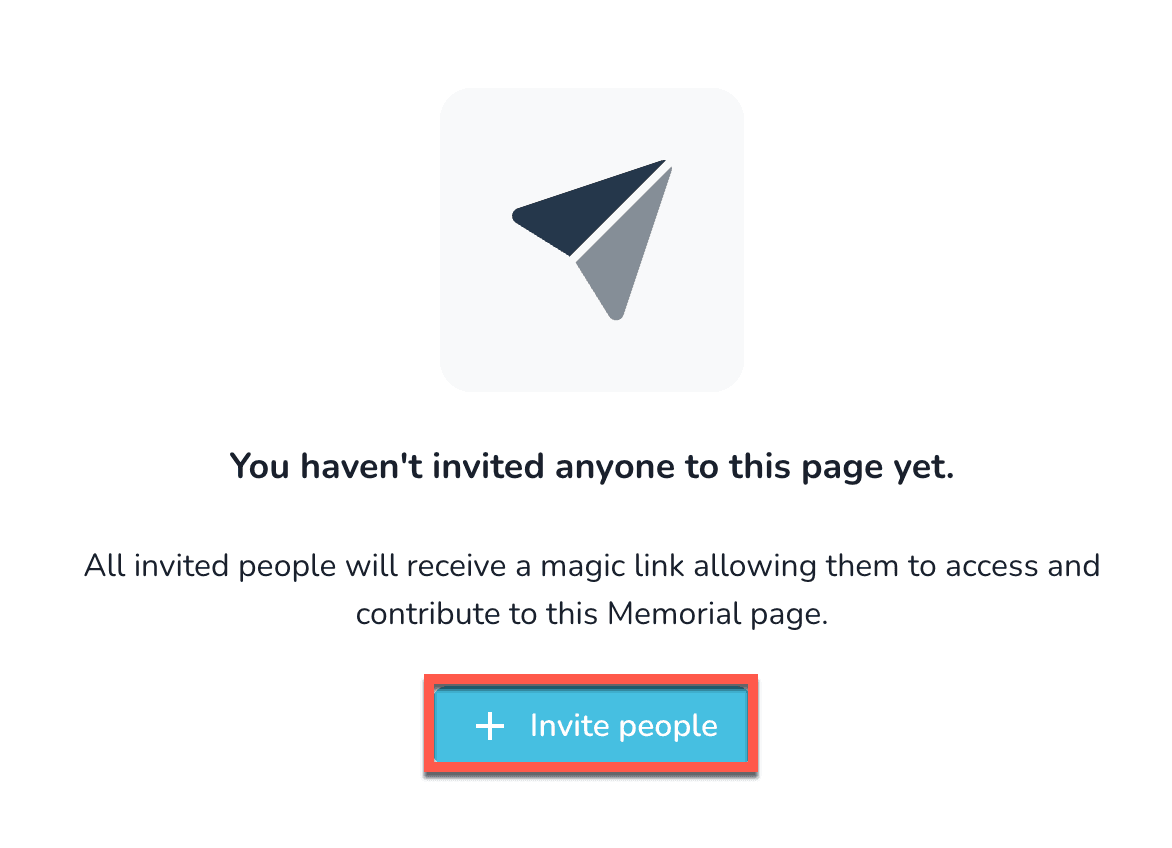
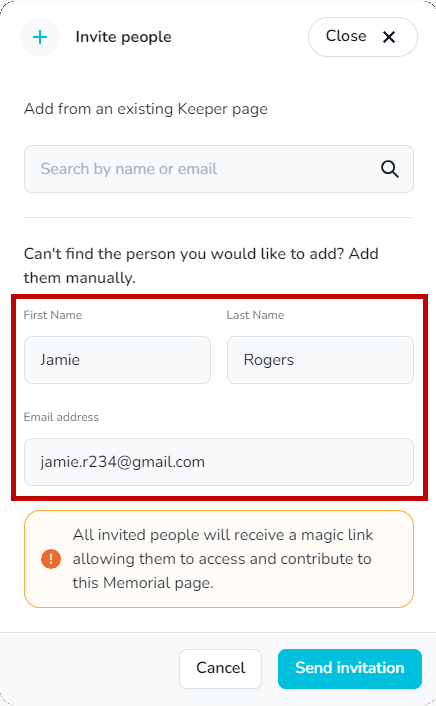
- Select + Invite People.
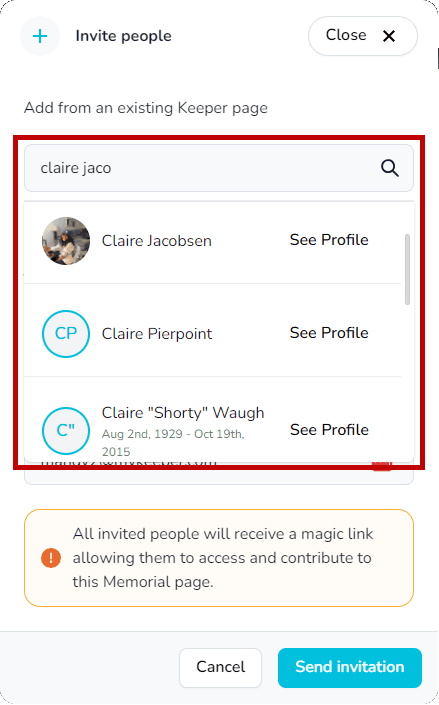
- Search for an existing Keeper user or enter the person’s name and email, then send the invitation.
Revoke someone’s access
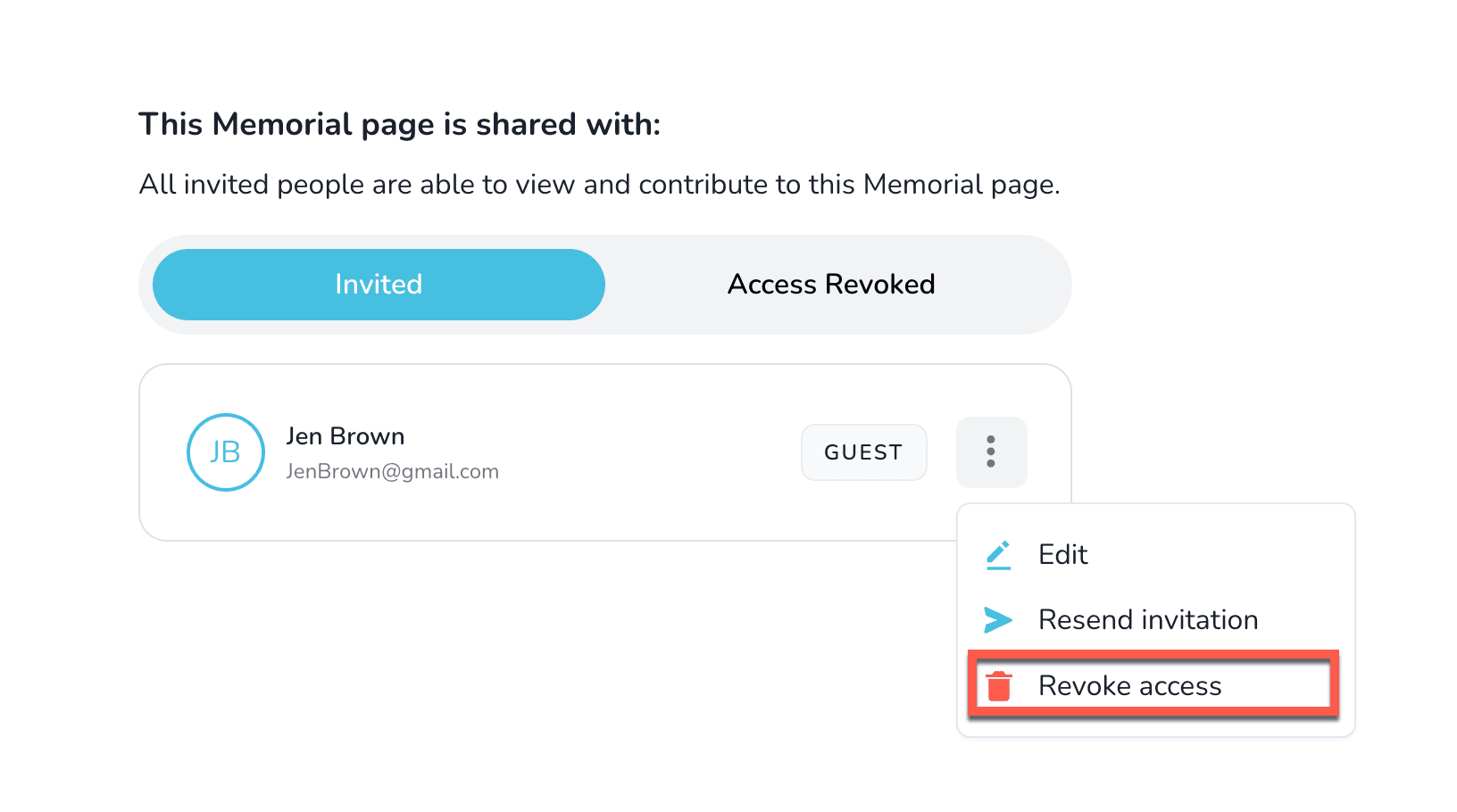
- From Manage Invitations, locate the guest you want to remove.
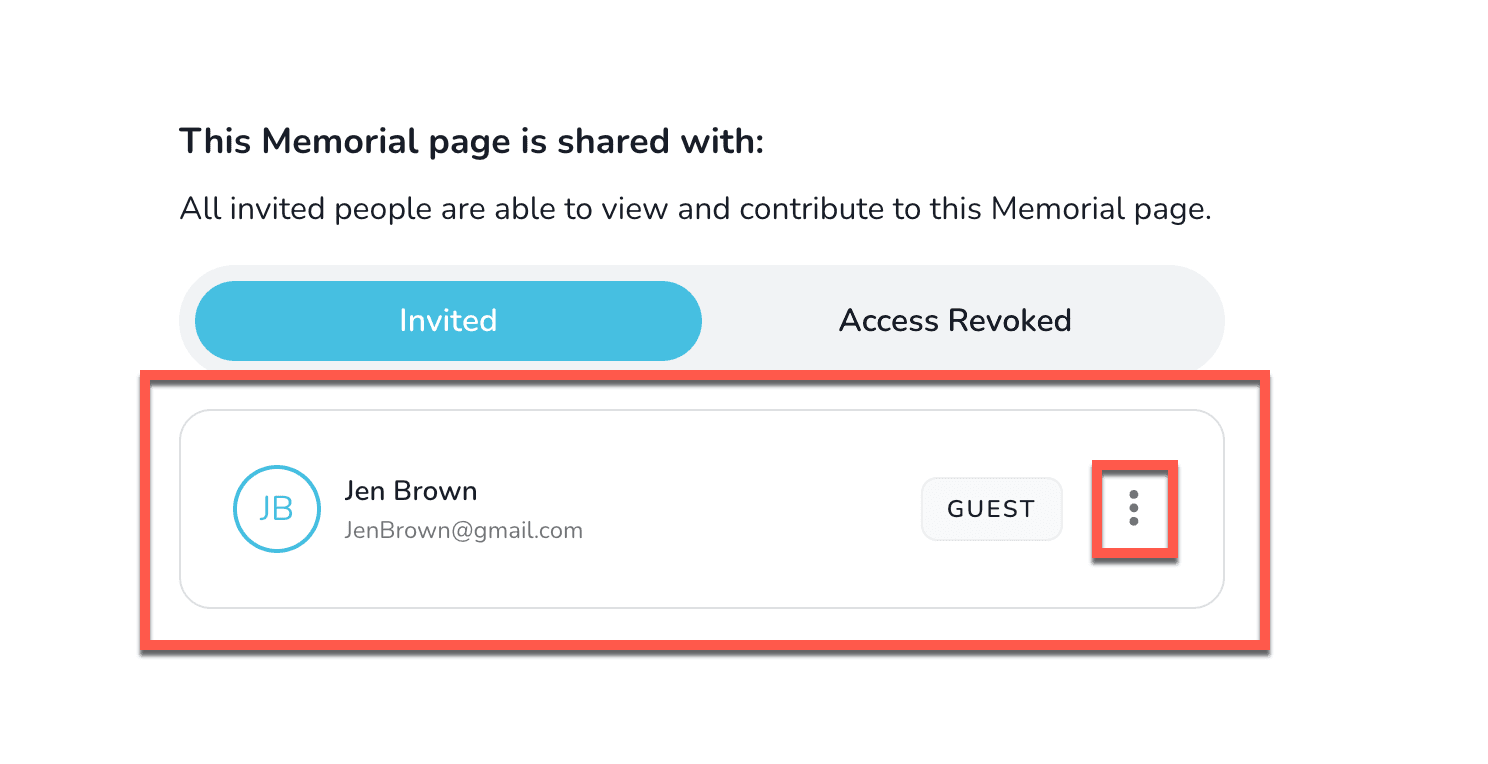
- Select Revoke Access and confirm.
Update an invitation
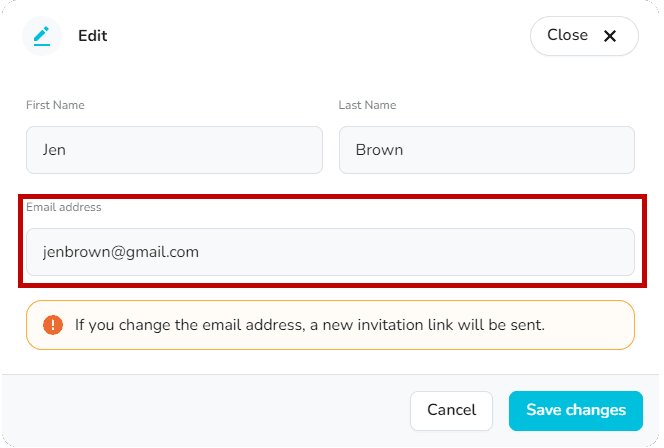
- In the invitation list, select Edit.
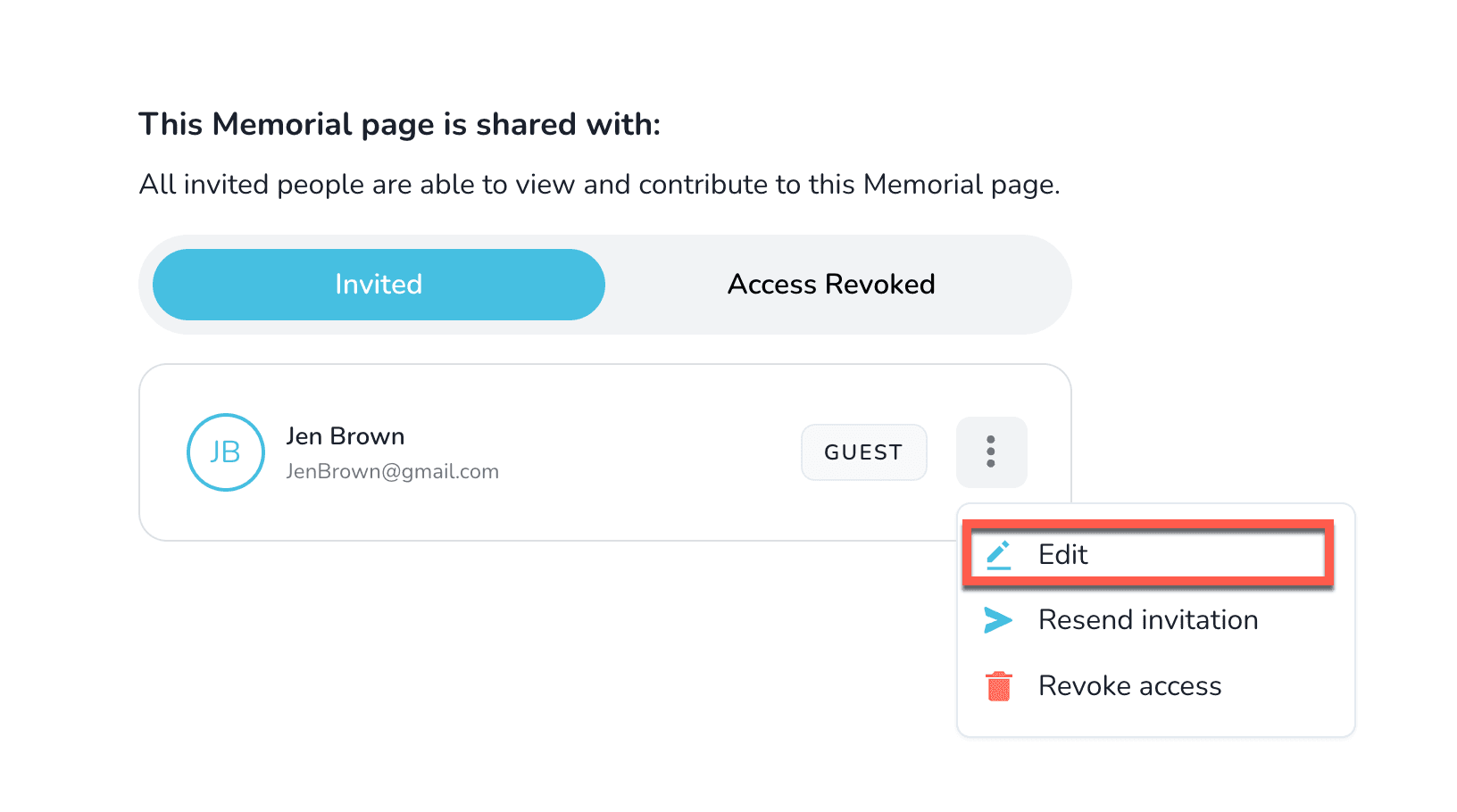
- Update the name or email address and choose Save Changes.
Resend an invitation
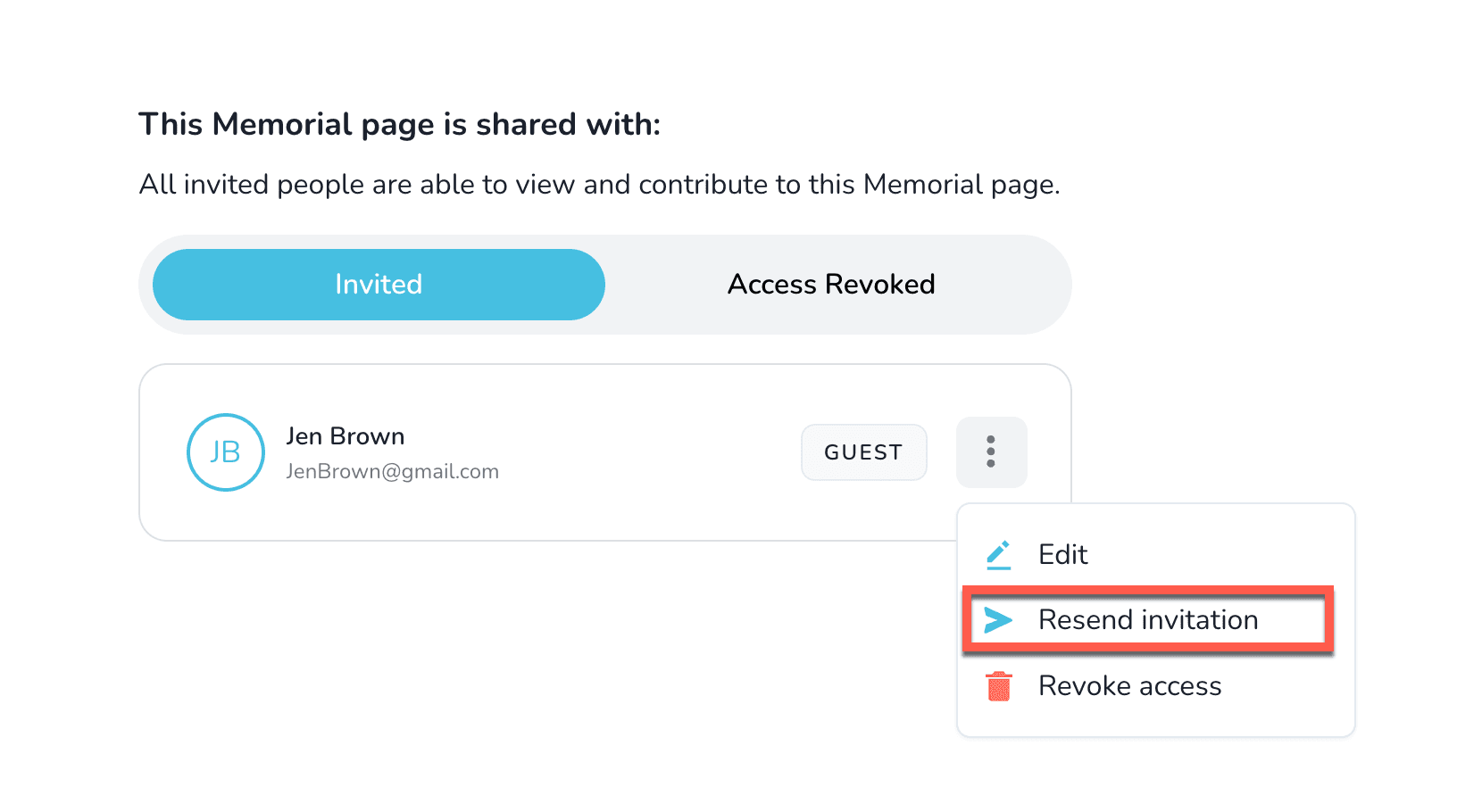
Need to send another link? From the same list, select Resend invitation.
Tip
Guests receive an email with a secure link each time you invite, edit, or resend access.
Can I make a memorial private for family and friends?
Use Keeper privacy settings to limit access to specific people or require a password for your memorial.
Review, approve, and reject tributes and memorial content
Turn on content moderation so keepers can approve tributes, comments, photos, and videos before they publish.