
Memorial ManagementPrivacy Settings
How do I request access to a private memorial page?
Enter the password or submit a request so keepers can approve your access to a private memorial.
Some families keep memorials private. The steps you follow depend on the privacy setting the keepers chose.
Password-protected memorials
- Open the memorial link—you’ll see a password prompt.
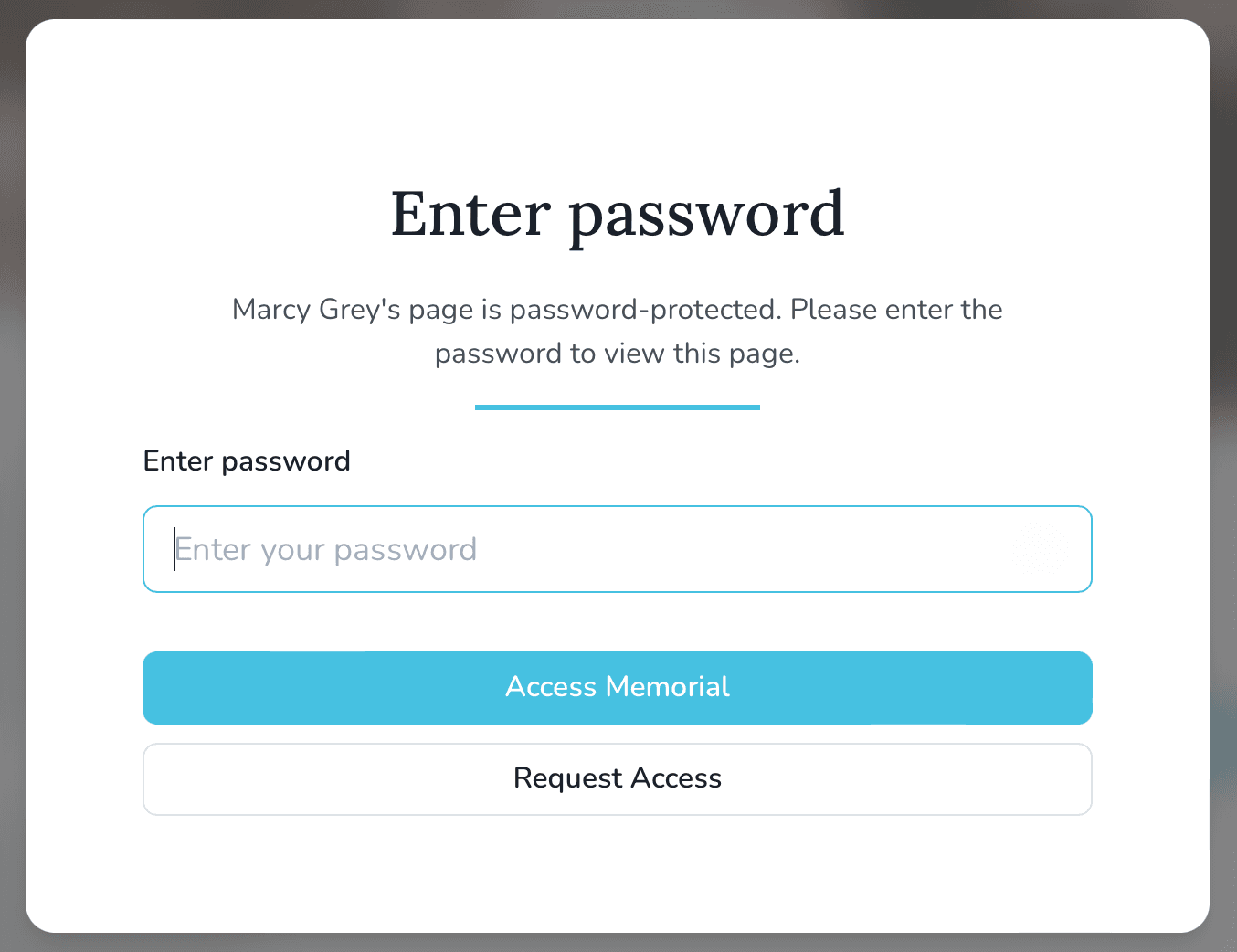
- If you know the password, enter it to view the page.
- If you don’t, select Request Access, enter your name and email, and submit the form. You’ll receive an email if the keepers approve your request.
Invitation-only memorials
- Invitation-only memorials send “magic link” emails with direct access. Use the link to sign in.
- If you only have the memorial URL, open it and choose Request Page Access.
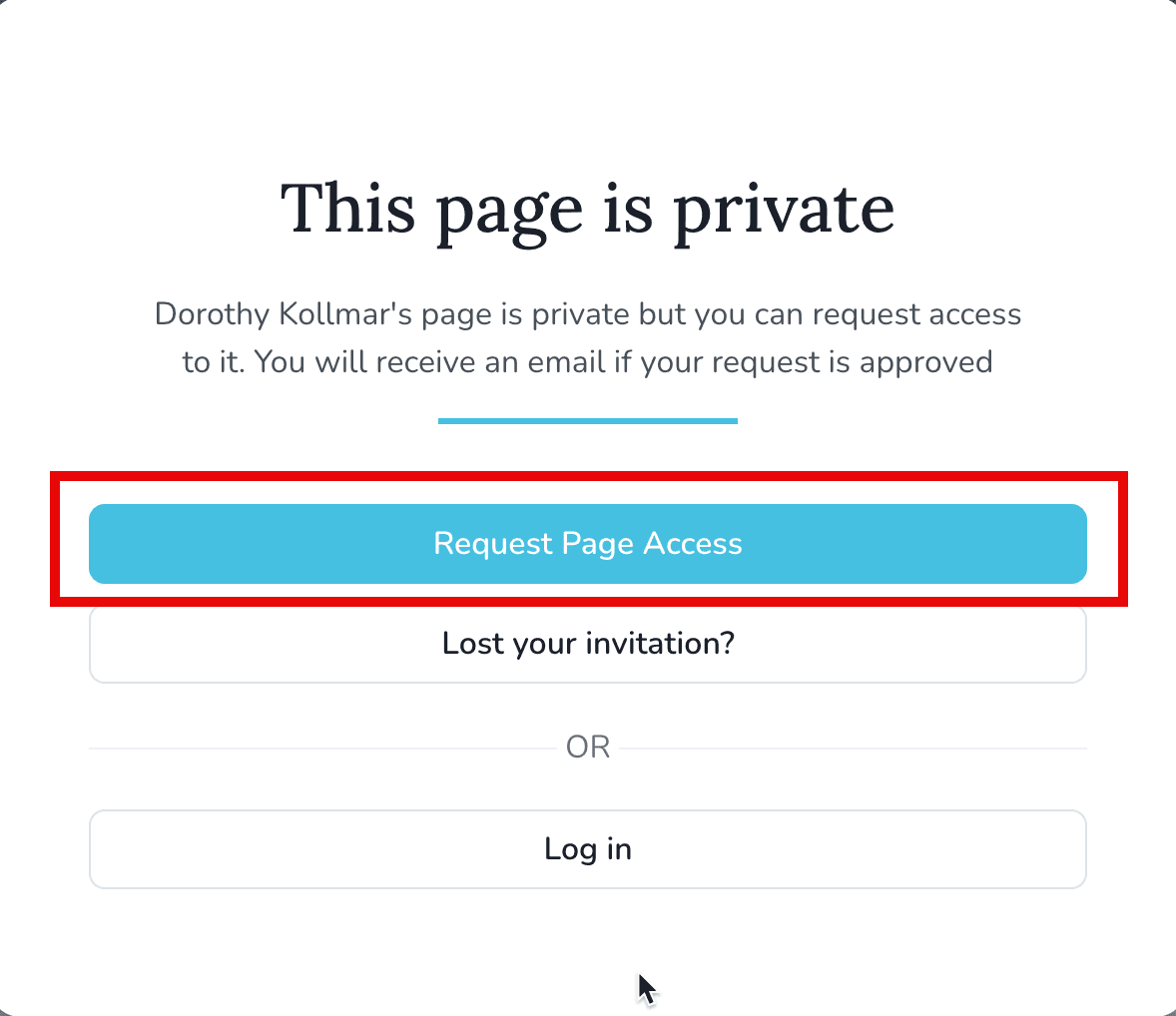
- Provide your name and email so the keepers can review your request.
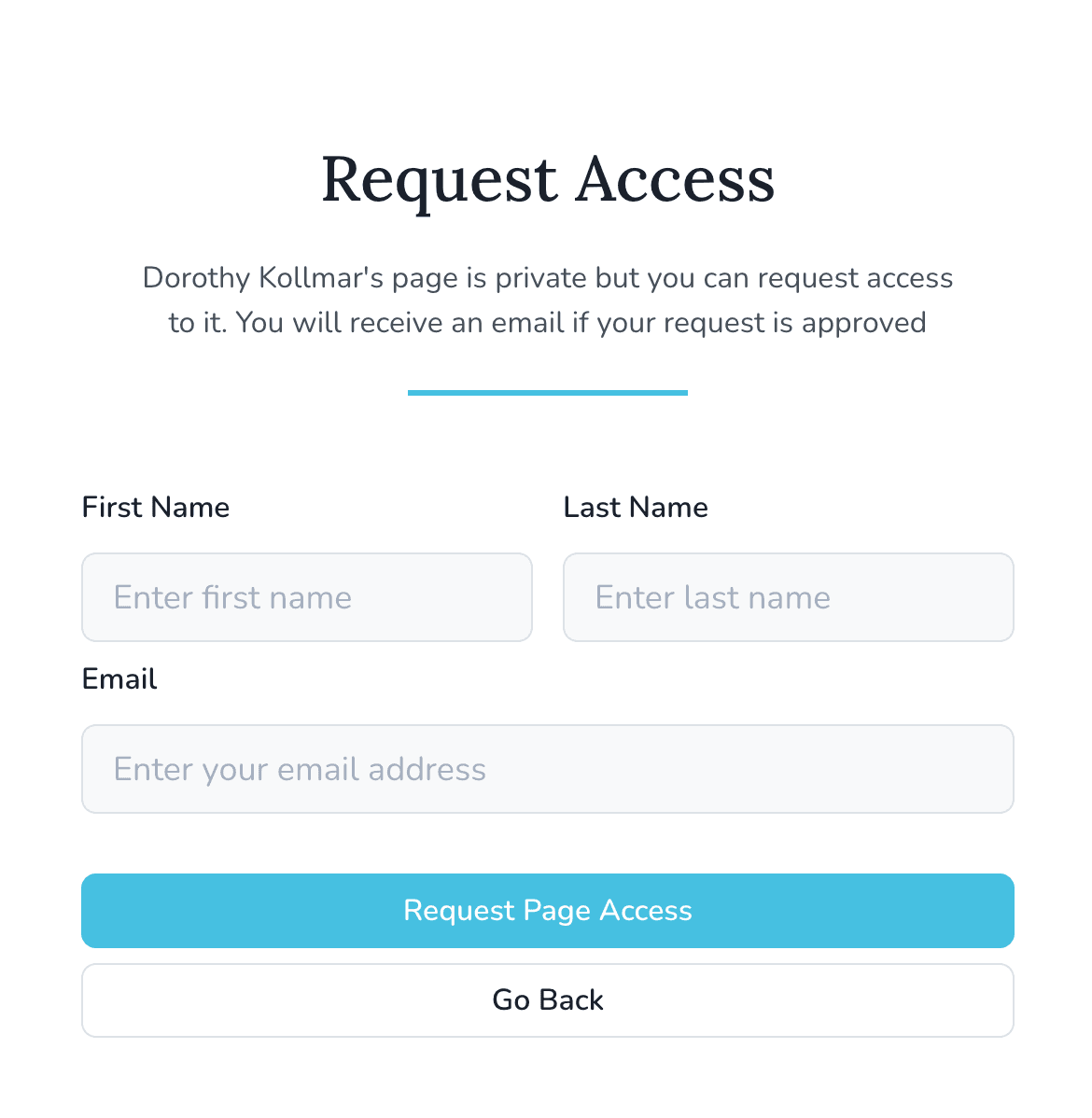
Keeper Support cannot grant access on behalf of the family, so wait for the memorial keepers to approve your request.
How do I change the security and privacy settings of a memorial page?
Choose who can view and contribute to a memorial by adjusting the Viewing & Privacy options.
How can I control whether a memorial page appears in search engine results?
Switch the search engine visibility toggle so Google can find—or skip—your memorial page.