
Memorial ManagementUpdate Basic Info
How do I change the banner image for a memorial page?
Use Edit Page Settings to pick a new banner, upload a custom image, or reposition the current one.
Change the memorial banner
Refresh a memorial’s banner to match the person you are honoring. You can upload unique artwork or choose from several curated sources.
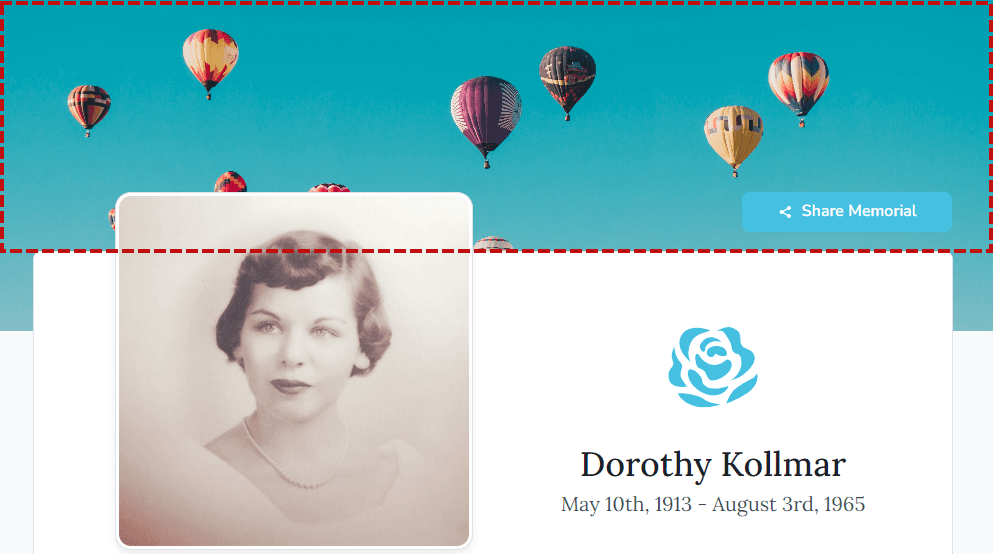
Update the banner
- Log in and open the memorial you manage.
- Under the banner image, select Edit Page Settings.
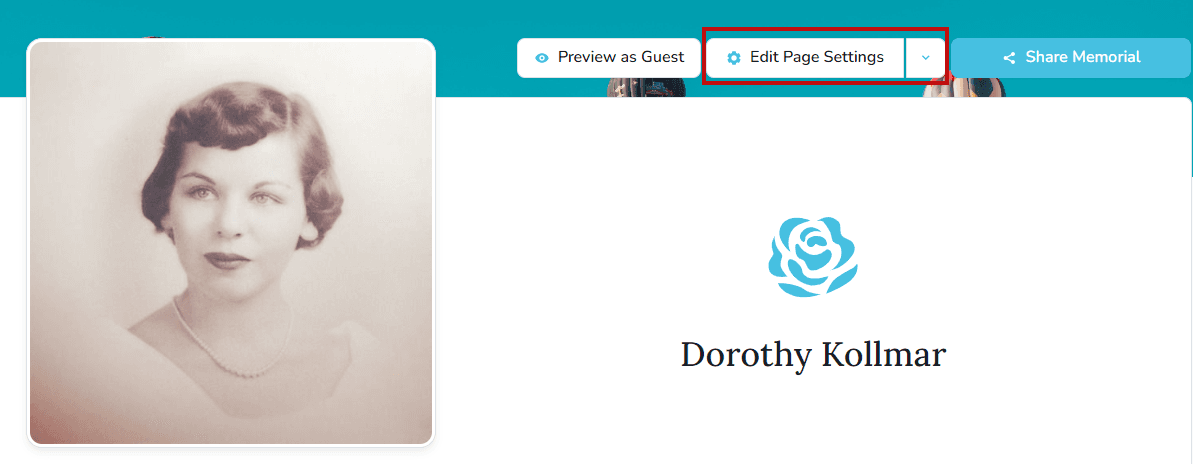
- Choose the Theme tab.

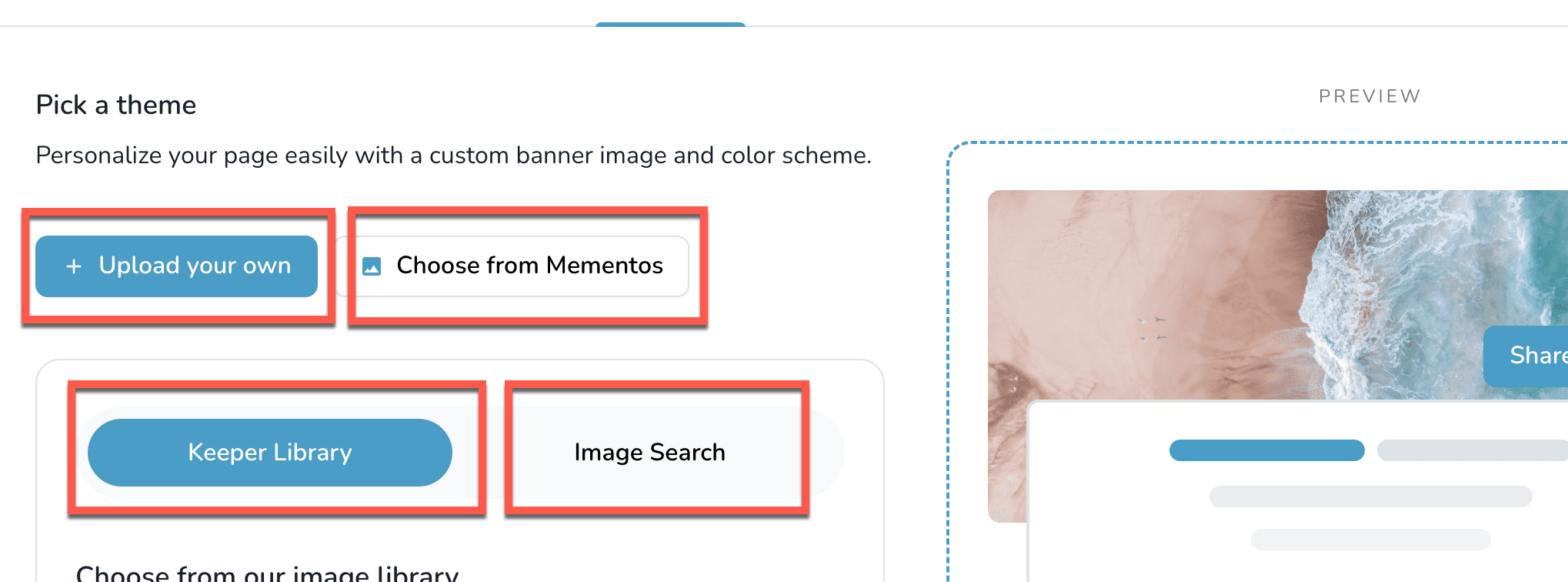
- Pick how you want to source the banner:
- Upload a new image
- Choose from Mementos already on the memorial
- Keeper Library for curated images
- Image Search powered by Unsplash
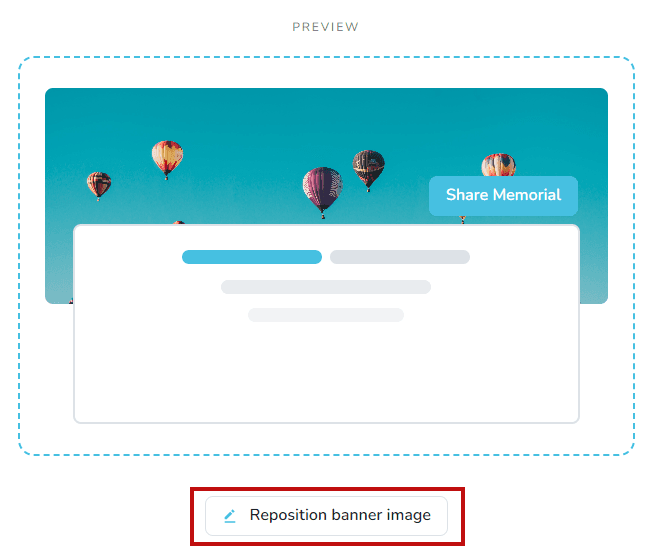
- To adjust the composition, click Reposition Banner and drag the image into place.
- Select Save Settings to publish the new banner.