
How do I create a memorial page?
Sign up for Keeper, open your dashboard, and follow the prompts to create a memorial page for your loved one.
Your loved one's story is unique. That's why our Memorial Pages are flexible, customizable, and designed to give you more ways to celebrate your loved one's life story.
To begin, Sign Up to create your Keeper Account. Find the link to Sign Up at the top-right corner of Keeper Memorials' homepage, or click here.

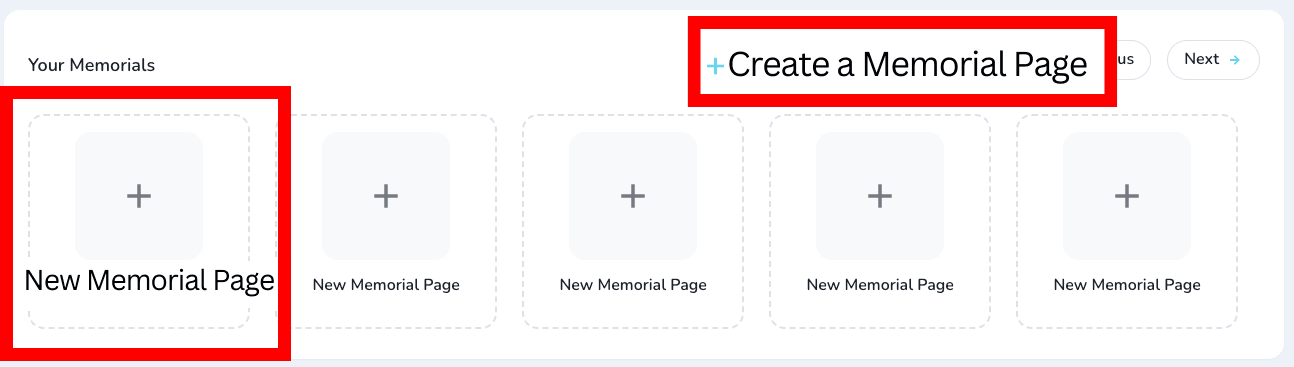
Once you've created your Account, you'll be welcomed to your personal Dashboard page. On the Dashboard, under Your Memorials click to Create a Memorial Page or click on New Memorial Page.
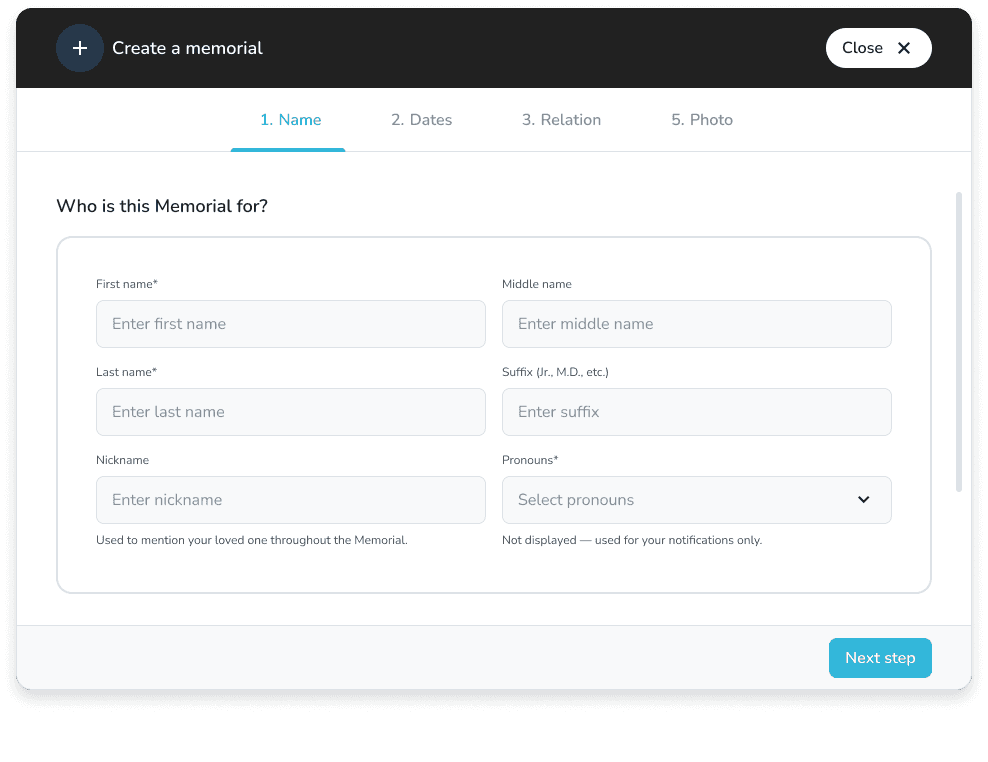
To get started with the Memorial Page, you'll be asked for some basic information about your loved one.
When you create a Memorial Page, you become the Keeper Administrator of that Memorial page.