
Memorial ManagementUpdate Basic Info
How do I change the theme color of a memorial page?
Update the memorial's accent color from Edit Page Settings and preview the result before saving.
The theme color of a Memorial page can be changed to best reflect the person being memorialized. The theme color is applied to buttons, icons, graphics and links of a Memorial page.
To change the theme color, please follow these steps:
- Log in to your account
- Navigate to the Memorial page
- Select Edit Page Settings
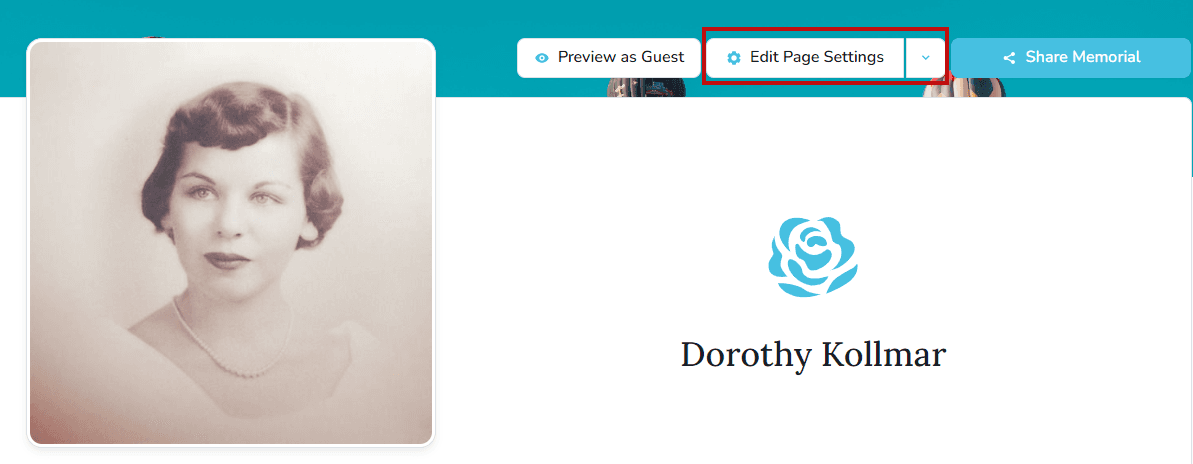
- Select the Theme tab

- On the right side, scroll to the accent colors
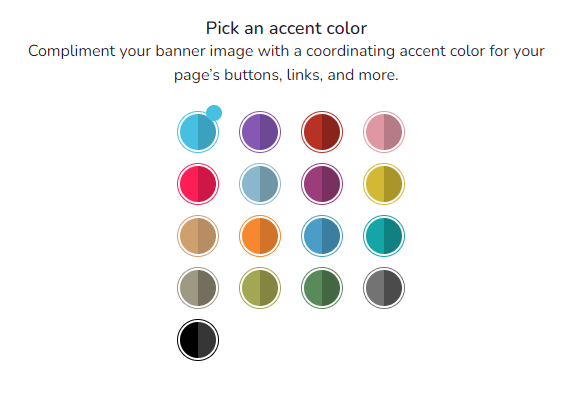
- When you click on the individual colors, a preview will appear above
- Select Save Settings when you have made a selection
Tip
While Keeper allows you to personalize your pages easily with a custom banner image, color scheme, and content, the font or color of the text is not customizable.