
How do I upload images and videos to a memorial page?
Use the Add Mementos area to upload up to 100 photos or videos to the memorial at once.
Sharing photos and videos can be an important way to show your loved one's life. Keeper Plus users benefit from unlimited image and video storage.
Note: Only Keeper Administrators can add images and videos via the Mementos Library. Page visitors can submit images and videos to a Memorial via Tributes.
- Log in to your Keeper Account
- Navigate to your loved one's Memorial page
- Click the Life & Mementos tab
- Click the Edit Life & Mementos button
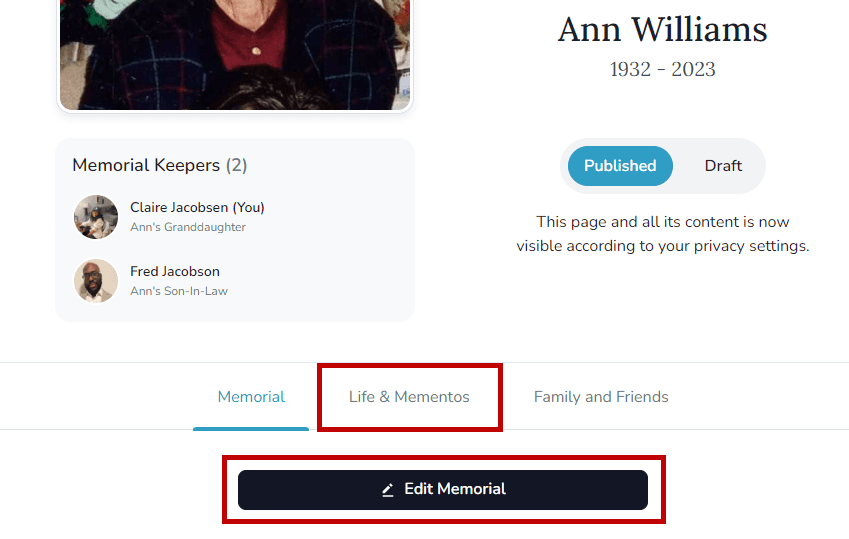
- Scroll down to the very bottom of the page to Add Mementos
- Click to Upload files or drag and drop your media files
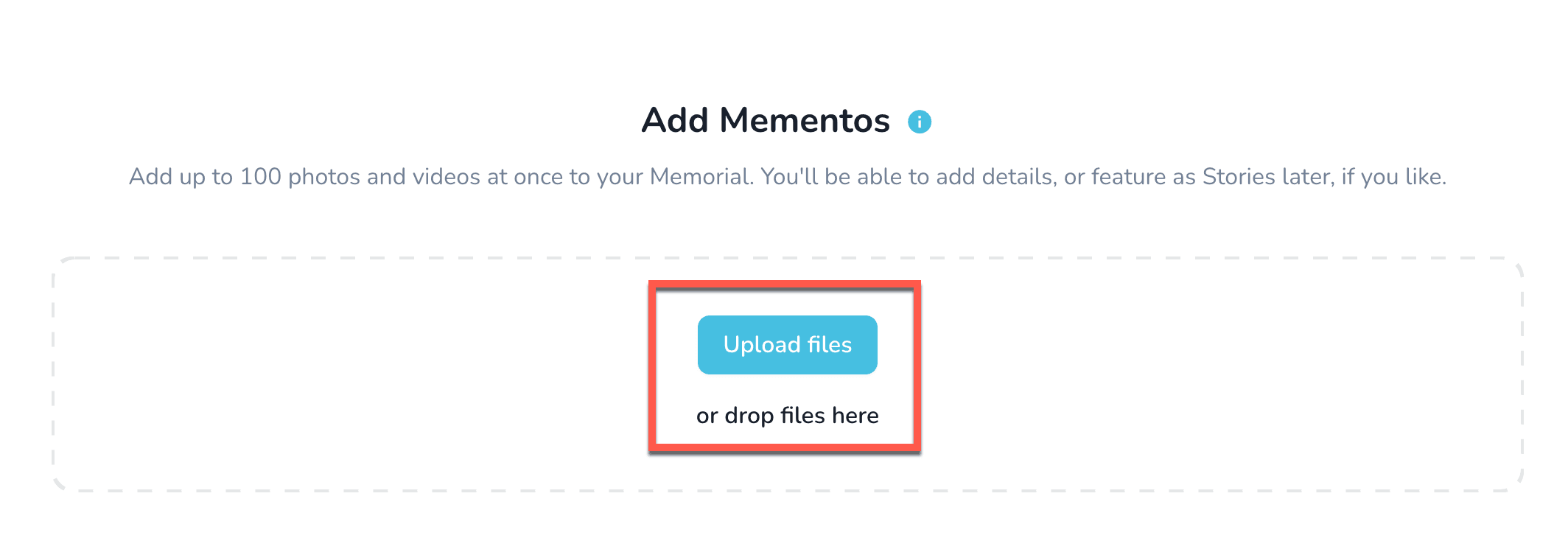
For images, we accept .png, .jpg, .jpeg,.gif, and .heic file formats. An image file needs to be between 5 KB – 25 MB in size.
For videos, we accept .avi, .mkv, .3gp, .mov, .mp4, .wmv, .mpg, .mpeg file formats. The maximum file size for a video is 2 GB.
Tip: You can add up to 100 media files at a time!
How do I reorder items in my Mementos Library?
Drag and drop mementos in the Life & Mementos editor to change their order on the memorial.
Accepting a memorial Keeper request
Open the invitation email to join a memorial as a Keeper, create an account if needed, and contact the memorial owner with questions.