
Memorial ManagementMementos Library
What is the Mementos Library?
Browse every photo and video added to the memorial from the Life & Mementos tab.
The Mementos Library organizes all media shared on a memorial—whether it was uploaded by keepers or contributed through tributes.
Explore the library
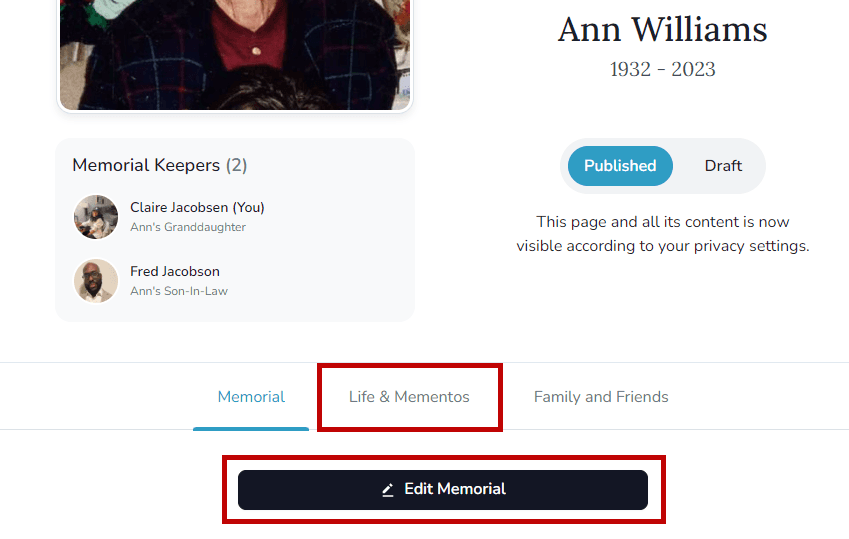
- Open the memorial and select Life & Mementos.
- Choose Edit Life & Mementos to manage the library.
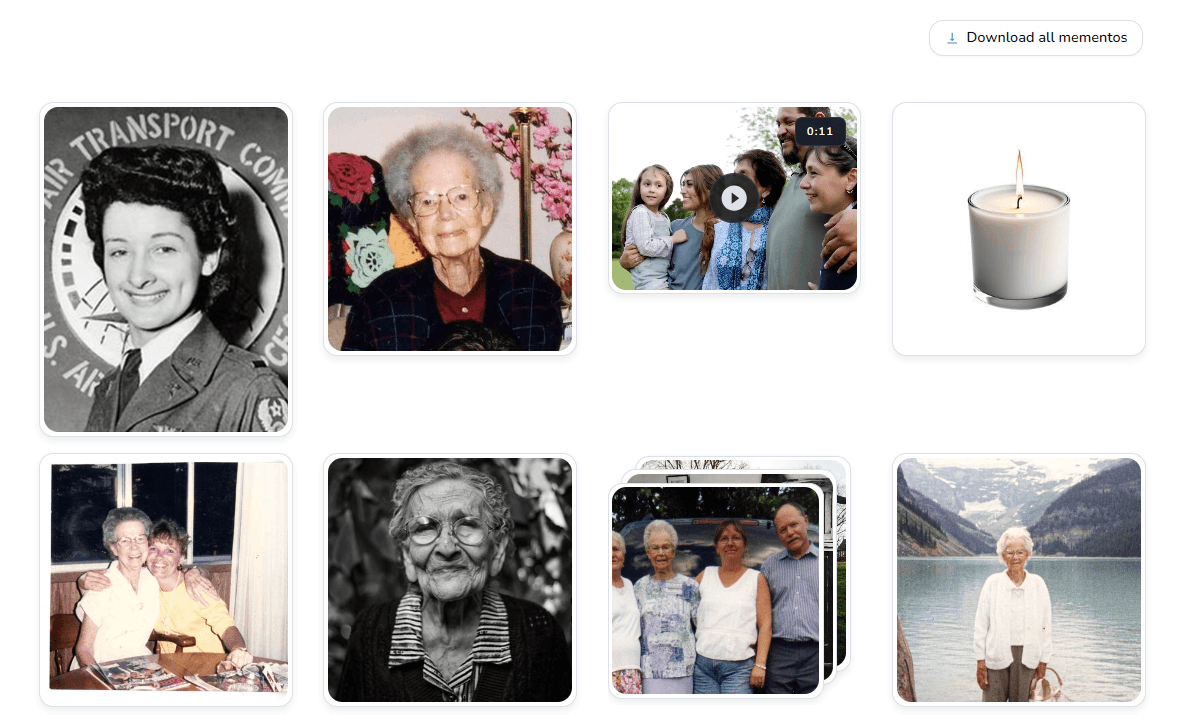
- Scroll to the Mementos Library to see every photo, video, and album in one grid.
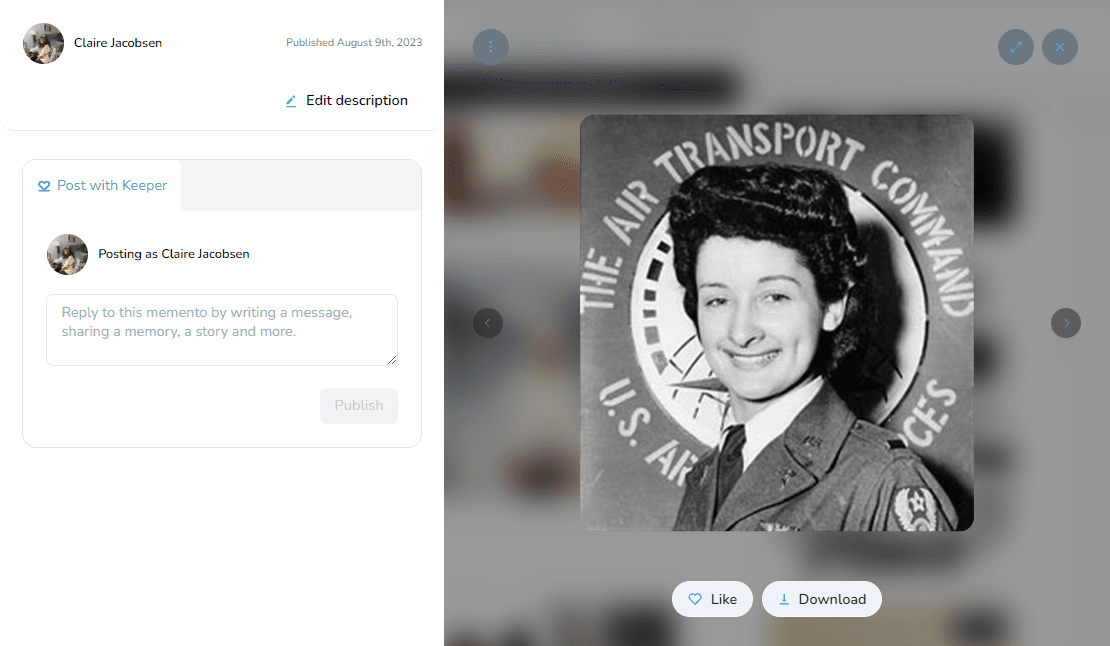
- Open any memento to view it full size, add descriptions, rotate or crop images, leave comments, or like the item.
Related guides