Memorial ManagementMementos Library
How do I delete an item in my Mementos Library?
Remove photos or videos from the memorial by deleting them from the Mementos Library.
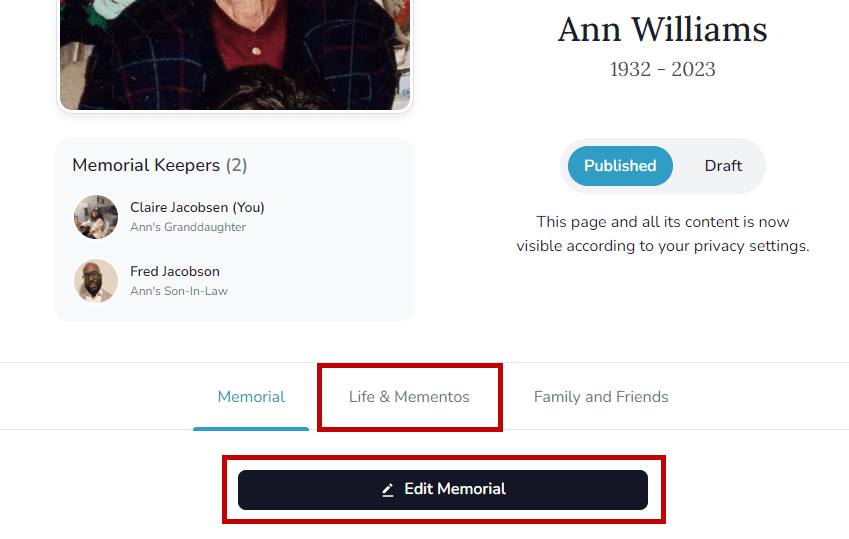
- Log in, open the memorial, and select Life & Mementos.
- Choose Edit Life & Mementos.
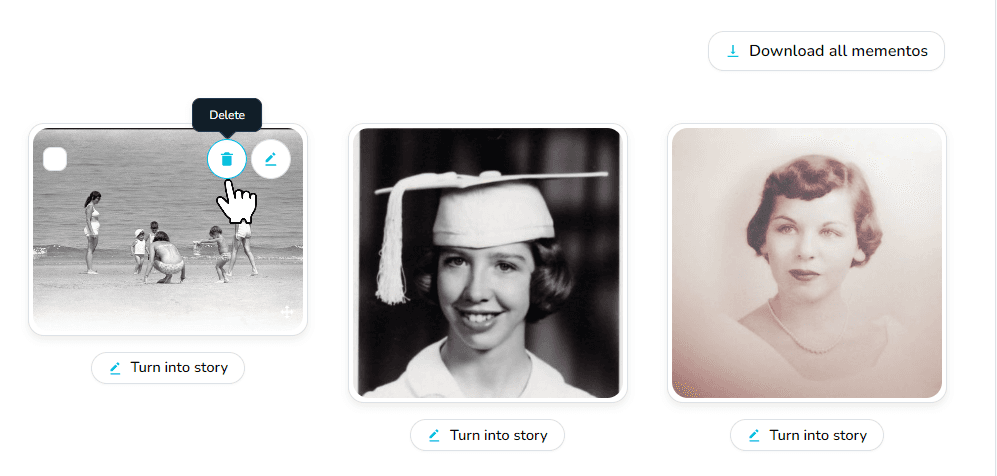
- Hover over the memento you want to remove and select the trash can icon.
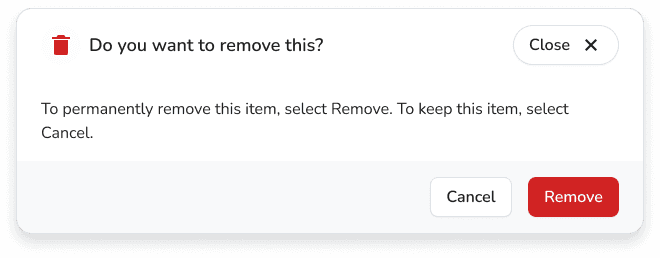
- Confirm Remove to delete it permanently.