
Memorial ManagementMementos Library
Mementos Library | How do I add featured mementos?
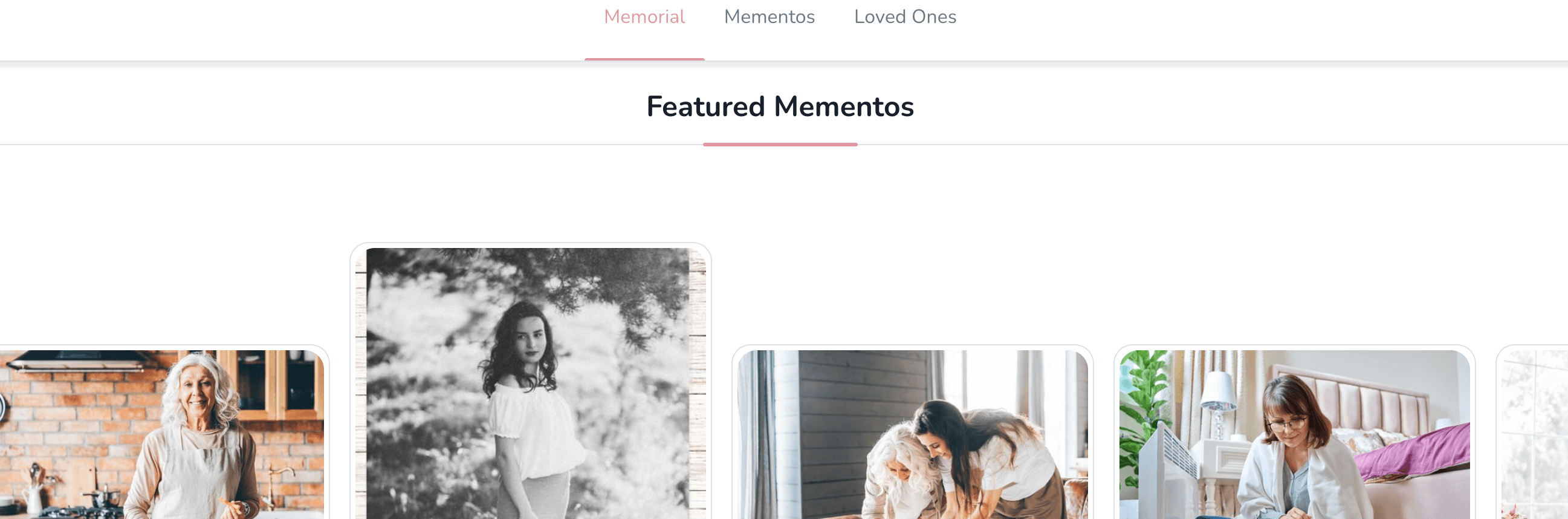
Pin 3–10 photos or videos to highlight them at the top of your Mementos Library and memorial tab.
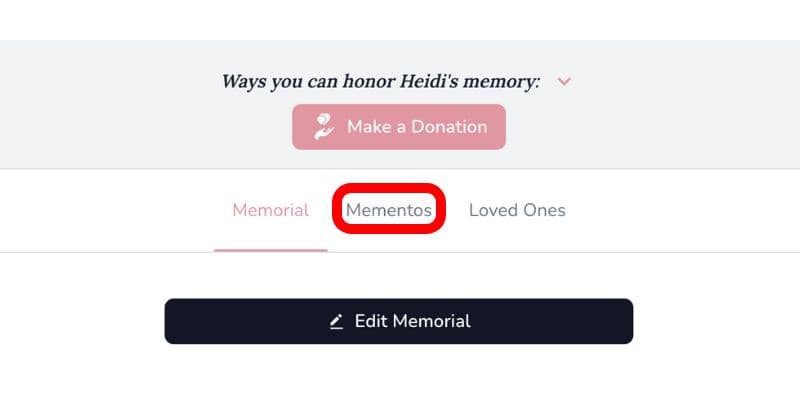
- Log in, open the memorial, and select the Mementos tab.
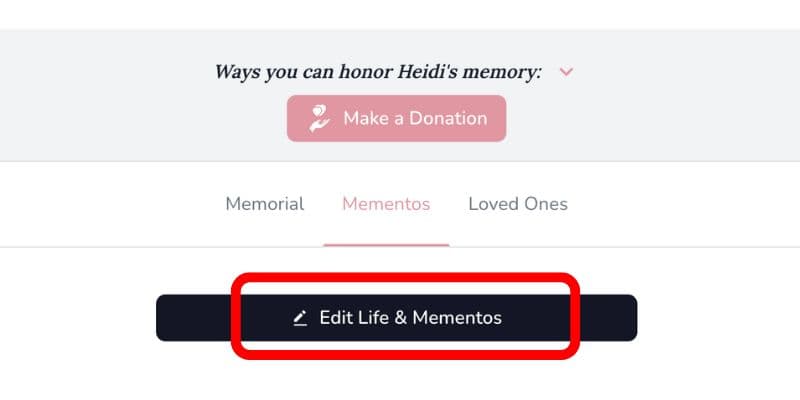
- Choose Edit Life & Mementos.
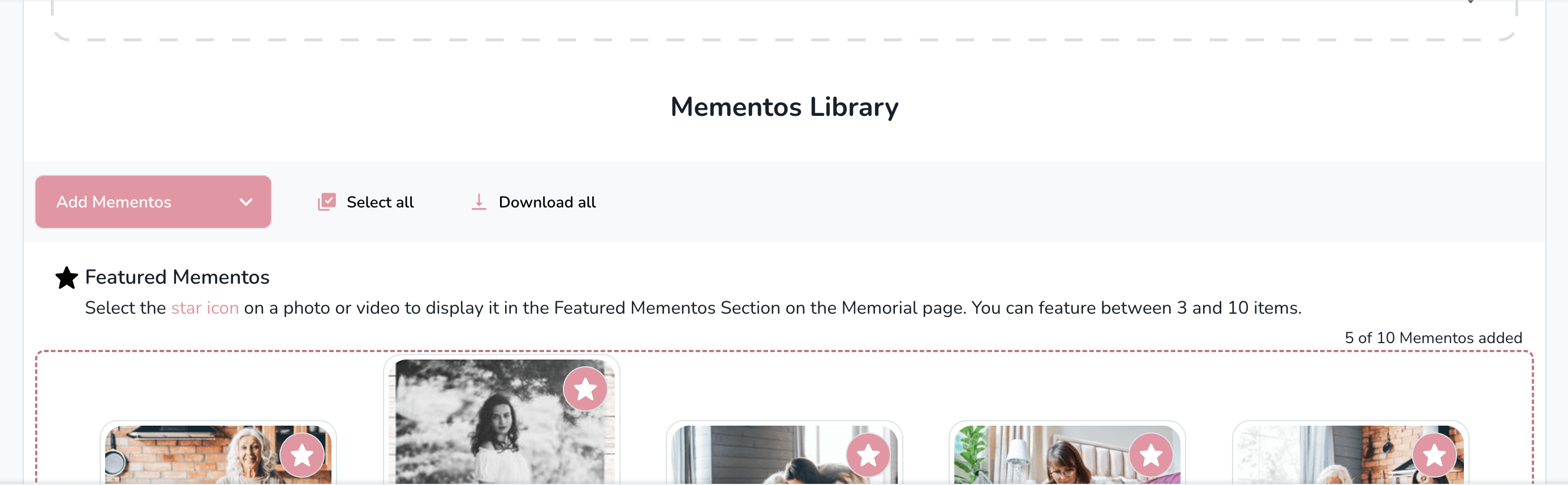
- Scroll to the Mementos Library.
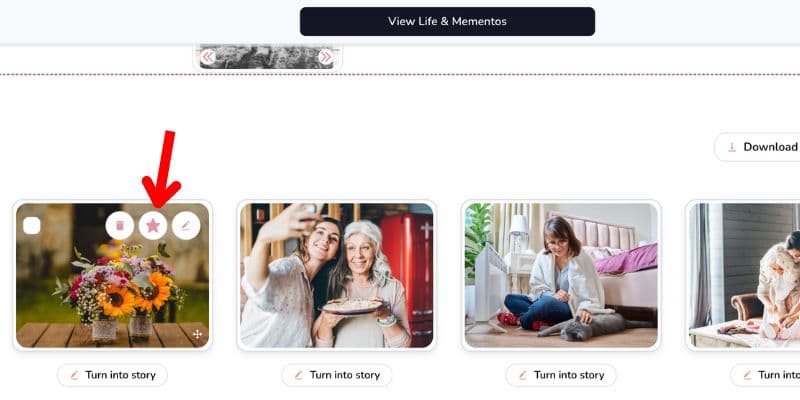
- Hover over a photo or video and select the star icon to add it to Featured Mementos. Choose at least three items (and up to ten).
- Featured items appear at the top of the Mementos Library and on the main memorial tab.
Tip
Featured slots update instantly—toggle the star off to replace an item.