Account ManagementProfile Settings
How do I update my profile page?
Access My Profile from the dashboard to edit your info, images, and privacy settings.
You can revise your Keeper profile whenever you like. Follow these steps from the dashboard:
- Log in to your Keeper account to open the dashboard.
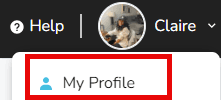
- Click your name in the upper-right corner.

- Select My Profile from the dropdown menu.
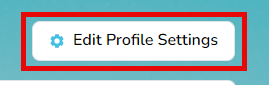
- At the bottom right of the banner image, choose Edit Profile Settings.
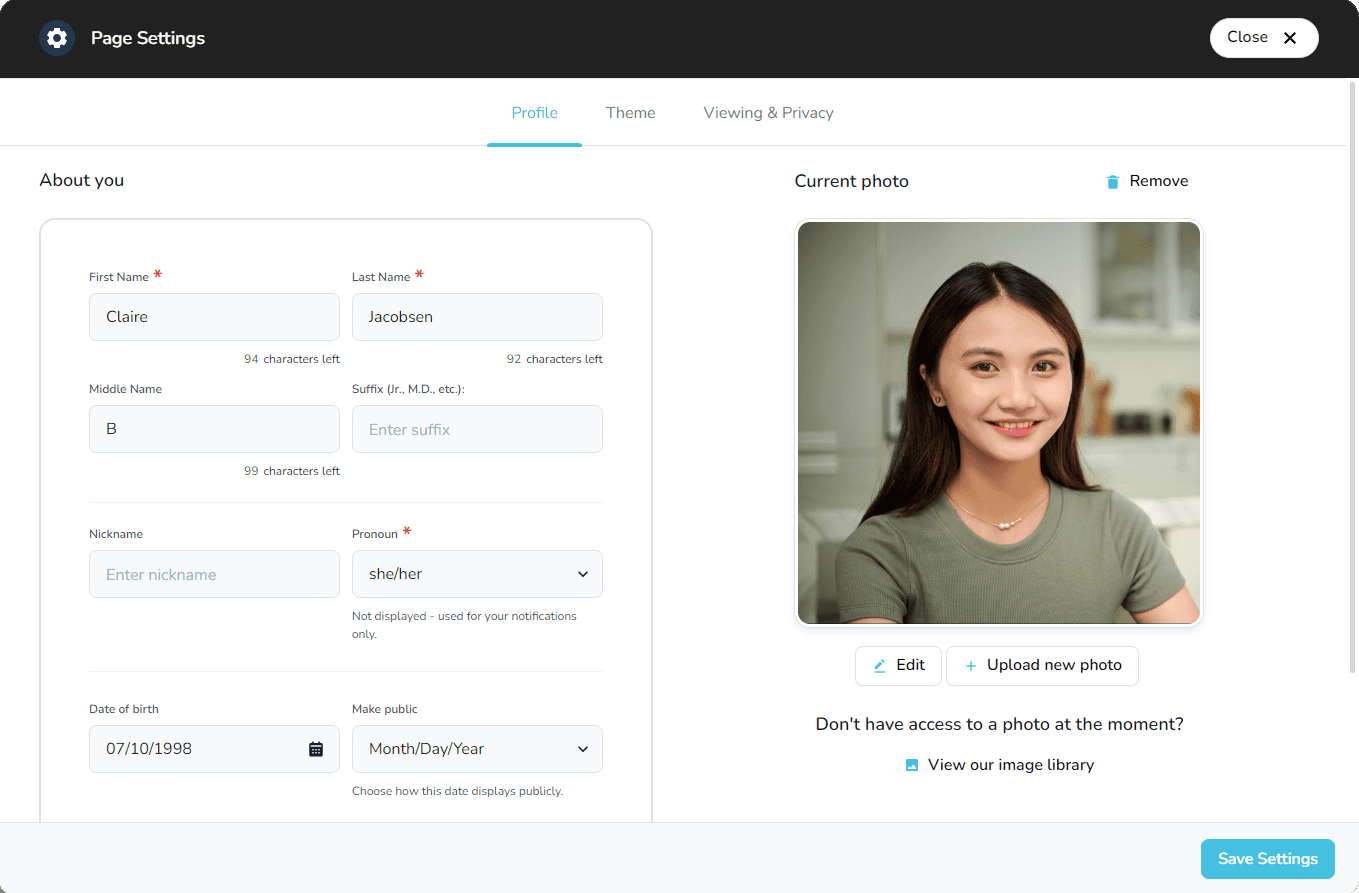
A modal appears where you can update the details that display on your page:
- Enter or edit personal information
- Upload a profile photo
- Change the banner image
- Adjust privacy settings
- Make any other updates you need