Account ManagementProfile Settings
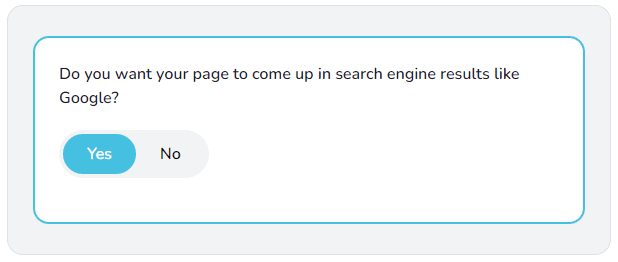
How do I hide my profile page from appearing on search engines?
Edit your profile settings, navigate to Viewing & Privacy, and turn off search engine visibility.
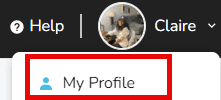
- Sign in and click your name in the upper-right corner.

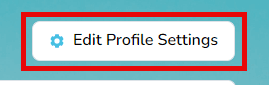
- Choose My Profile, then select Edit Profile Settings.
- Open the Viewing & Privacy tab.

- Under Do you want your page to come up in search engine results like Google?, toggle No and save.