Account ManagementProfile Settings
How do I change my profile image?
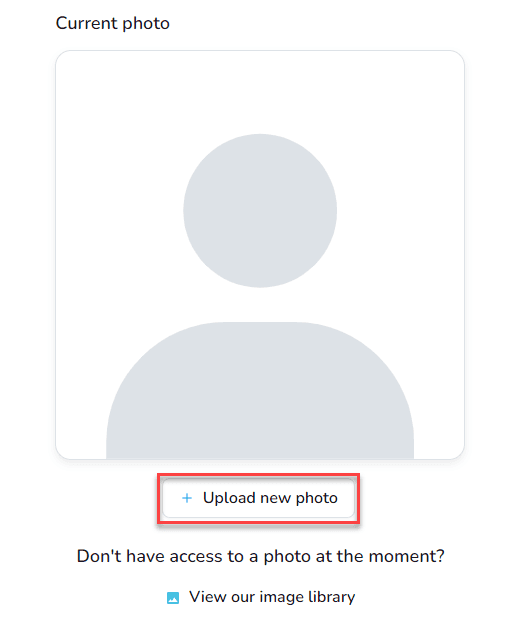
Open My Profile, edit your profile settings, and upload a new photo before saving.
- Sign in and click your name in the upper-right corner.

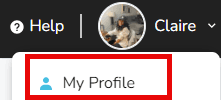
- Choose My Profile.
- Select Edit Profile Settings.
- Click Upload New Photo, pick the image from your device, then save.