
Account ManagementProfile Settings
How do I change my display name?
Open My Profile, edit your profile settings, and update the name fields before saving.
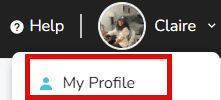
- Sign in to Keeper and click your name in the upper-right corner.

- Choose My Profile.
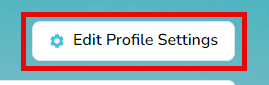
- Select Edit Profile Settings beneath the banner.
- Update your display details—first, middle, and last name plus suffix or nickname if needed.
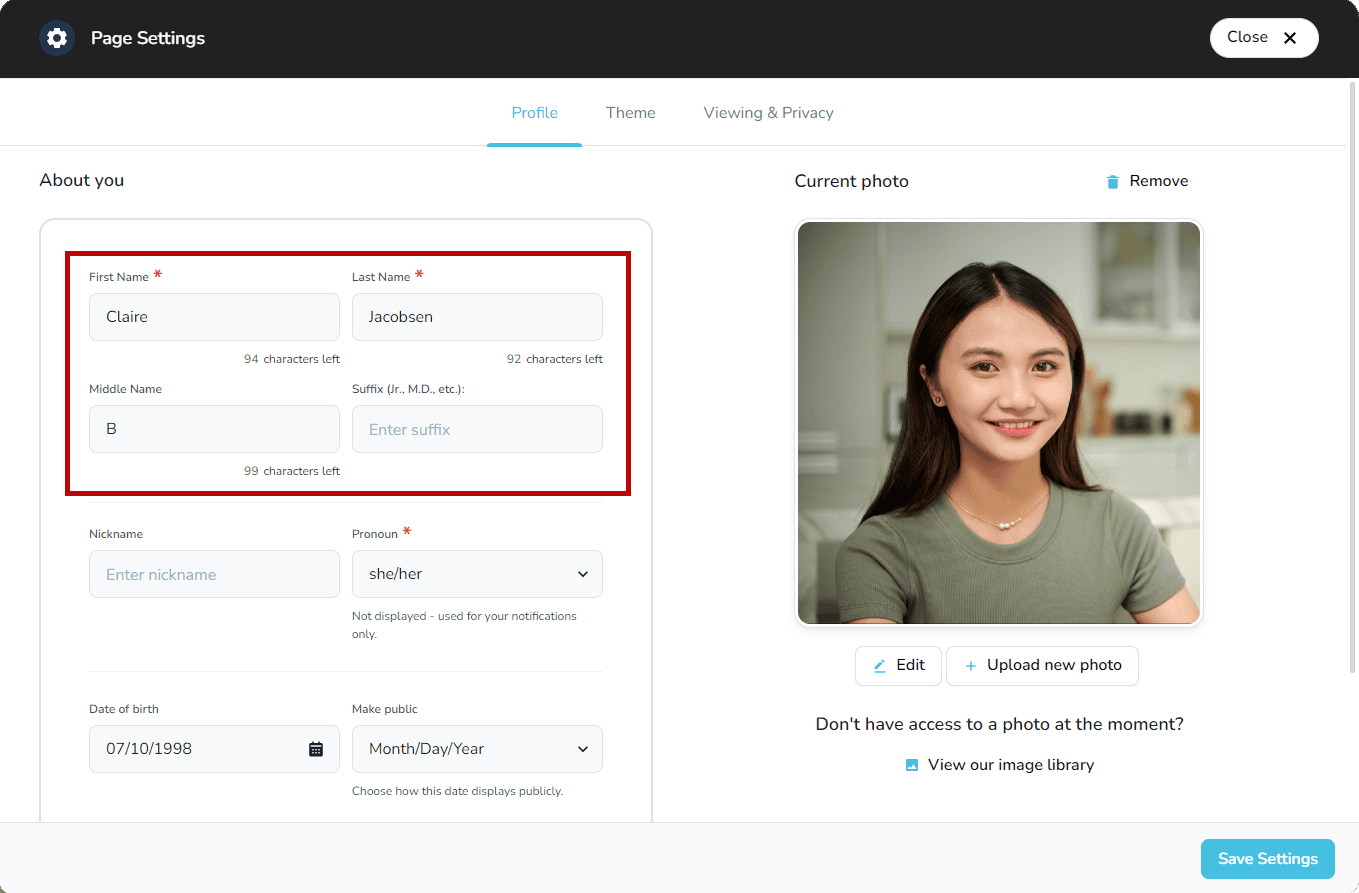
- Click Save Settings to publish the changes.