Account ManagementProfile Settings
How do I change the link of my profile page?
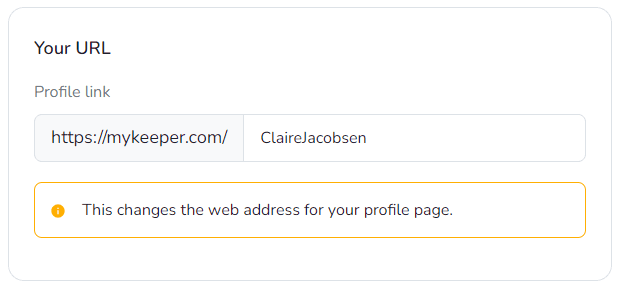
Keeper Plus members can open profile settings, switch to Viewing & Privacy, and customize the profile URL.
Keeper Plus feature
Custom profile URLs are available to Keeper Plus members.
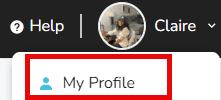
- Sign in and click your name in the upper-right corner.

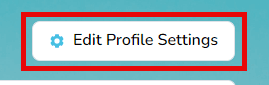
- Choose My Profile and select Edit Profile Settings.
- Open the Viewing & Privacy tab.

- Enter your preferred URL in the Profile Link field, then save.