Account ManagementDashboard
What is the Dashboard?
Overview of the Keeper Dashboard features and how to access it.
The Dashboard is your personal hub for every Memorial page you manage along with your Keeper account details.
What you can do from the Dashboard
- Manage all Account Settings
- Create a Living Memorial page for yourself
- Create memorial pages for loved ones or friends
- View every memorial page you manage, including Living Memorial pages
- Review pending Requests
- Review pending Flags
How do I access my Dashboard?
Log in to Keeper and you will be redirected to your Dashboard automatically.
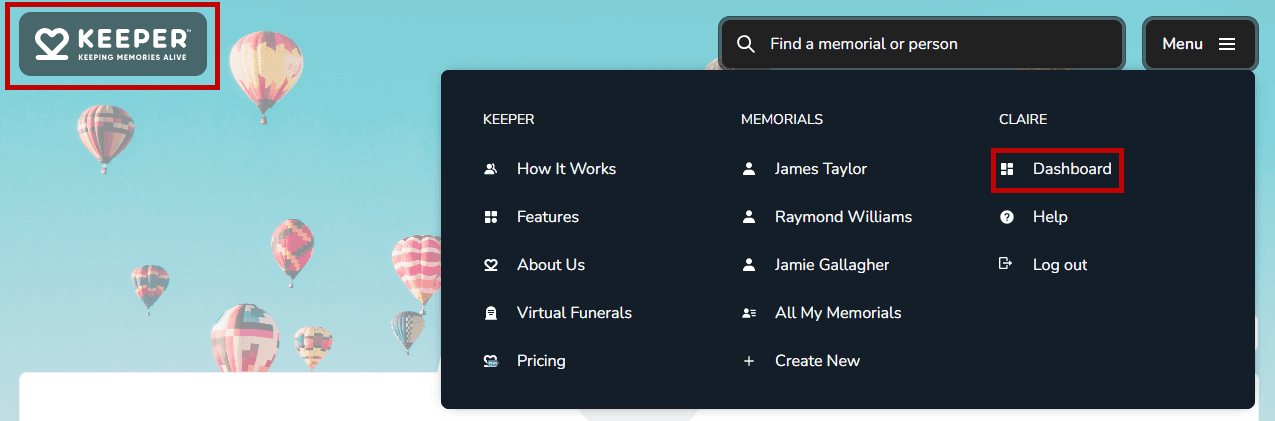
Find the Dashboard from another page
- Log in to your Keeper account.
- Select the Keeper logo in the top-left corner.
Use the menu
- Open the Menu.
- Select Dashboard.