
Account ManagementAccount Settings
Forgotten password
Use the Forgot Password link to reset your Keeper account password by email.
- On mykeeper.com, select Login in the top-right corner.
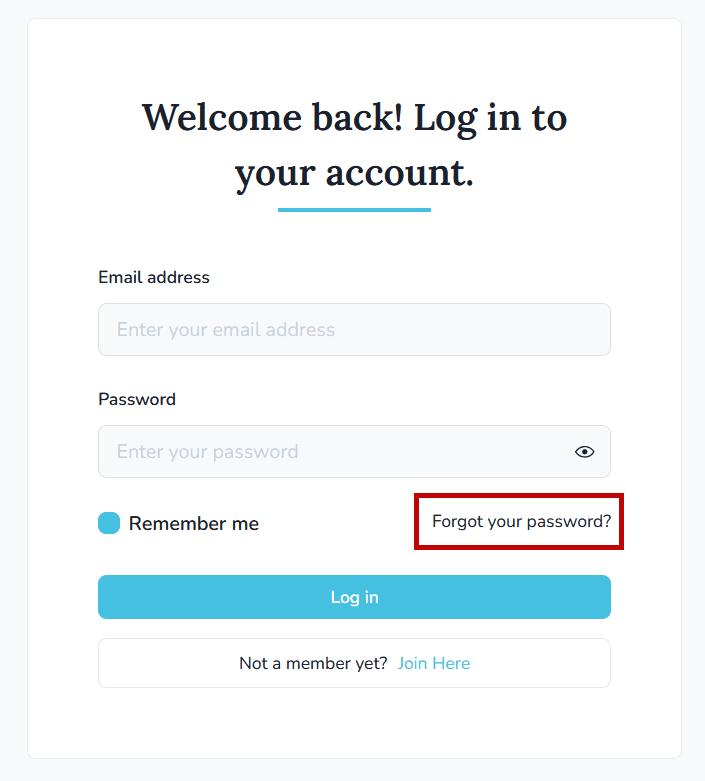
- Choose Forgot your password?
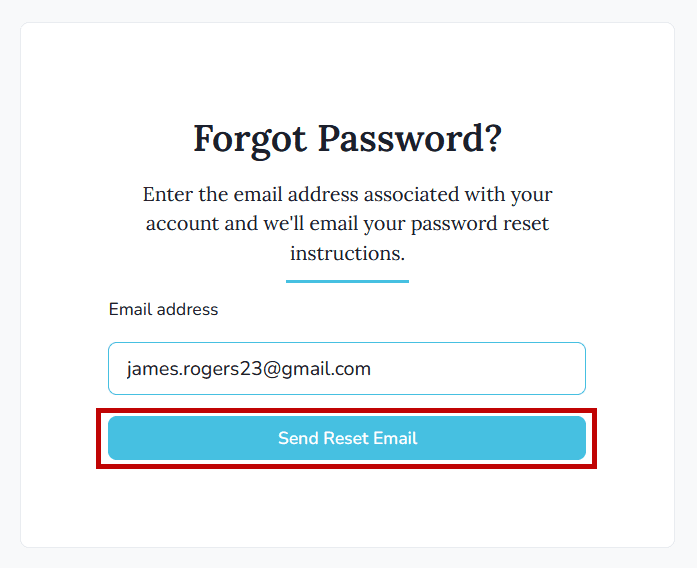
- Enter the email address tied to your Keeper account and select Send Reset Email.
Check your inbox for the reset email and follow the instructions to choose a new password. If the email doesn’t arrive within a few minutes, look in your spam or junk folder.