
Memorial ManagementMemorial Tab
What does it mean to display a highlighted item?
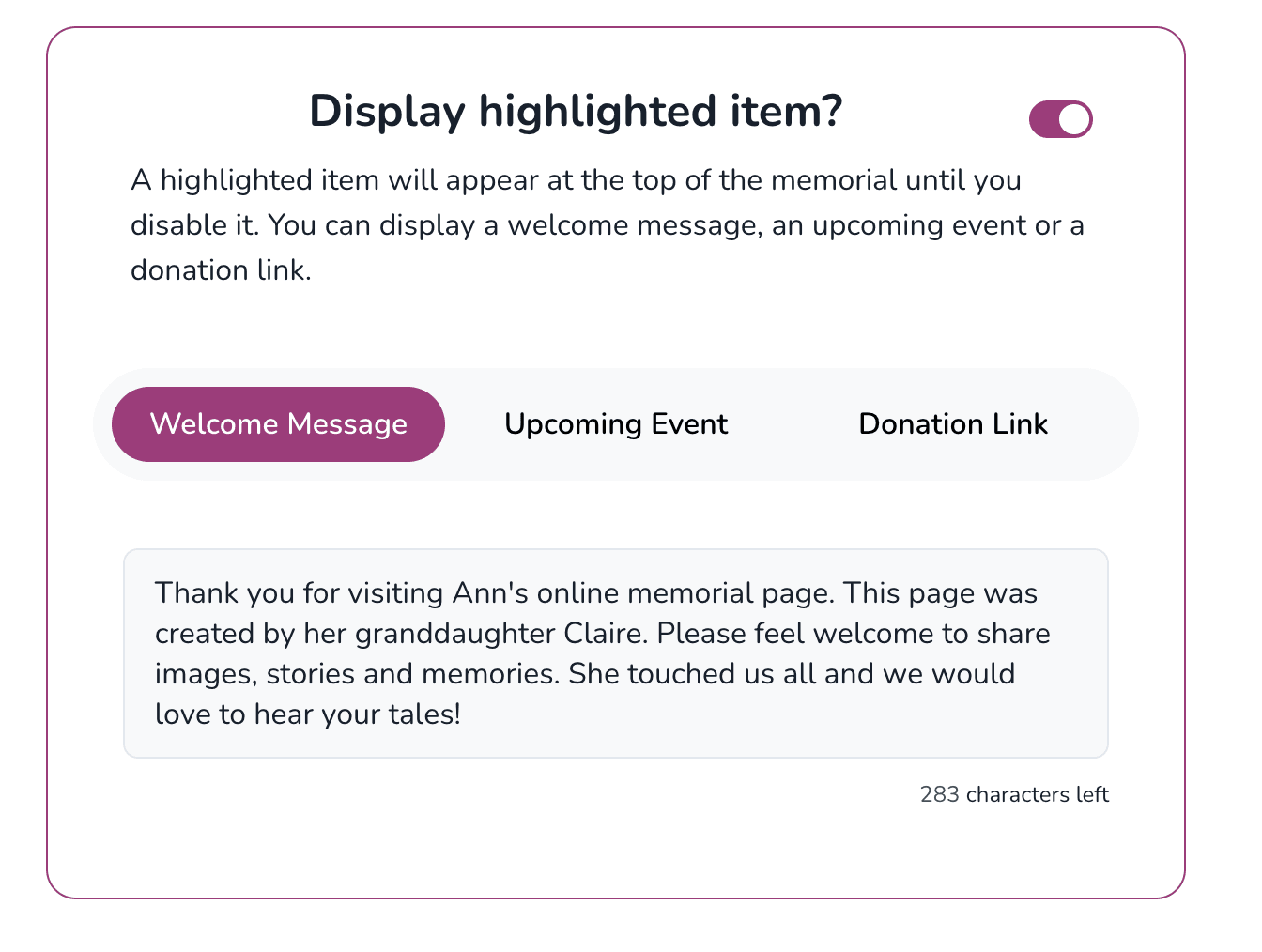
Turn on highlighted items to feature a welcome message, event, or donation link above other memorial sections.
Highlighted items let you feature an important update before visitors see the rest of the memorial content.
When the setting is off, guests land on the next completed section (such as the memorial quote or biography). When it’s on, you can show one of these items instead:
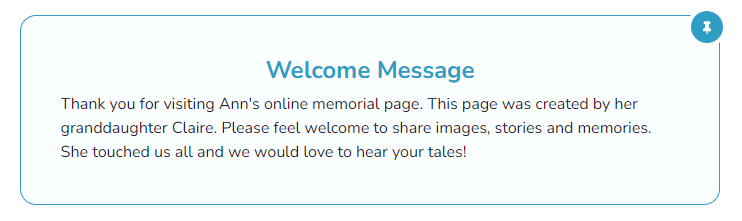
- A welcome message
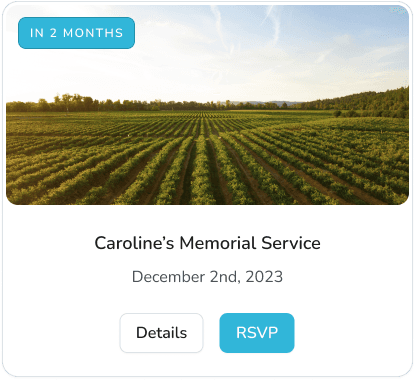
- An upcoming memorial event
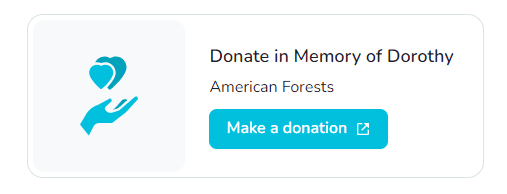
- A donation link
Turn on a highlighted item
- Open the memorial and click Edit Memorial.
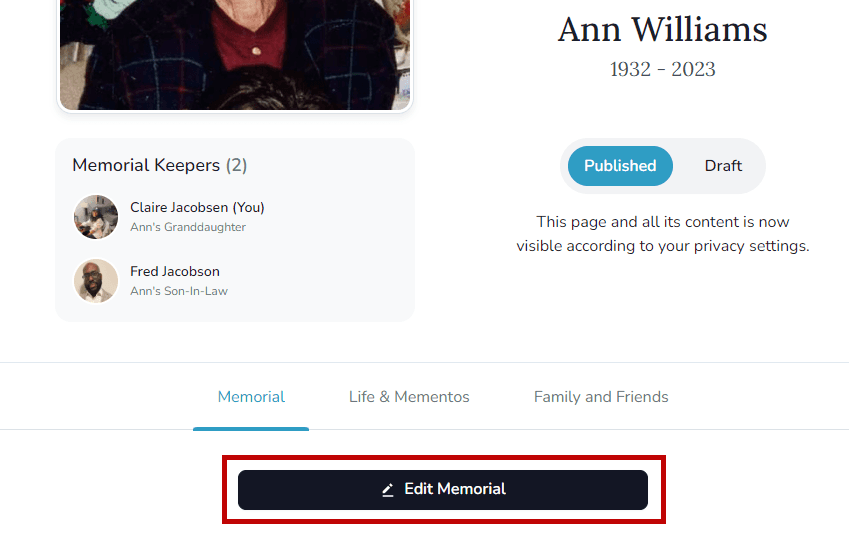
- Toggle Display Highlighted Item on and choose which content to feature.
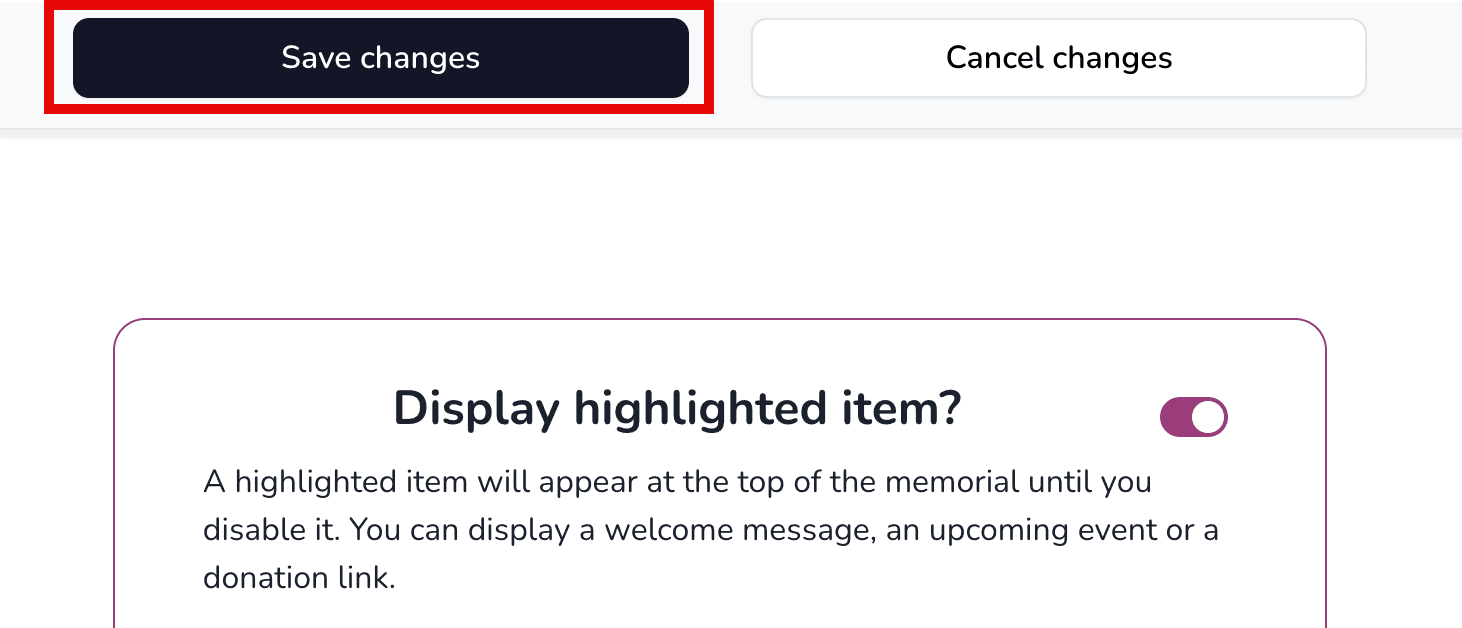
- Click Save changes to publish.
How do I add an obituary or biography to a memorial page?
Edit the memorial tab, enter the obituary content, set the visibility, and save your changes.
Memorial configurations | Hide gift baskets, arrangements, trees, and the Keeper logo
Keeper Plus administrators can turn memorial add-ons and the Keeper logo on or off from Page Settings.