Memorial ManagementMemorial Tab
How do I add a donation link?
Use the memorial editor to add Pledge-powered charities or custom fundraising links to your memorial.
Keeper integrates with Pledge so you can collect donations for verified charities directly from the memorial. You can add up to six donation links—mixing Pledge charities and custom URLs.
Add a Pledge charity link
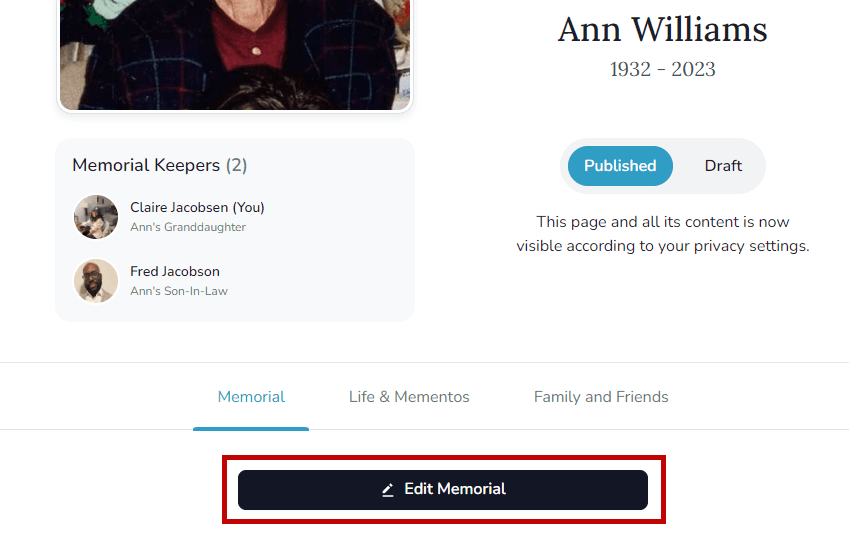
- Click Edit Memorial on the page you manage.
- In the Donation link section, choose Add a donation link.
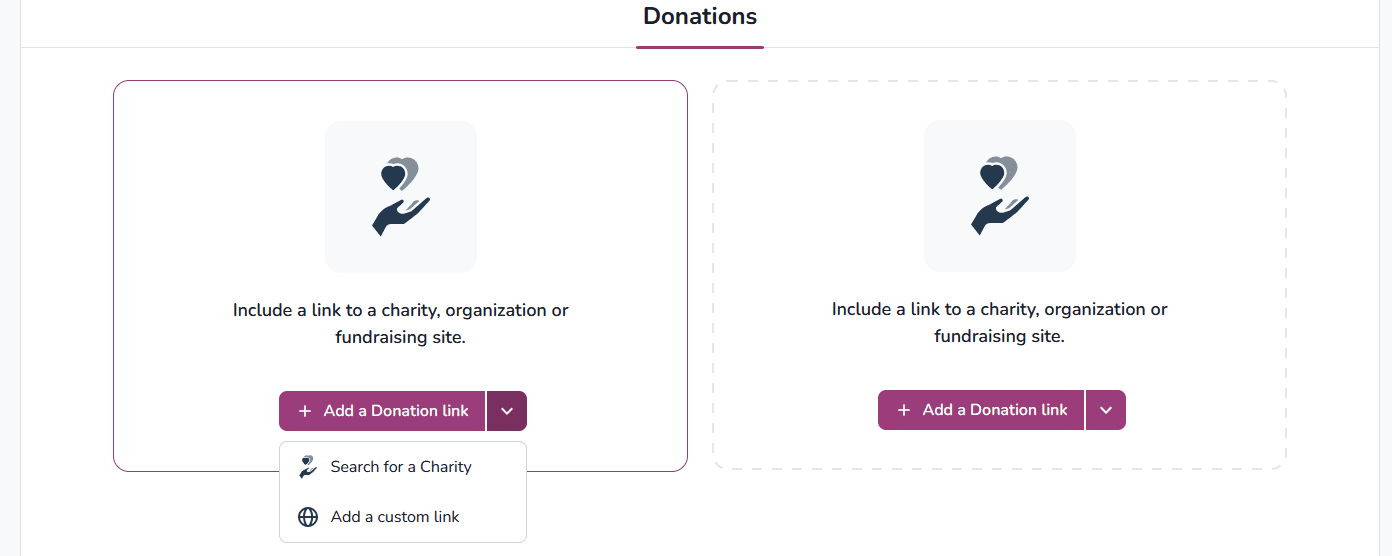
- Select Search for a Charity, enter the required details, and pick the organization.
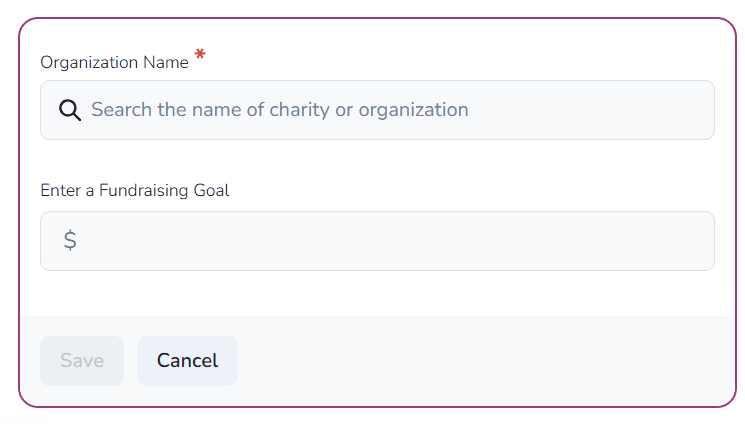
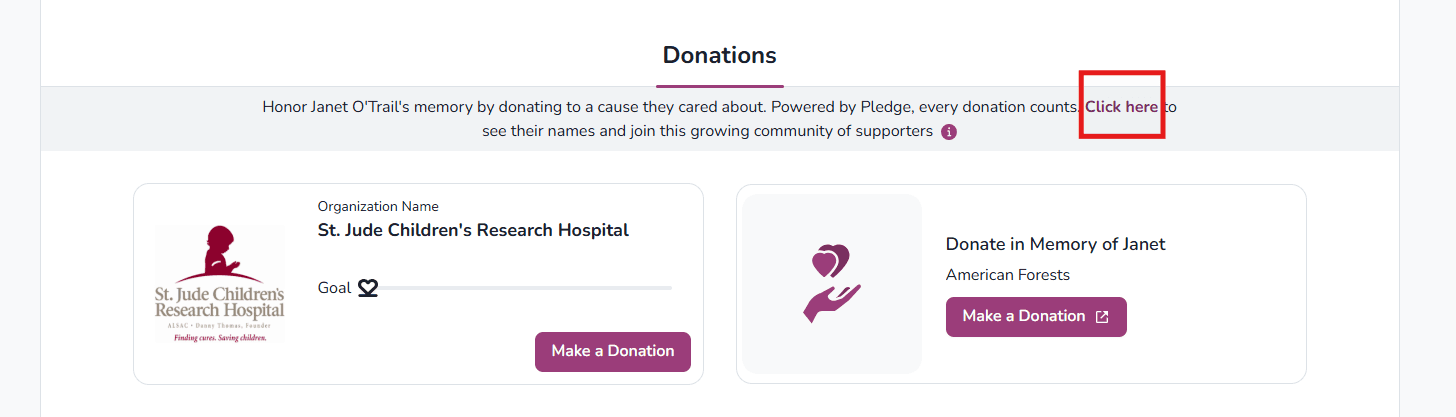
- Save the link. It appears on the memorial for visitors to use, and Pledge provides a donor list for the Keeper Administrator.

Add a custom fundraising link
- From the same Donation link section, select Add a donation link and choose Add a custom link.
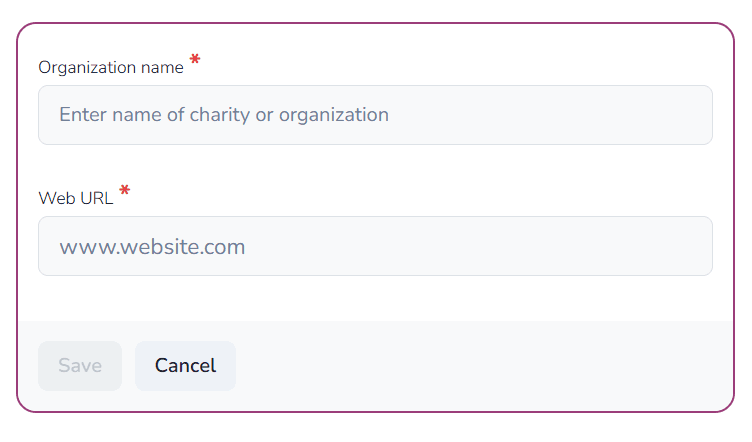
- Enter the fundraising URL and save.
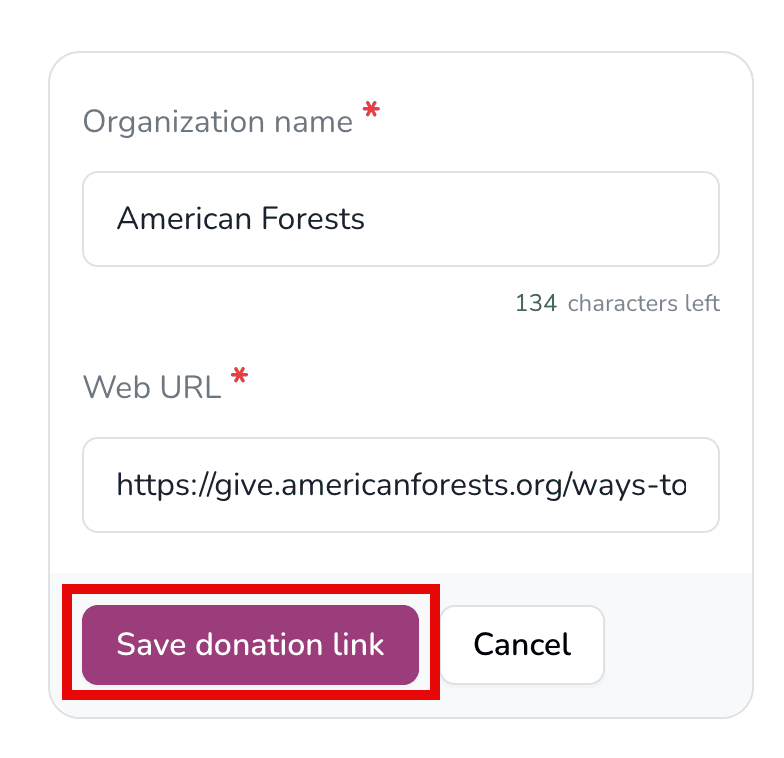
- The custom link now appears on the memorial page.