Memorial ManagementResting Place
How do I add, edit, or remove an image of a resting place?
Upload up to two resting place photos, fine-tune them, or remove outdated images from the memorial.
Add images
- Open the memorial and click Edit Memorial.
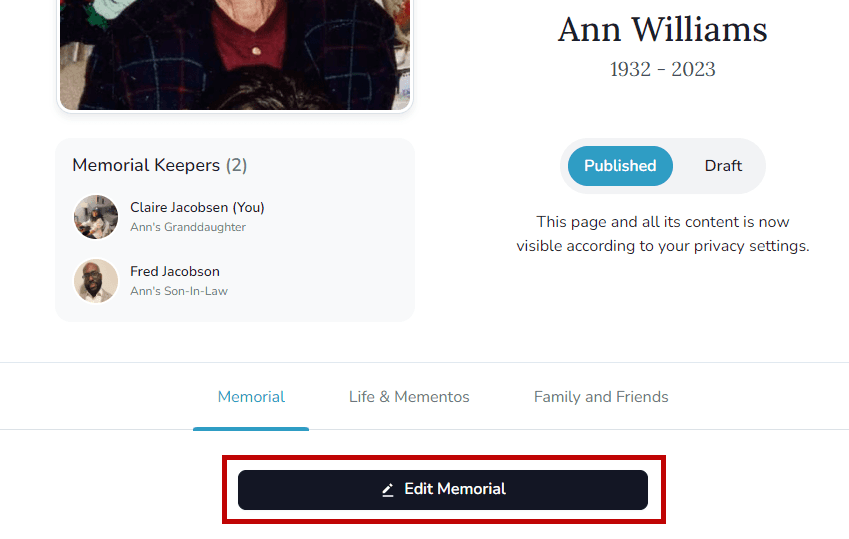
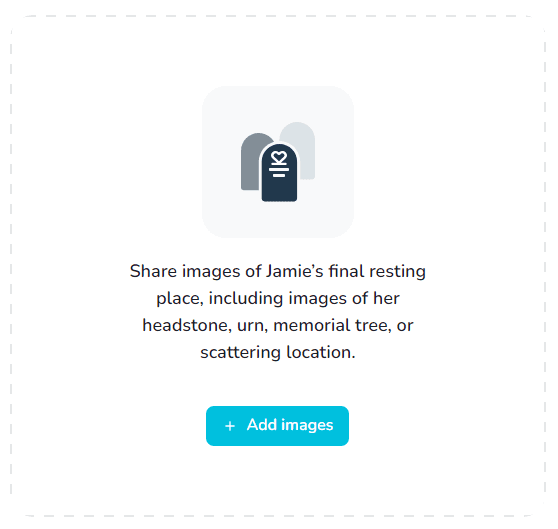
- Scroll to the Resting Place section and choose Add images.
- Upload files from your device or drag and drop them into the upload area.
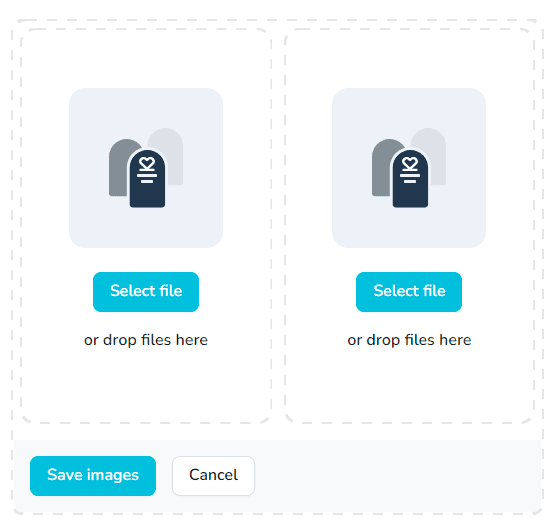
- Select Save images to publish them.
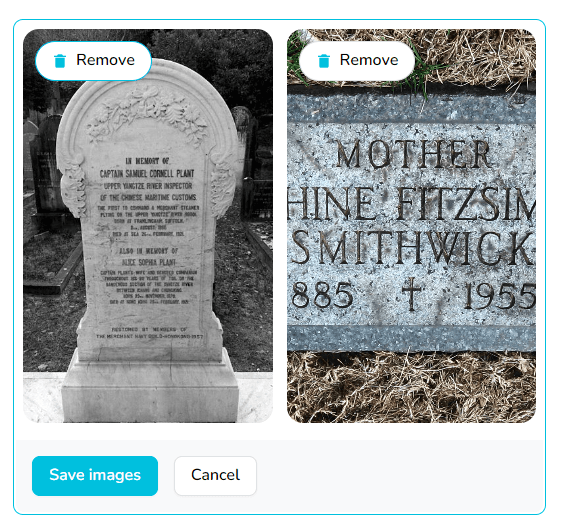
File requirements
Accepted formats include .png, .jpg, .jpeg, .gif and .heic up to 25 MB each.
Edit images
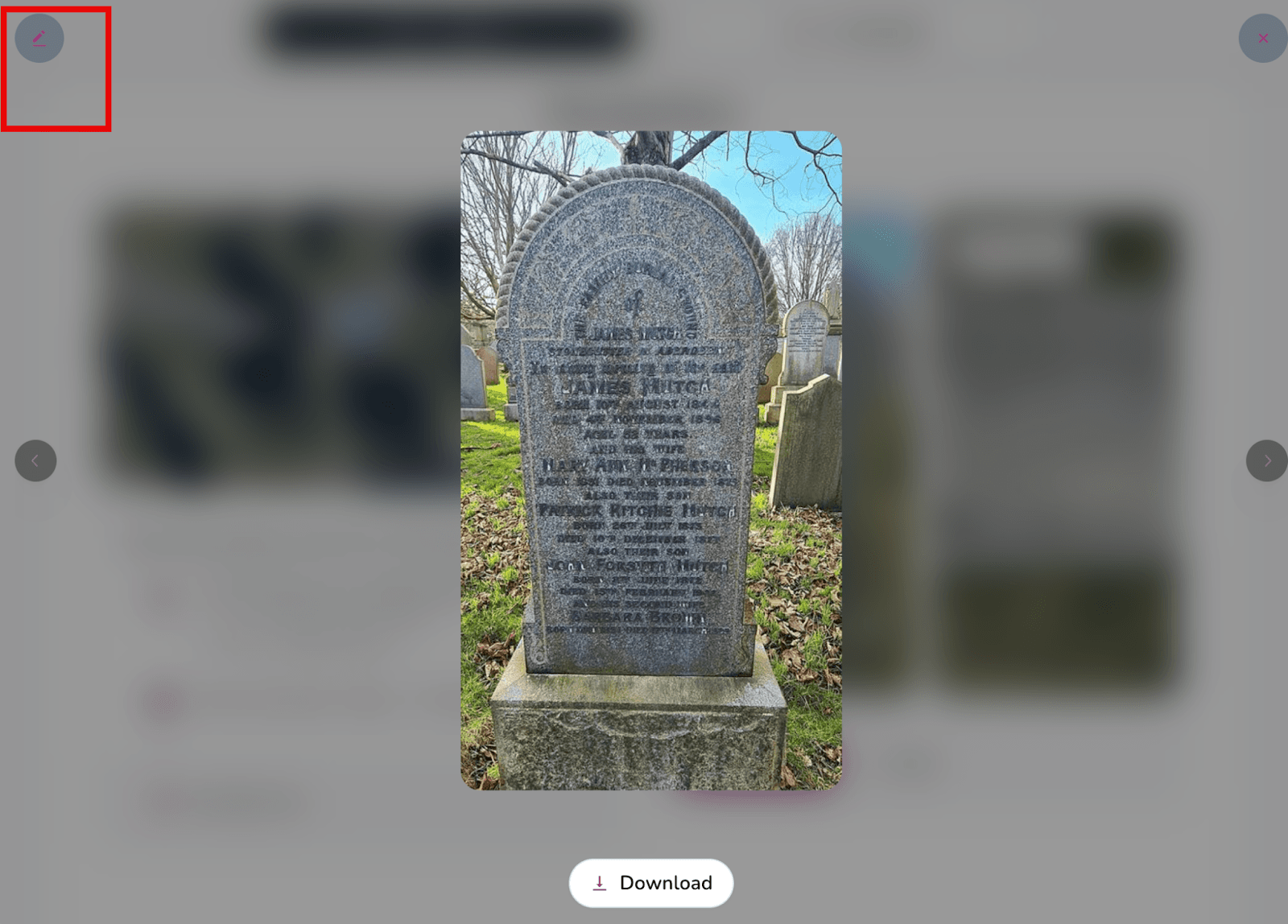
- In the Resting Place section, select the photo you want to adjust.
- Click the pencil icon to open the editor.
- Rotate or crop the image as needed.
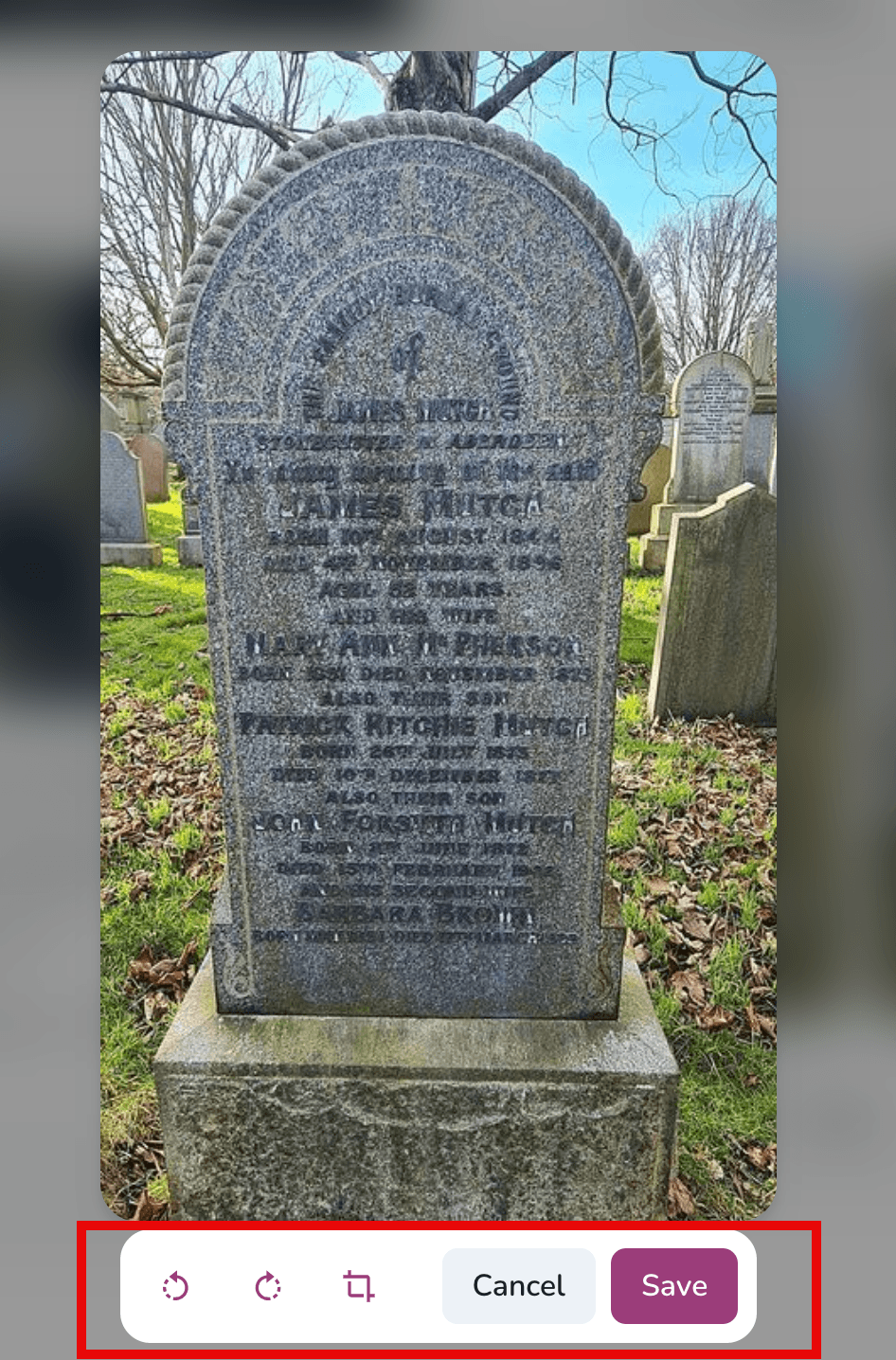
- Save the changes to update the memorial.
Remove images
- Return to Edit Memorial and scroll to the Resting Place section.
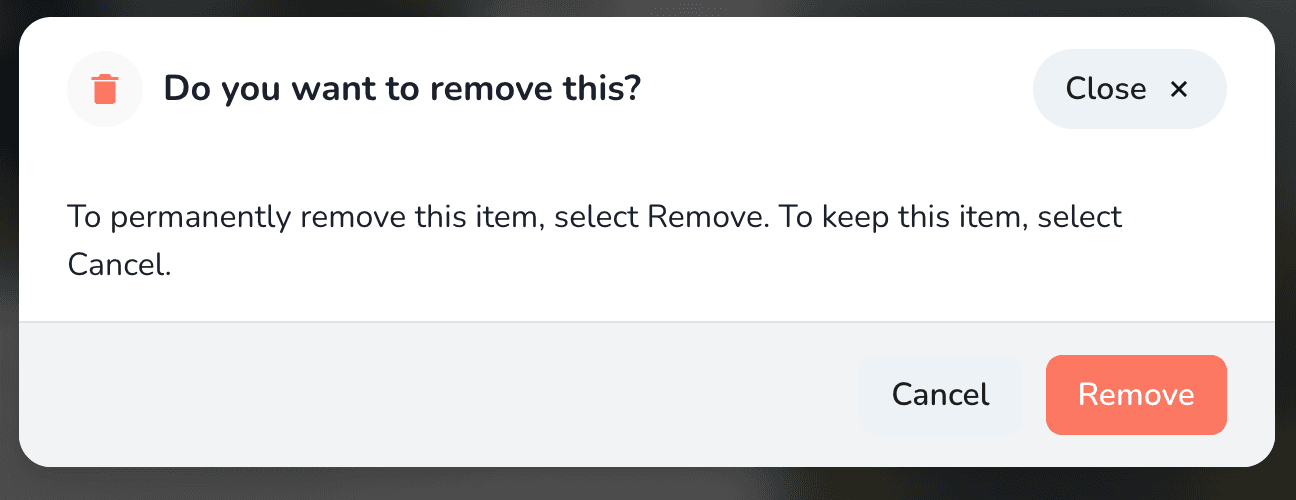
- Hover over the image you want to delete and choose Remove.
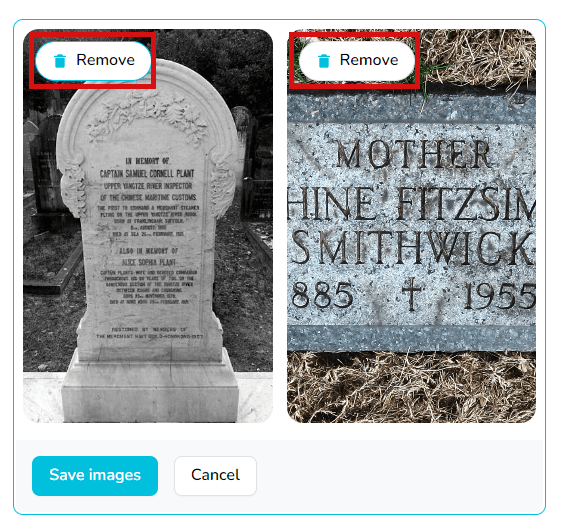
- Confirm the deletion when prompted.