
Memorial ManagementResting Place
How do I add a resting place location?
Edit the memorial, choose Add a resting place, and provide the address, description, and map pin.
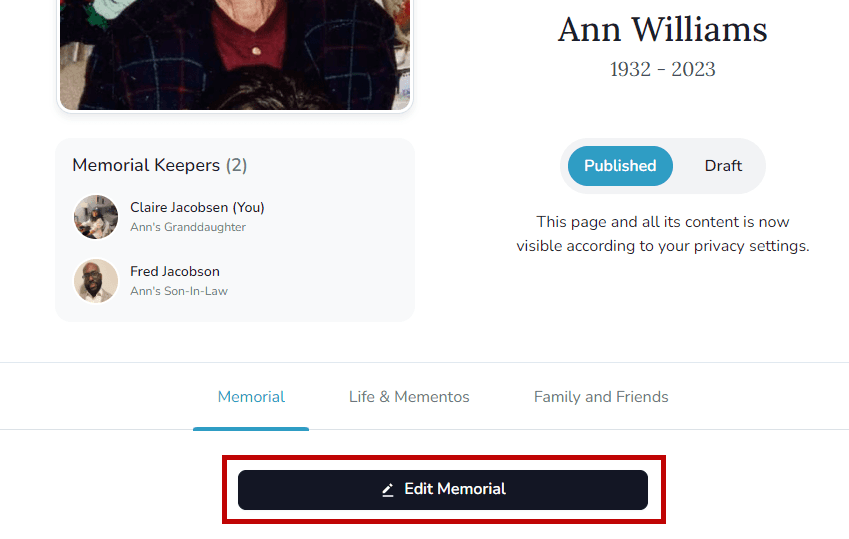
- Open the memorial you manage and click Edit Memorial.
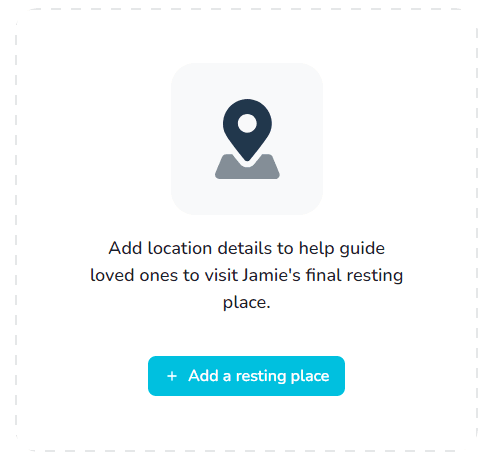
- Scroll to Add a resting place and select it.
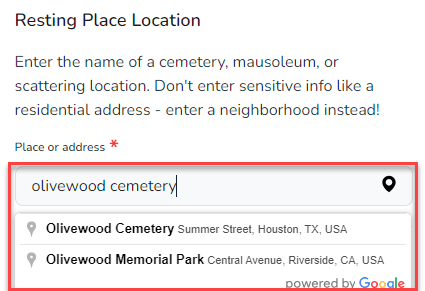
- Enter the location name and select the correct address from the dropdown. The map recenters based on your choice.
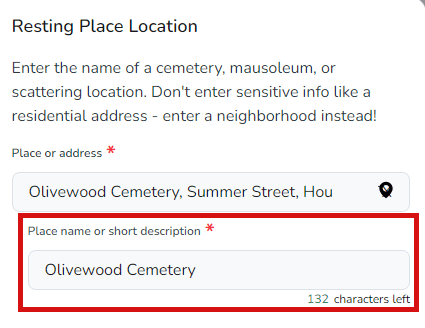
- Add a custom name or description that will display on the memorial.
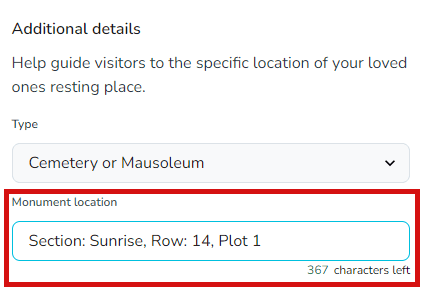
- Drag the pin to fine-tune the spot or enter latitude/longitude coordinates if you need an exact match.
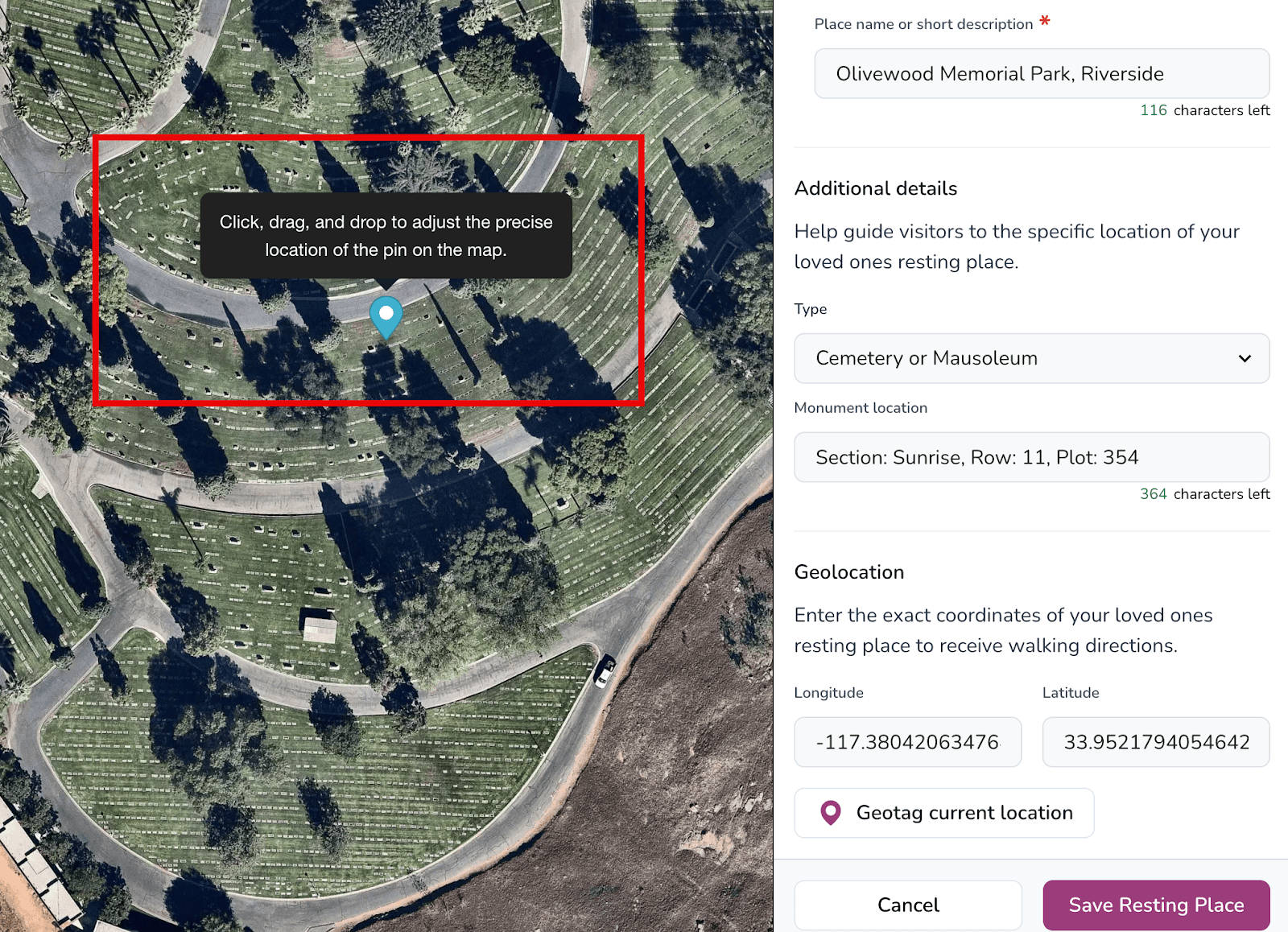
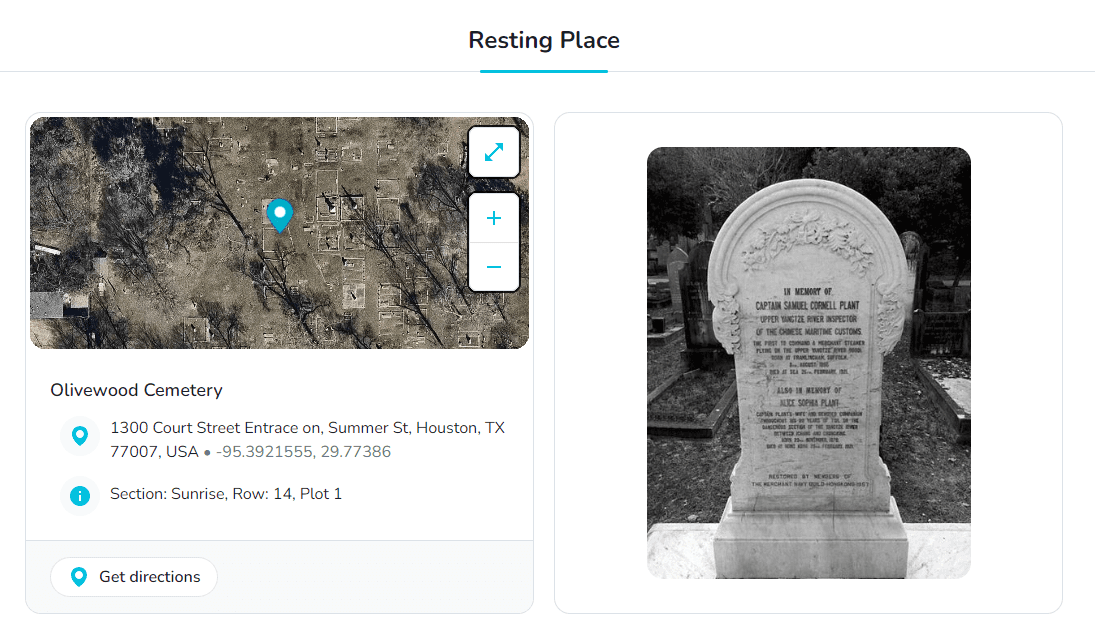
- Select Save Resting Place to publish the location.
Privacy tip
Avoid posting private residential addresses—use a general neighborhood description when necessary.