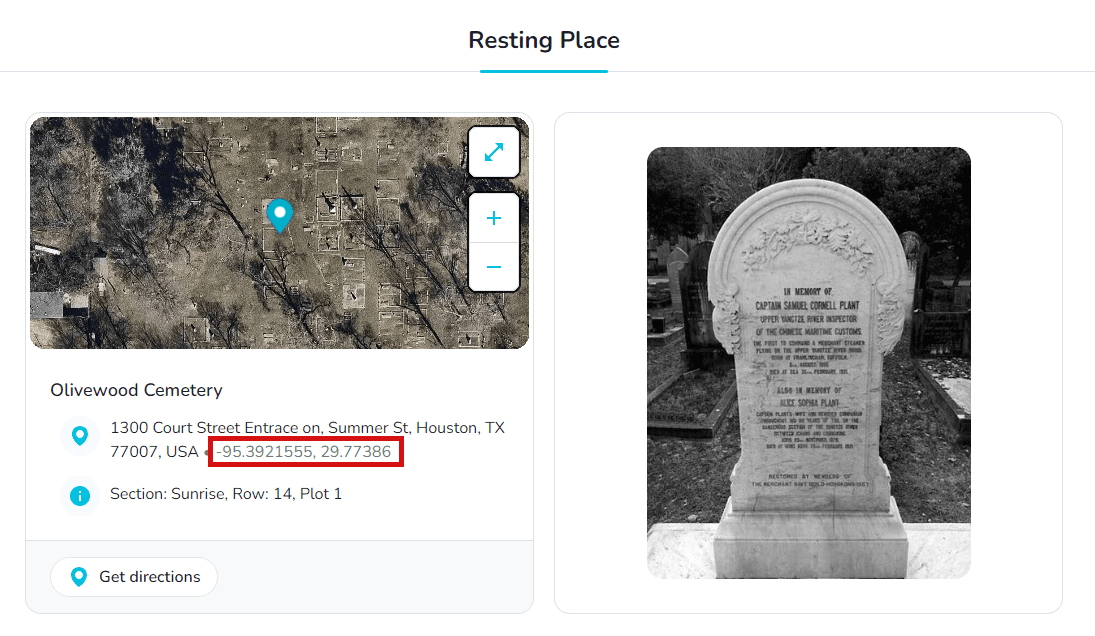
Memorial ManagementResting Place
How do I geotag a final resting place?
Use your current location, coordinates, or a custom pin placement to precisely mark a resting place.
A geotag helps visitors find an exact location—ideal for large cemeteries, scattering sites, or memorial benches.
- Follow the steps to add a resting place location and open the resting place editor.
- Under the map, pick the precision option that fits your situation:
-
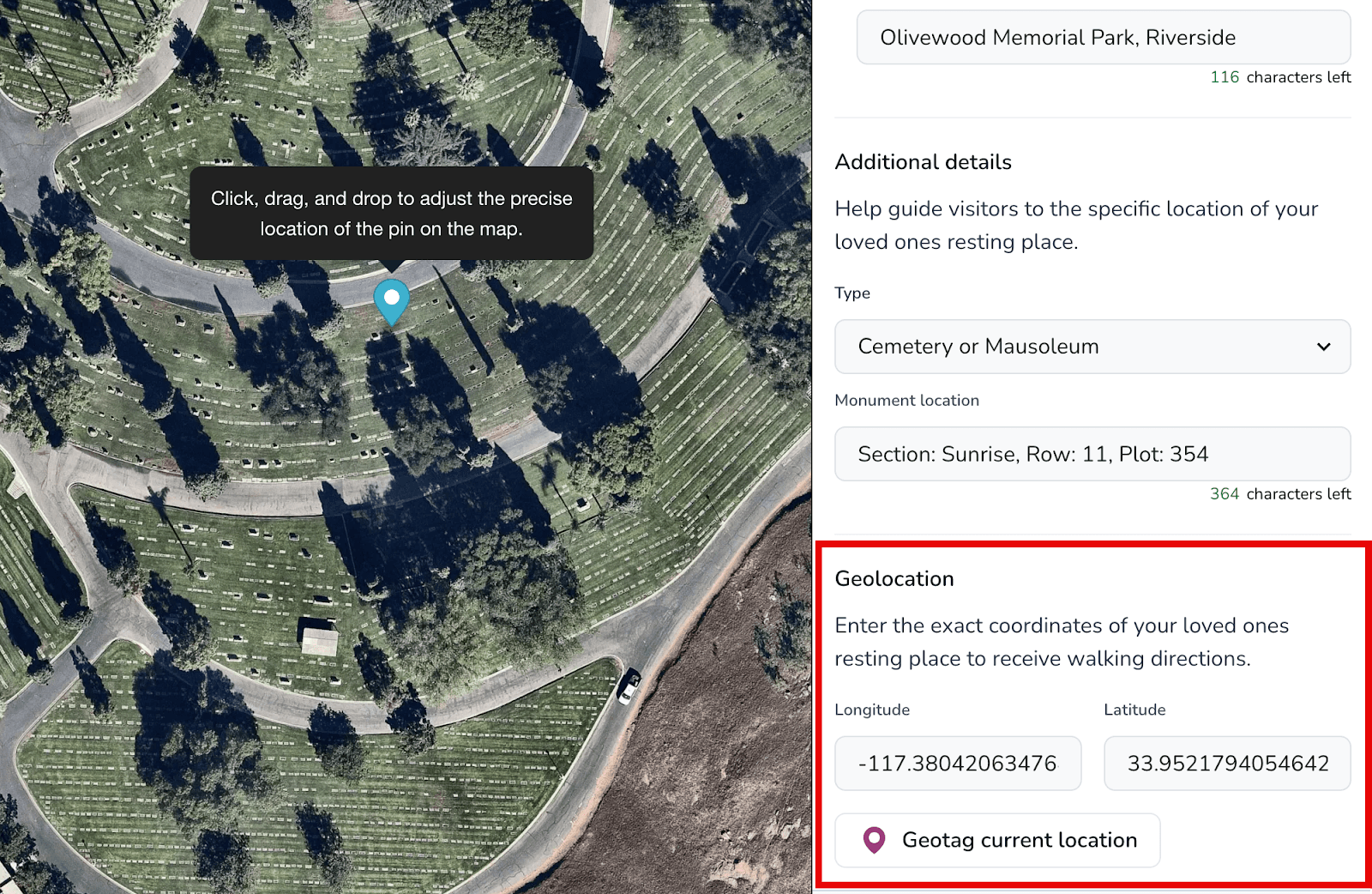
Geotag your current location saves the spot you're standing at using your device's location services.
-
Enter latitude/longitude to paste exact coordinates in decimal format (for example
43.286229, -79.882592).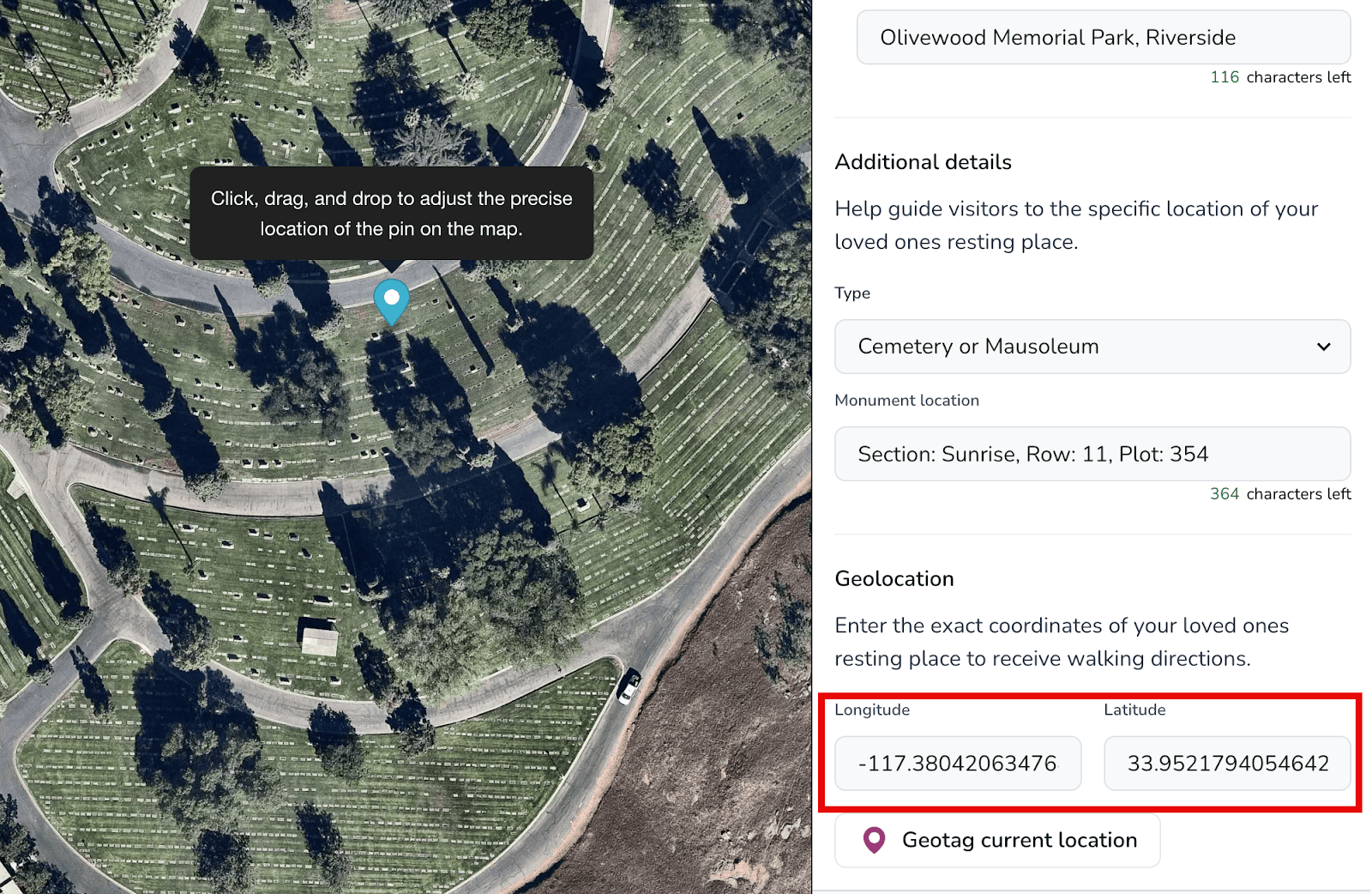
-
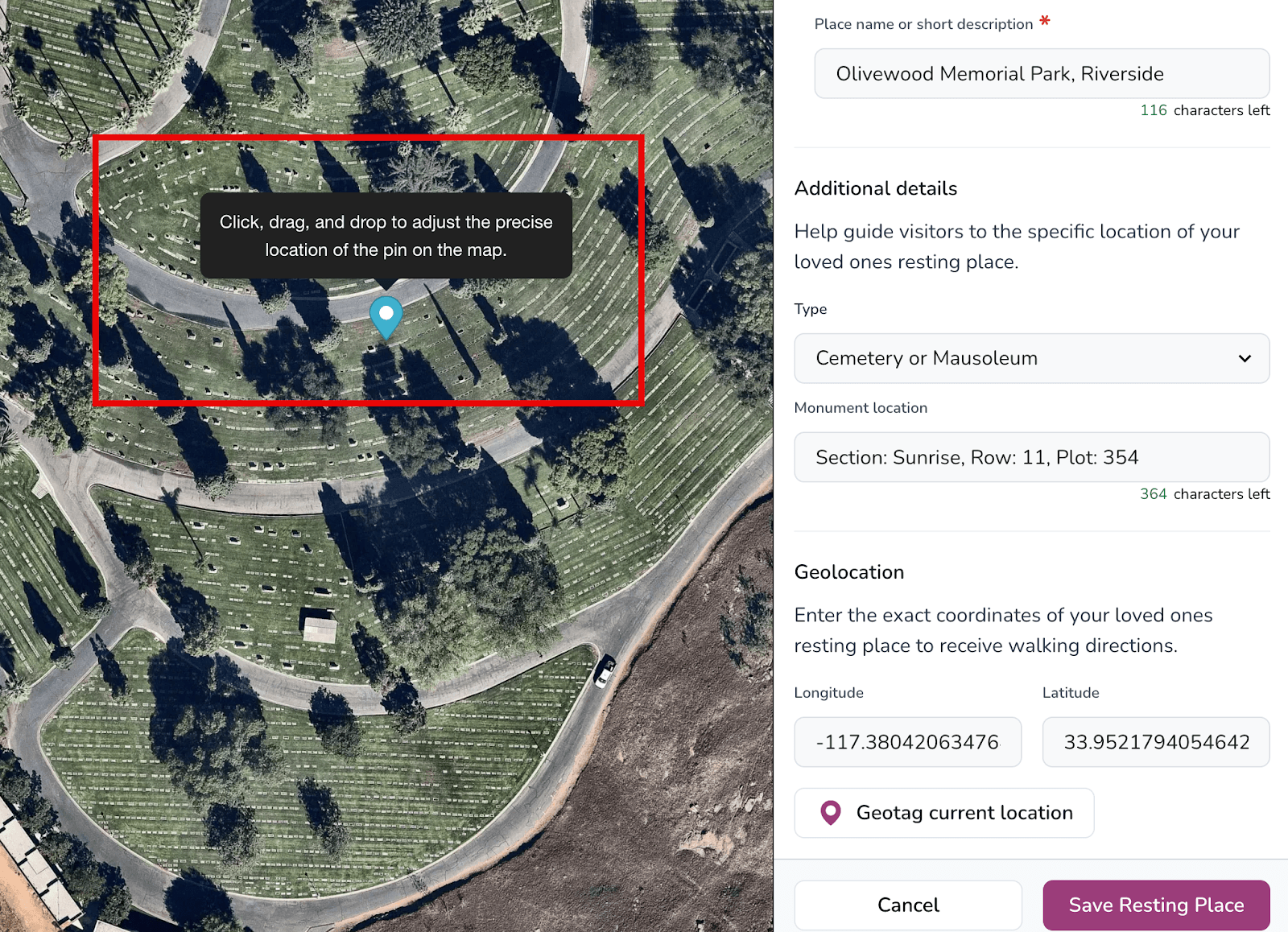
Drag and drop the pin if you can see the resting place on the map and want to fine-tune the placement manually.
-
- Select Save Resting Place to publish the geotag.