
Memorial ManagementLife, Mementos and Stories
Video Story | What is a video story?
Feature a meaningful video clip with supporting details and layout options in Life & Mementos.
Tell the story of a cherished or significant video clip with a Video Story. To get started:
- Follow the steps to Edit Life & Mementos
- Select Video Story from the drop down menu in Life & Mementos
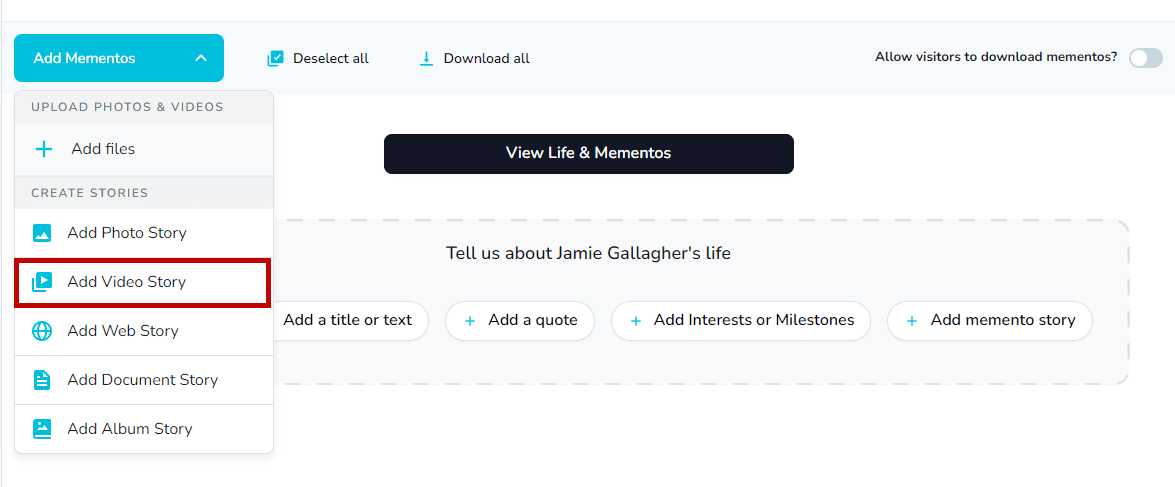
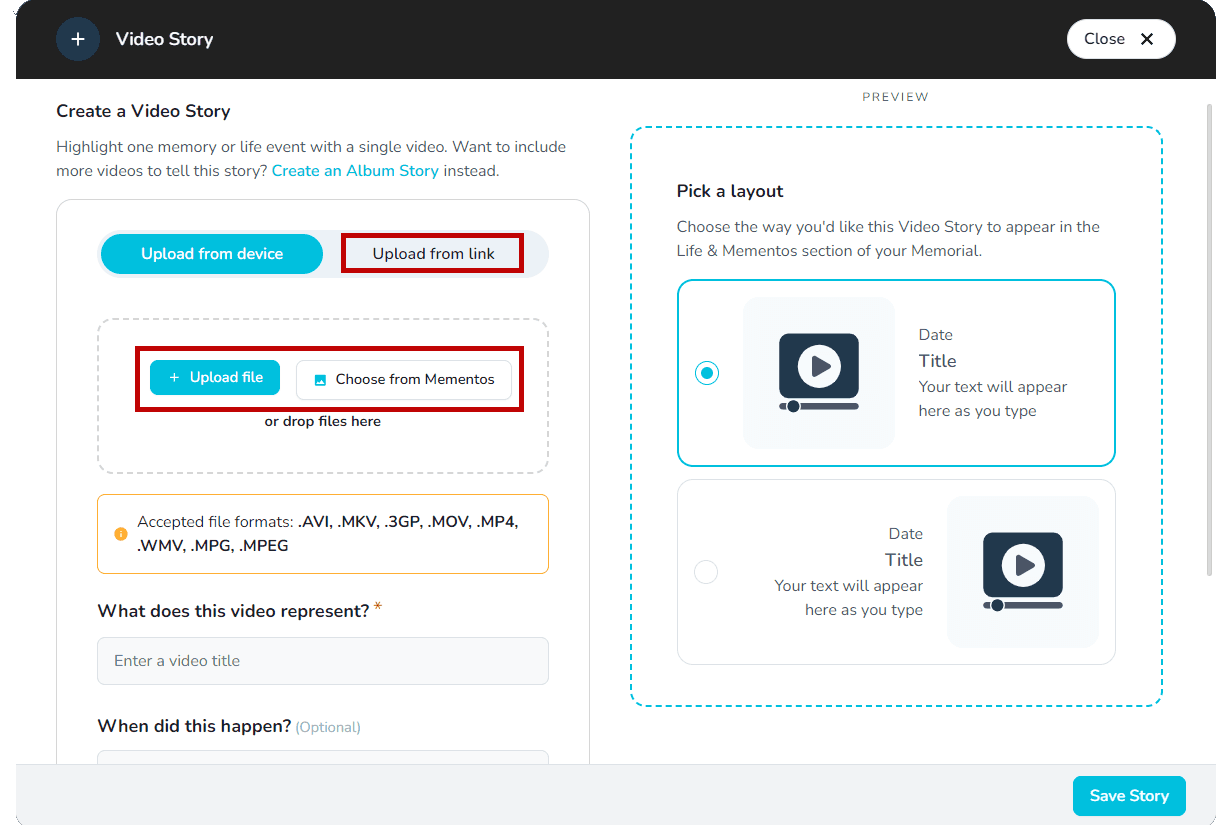
- You can upload a video using one of the following options:
- Upload a file from your device
- Select from what you've uploaded so far via Choose from Mementos
- Add a video via a link from YouTube or Vimeo
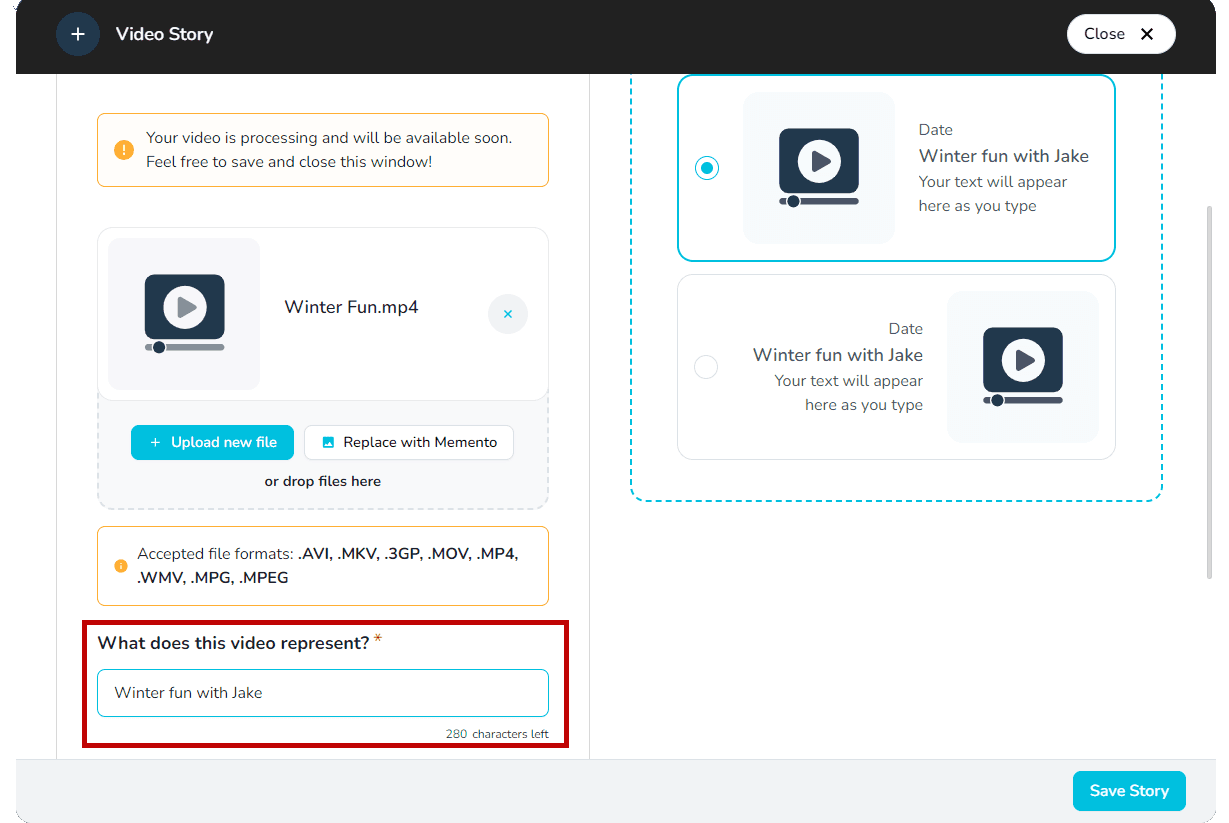
- Enter a title under What does this video represent
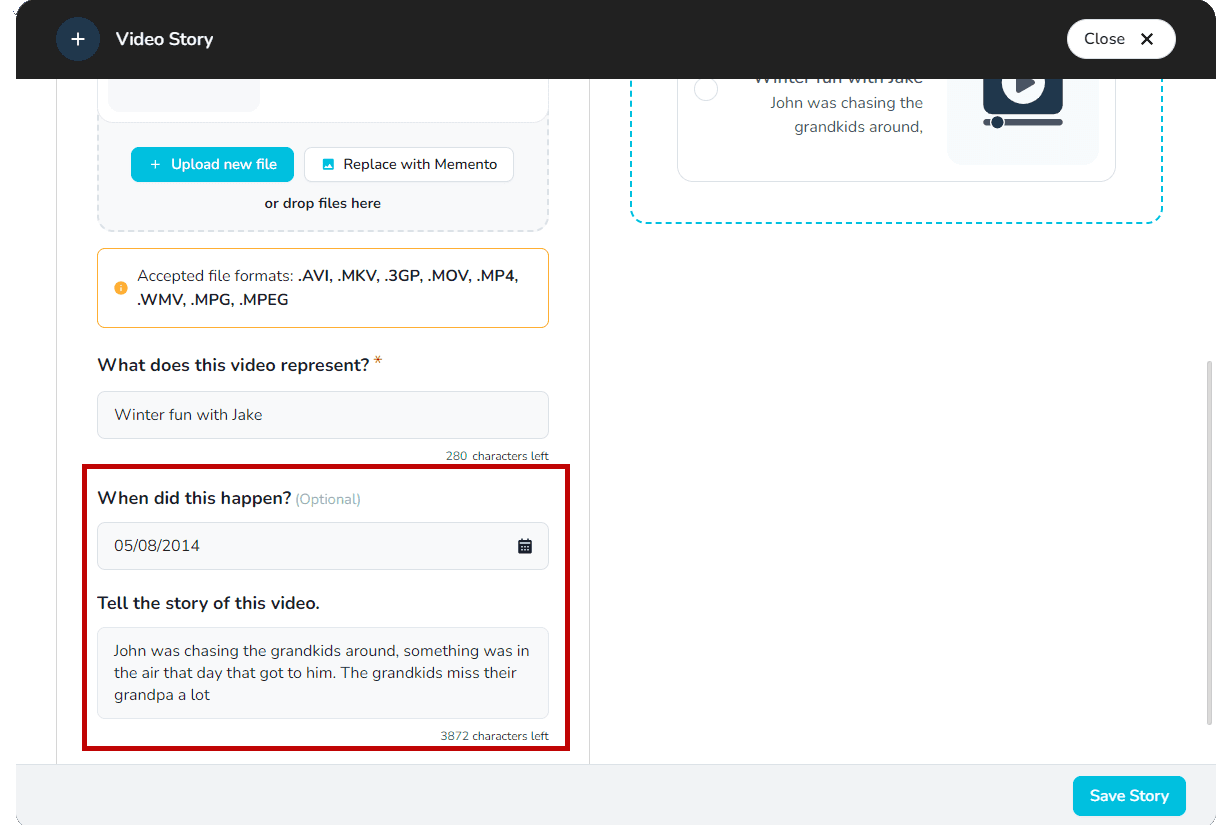
- Add an optional date in the date field
- Add details, information, a story, or anything else you'd like by entering a description
- Choose how you'd like the Video Story to display
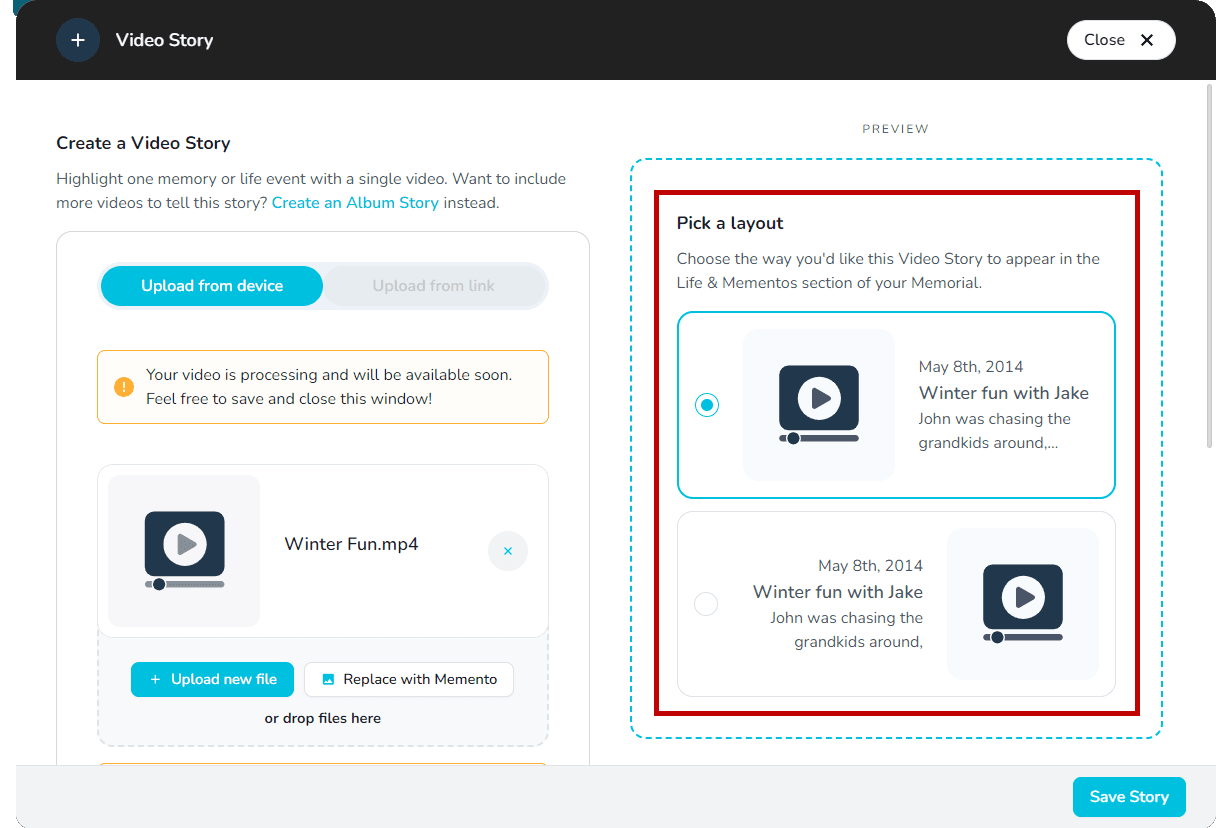
- Once you're happy with your Story, click on Save Story 🎞️
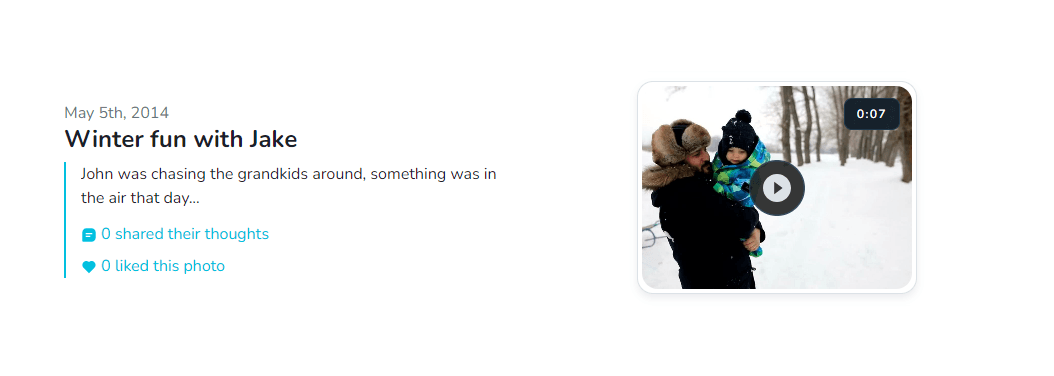
Note: If you are uploading a video from your device, it will take some time to process and be visible on your memorial page.
Tip: We accept .avi, .mkv, .3gp, .mov, .mp4, .wmv, .mpg, .mpeg file formats. A maximum file size for a video is 2 GB.
Take advantage of these other Story formats:
Related stories