
Memorial ManagementLife, Mementos and Stories
Album Story | What is an album story?
Create a gallery of up to fifty photos and videos in Life & Mementos to showcase a shared moment or theme.
- Follow the steps to add a story template.
- Choose Album Story from the template list.
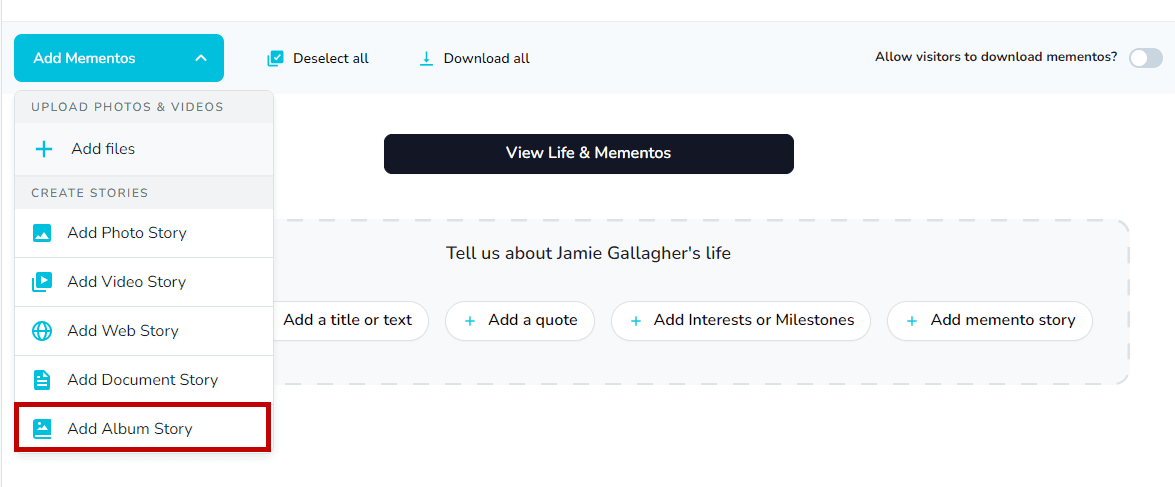
- Click Add to album to start building the gallery.
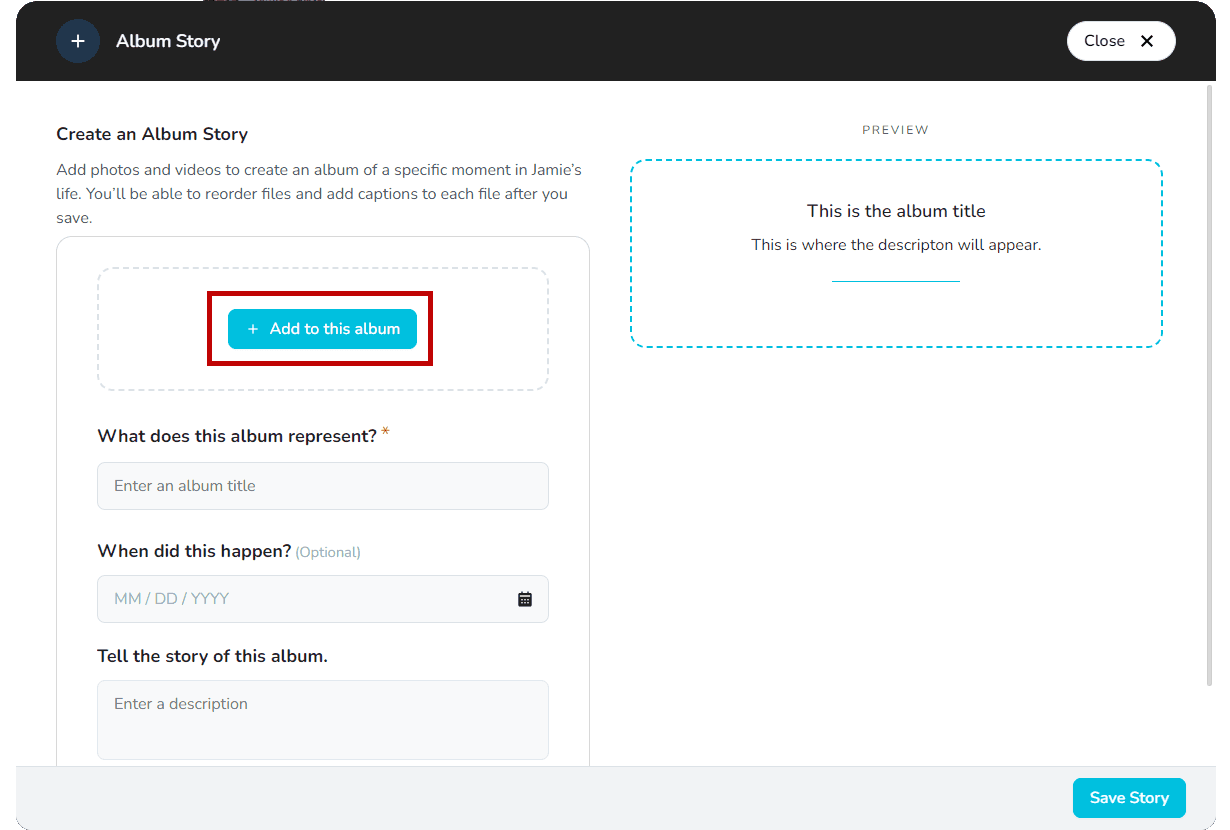
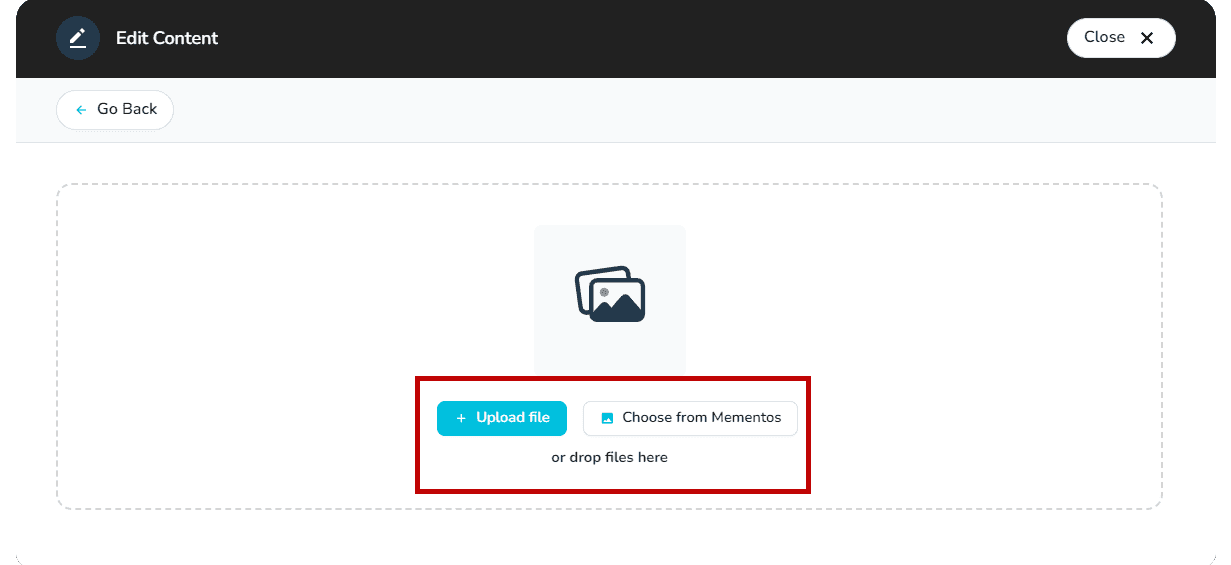
- Upload files from your device or pick existing items from Mementos.
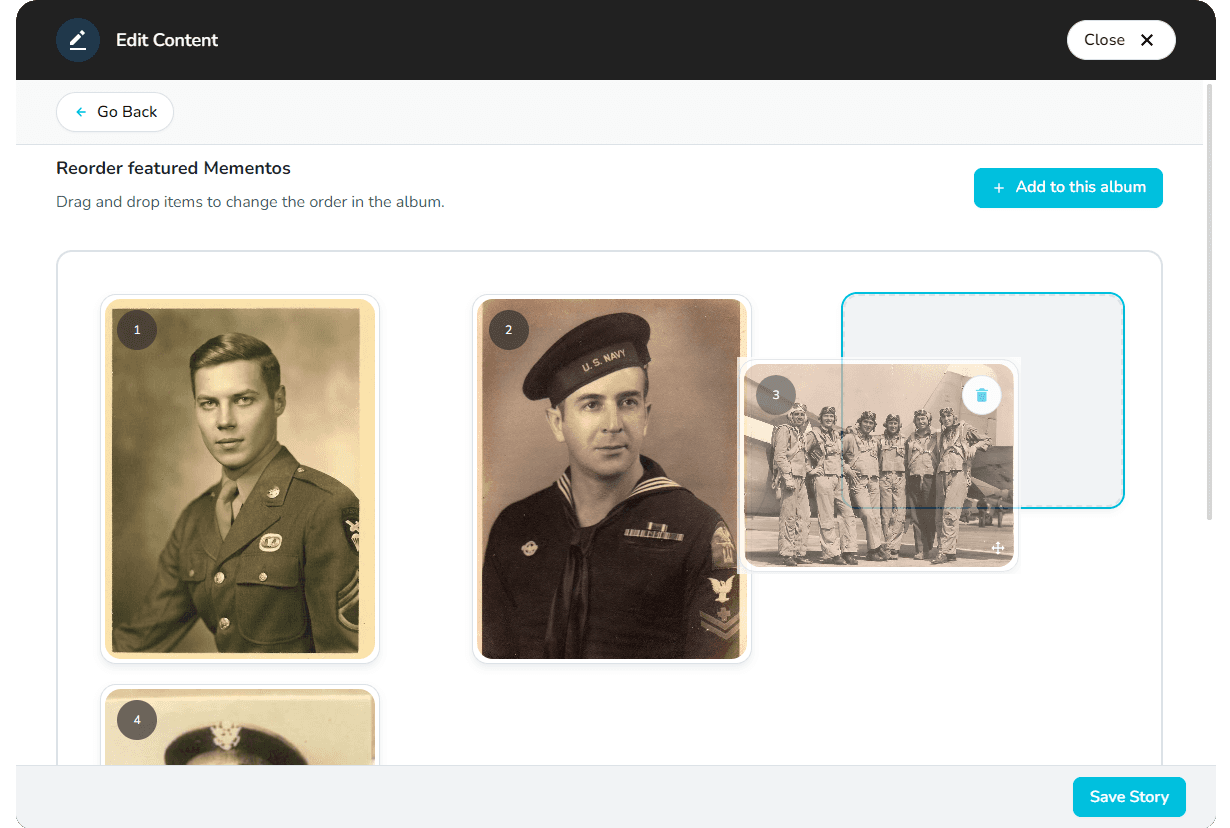
- Drag and drop media to reorder it until the sequence feels right.
- Add a title and description to introduce the collection.
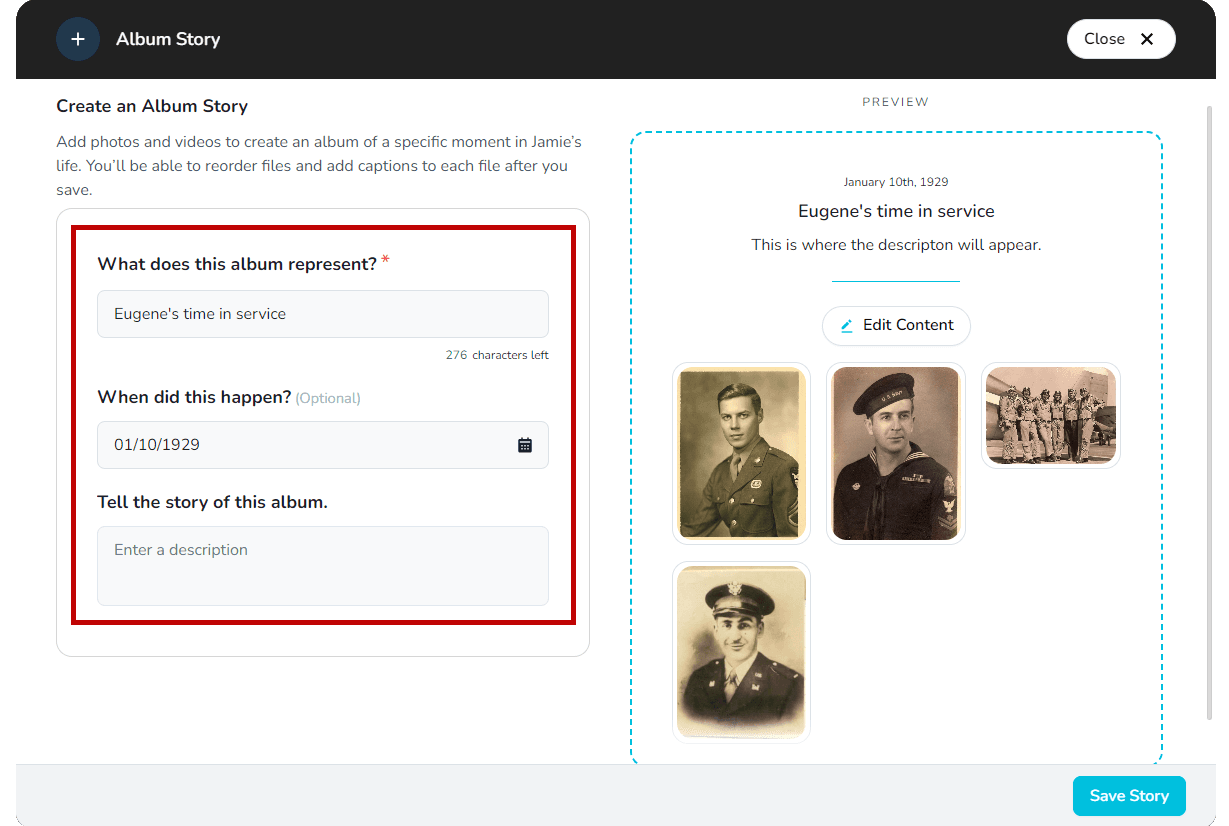
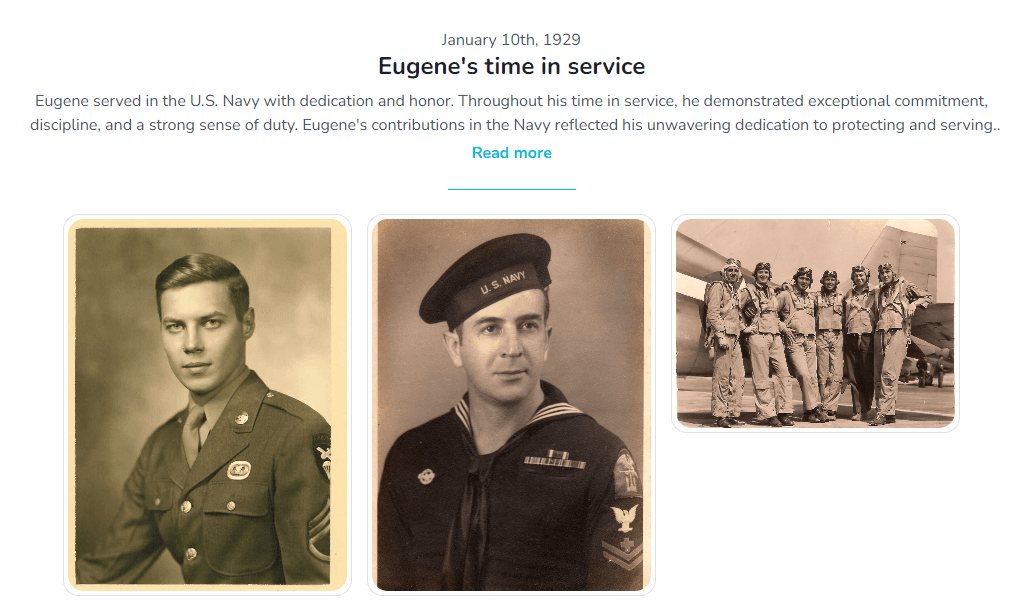
- Select Save Story to publish the album on the memorial.
Processing time
Uploaded videos may need a few minutes to finish processing before they appear.
File requirements
Supports .png, .jpeg/.jpg, .gif, .heic, .avi, .mkv, .3gp, .mov, .mp4, .wmv, .mpg, and .mpeg files.
Related stories