Event PagesGuest Experience
How do I RSVP to an event as a Keeper account holder?
Respond to memorial event invitations directly from the event page when you’re signed in.
- Log in and open the memorial’s event page.
- In the RSVP section, confirm your name and profile image.
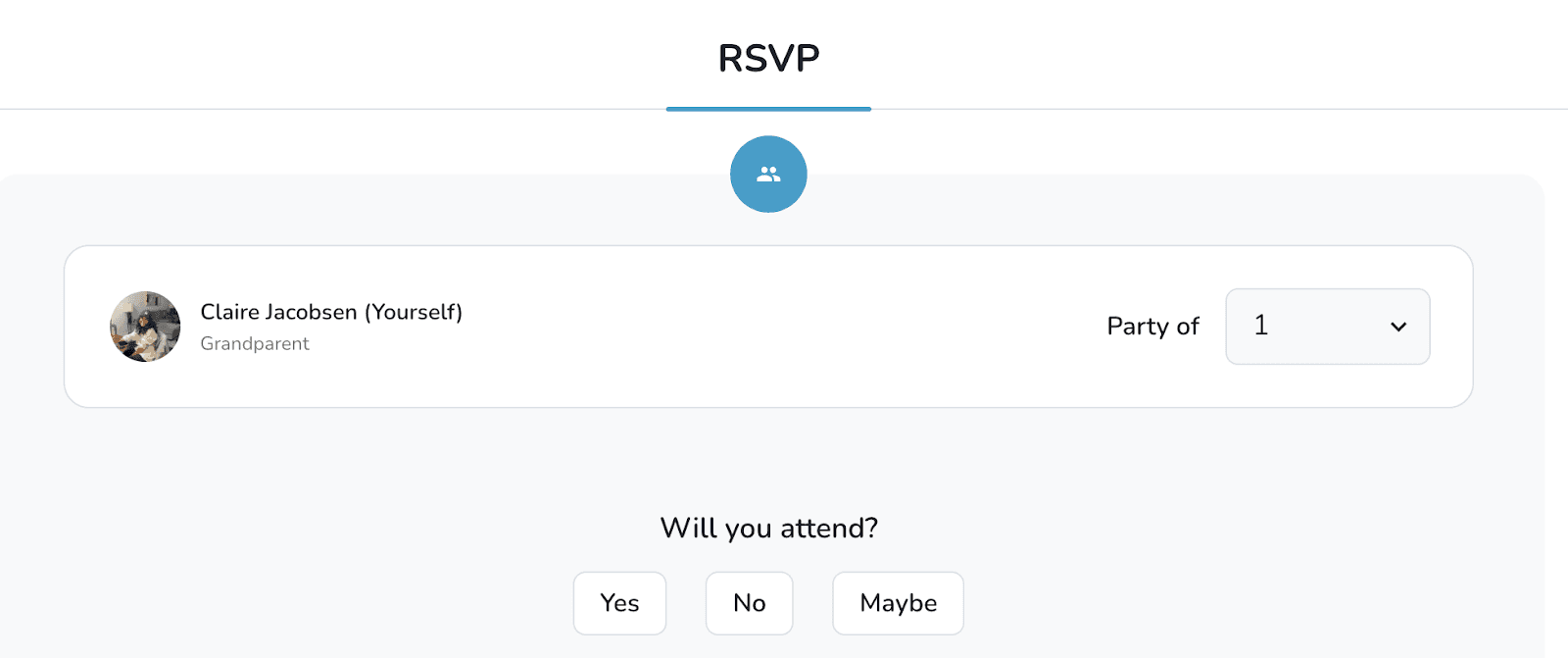
- Choose the number of people in your party and select Attending, Maybe, or No.
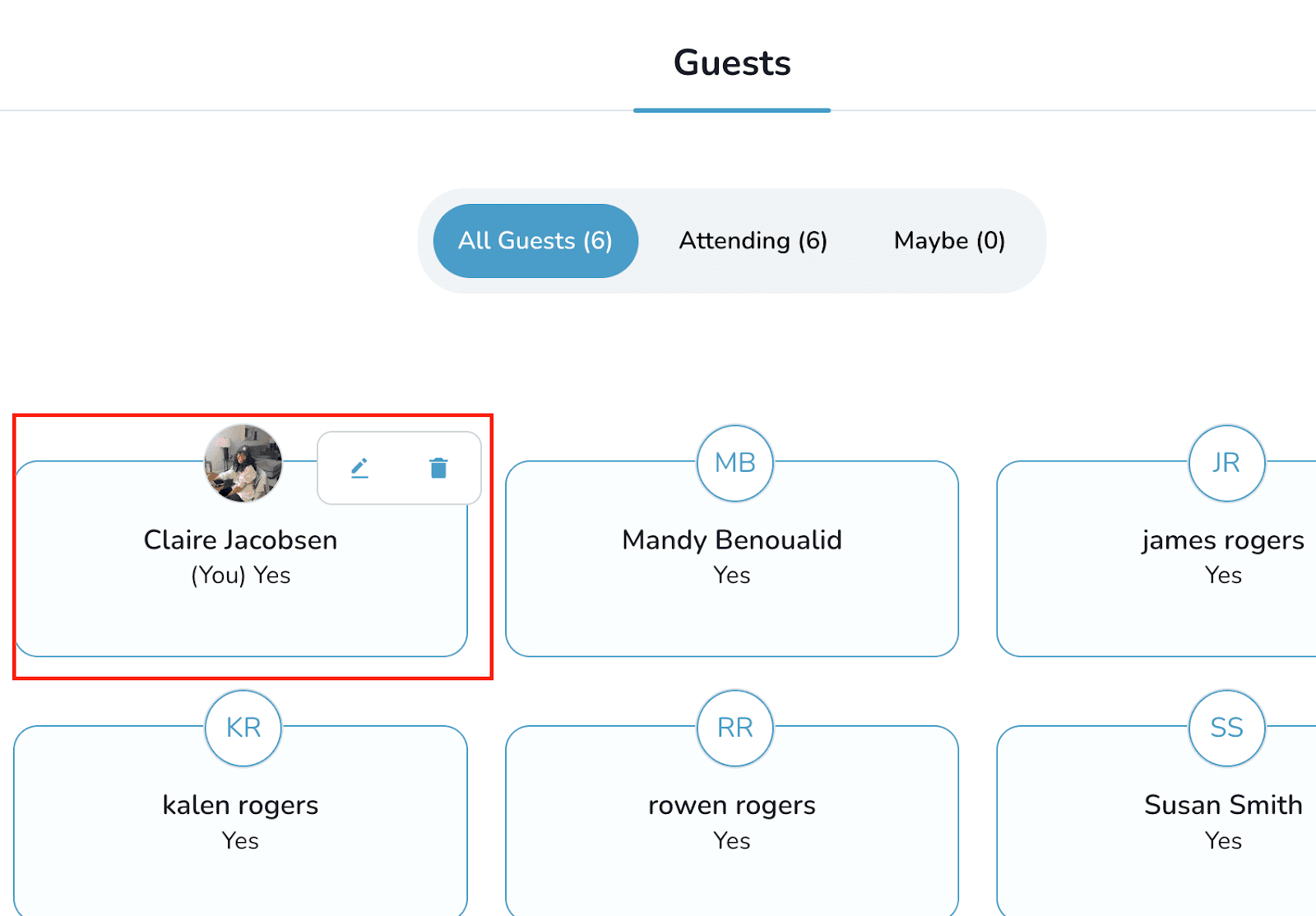
- To edit or delete a response later, hover over your entry in the guest list and choose the relevant option.
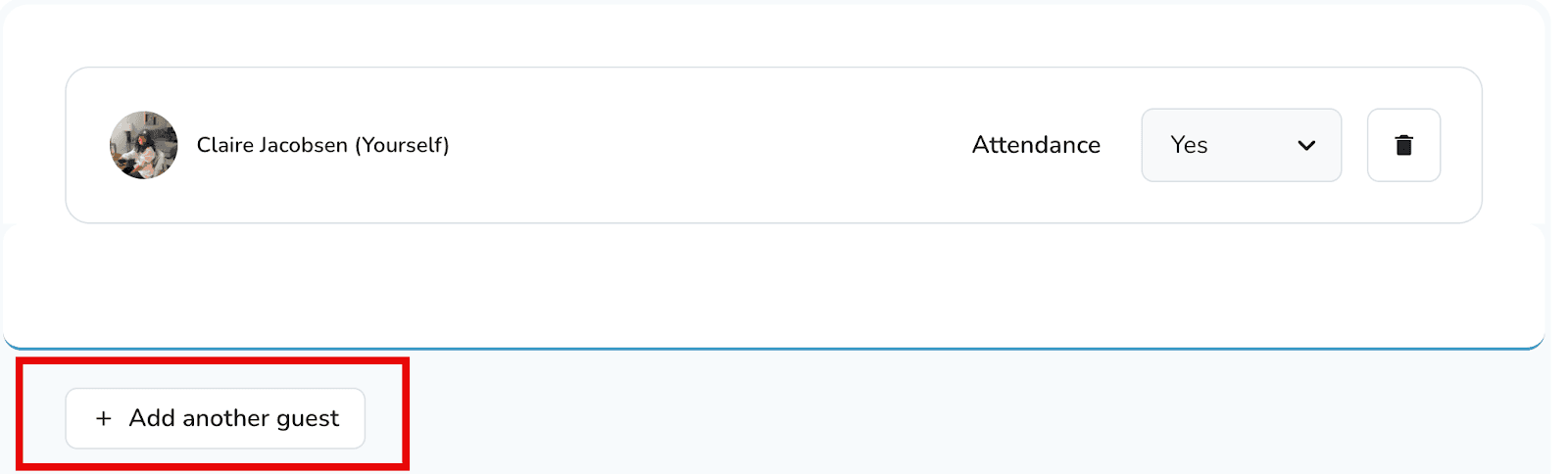
- Need to bring someone else? Select + Add another guest and enter their details.