Event PagesGuest Experience
How do I edit an event guest’s RSVP?
Update or remove RSVP details for event guests from the memorial page.
- Log in, open the memorial, and go to the event page.
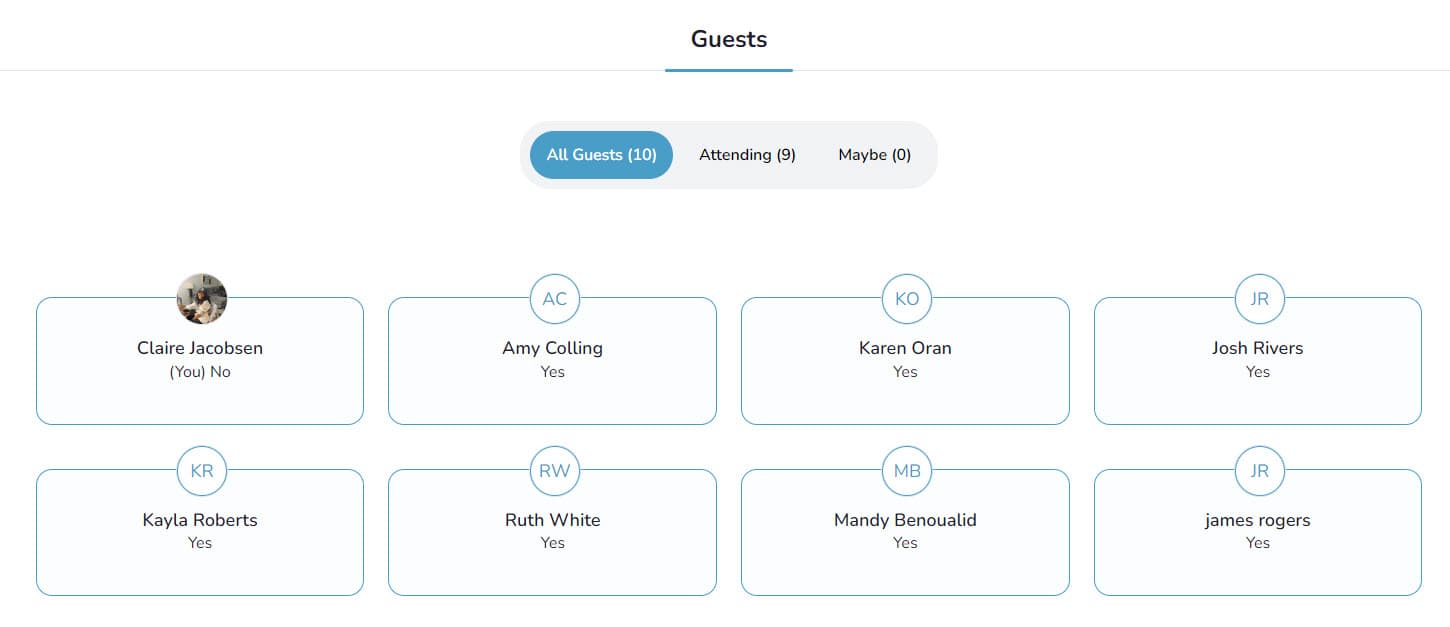
- Scroll to Guests to see everyone who RSVP’d.
-
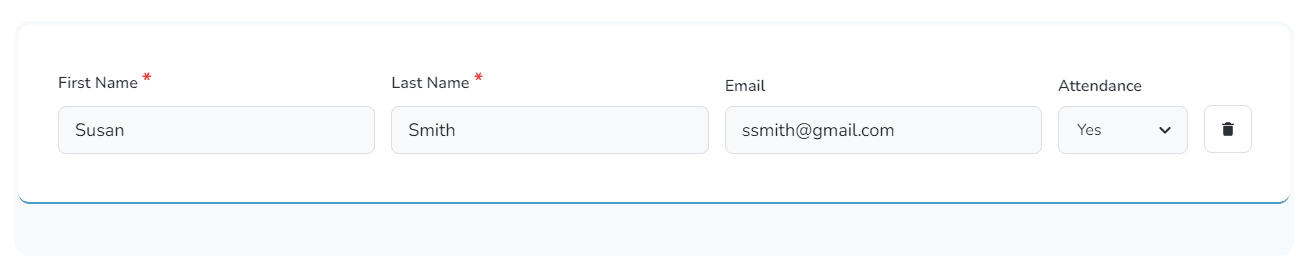
To edit a guest’s name, email, or response:
-
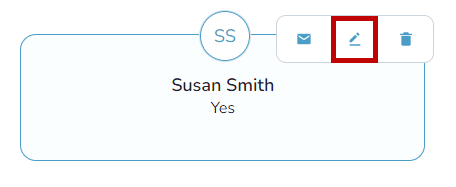
Hover over their entry and select the pencil icon.
-
Update the fields and choose Save.
-
-
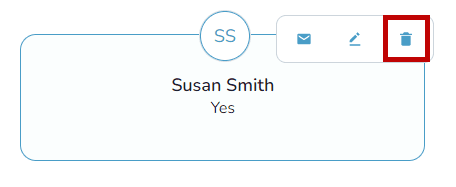
To remove a guest entirely, hover over their name, choose the trash can icon, and confirm Remove.