
Event PagesGuest Experience
How do I send a message to guests who RSVP'd to an event?
Reach everyone who RSVP’d—or a specific guest—directly from the memorial event page.
-
Log in, open the memorial, and go to the event page.
-
Scroll to Guests and choose how you want to reach people:
-
Select Message all guests to email everyone who RSVP’d.

-
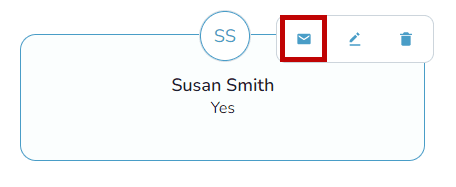
Hover over a guest and select the envelope icon to message just that person.
-
-
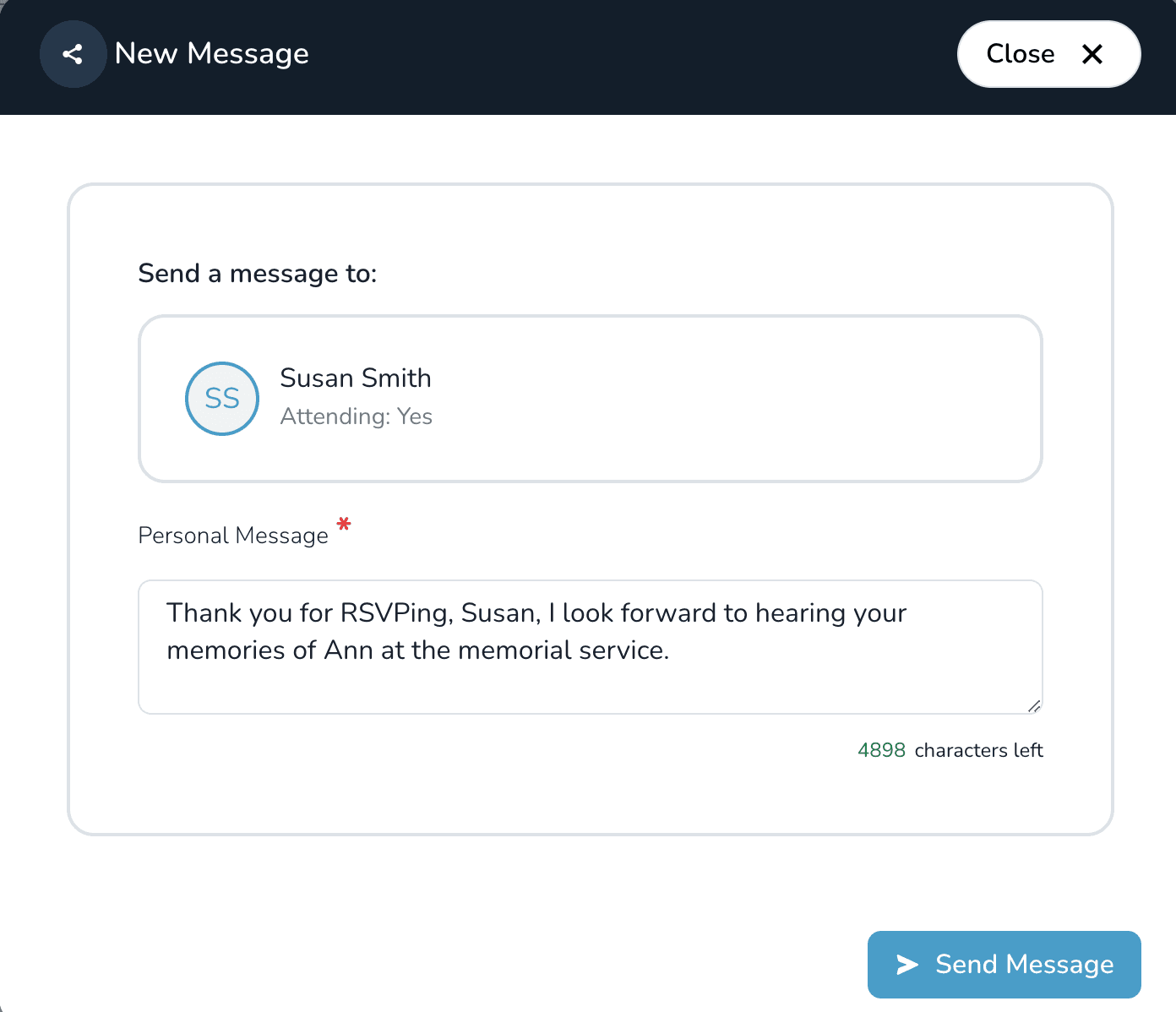
Write your note and select Send message.
Guest email required
Guests must provide an email address when they RSVP. If you do not see the envelope icon, that guest did not share an email.