
Memorial ManagementMemento Administration
How do I add another Keeper to a memorial page I manage?
Open Memorial Keepers to invite existing Keeper users or email new collaborators to help manage the page.
When you want extra help managing a memorial, invite another Keeper Administrator from the memorial page.
Invite an existing Keeper user
- Sign in and open the memorial.
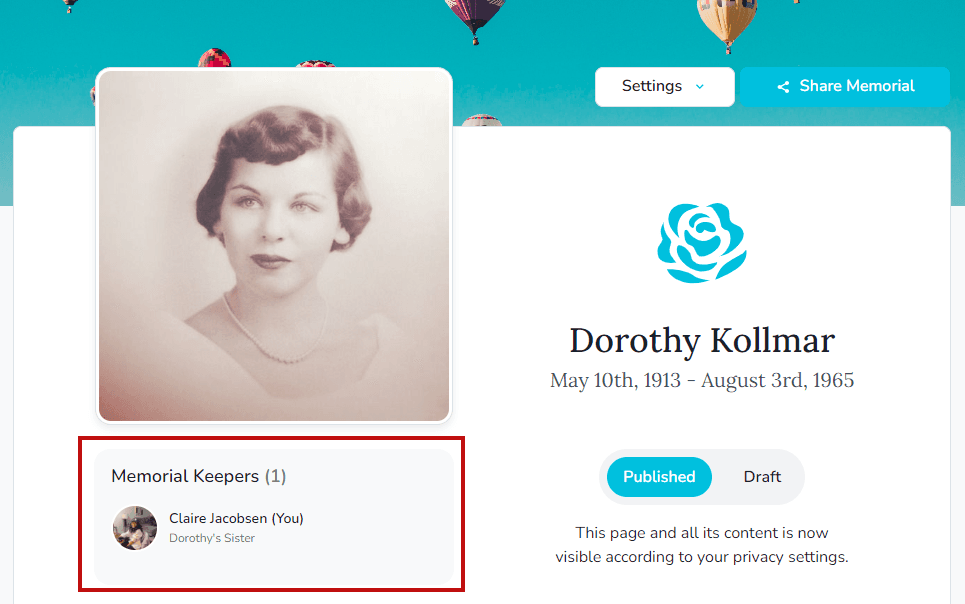
- Click Memorial Keeper(s) beside the profile photo.
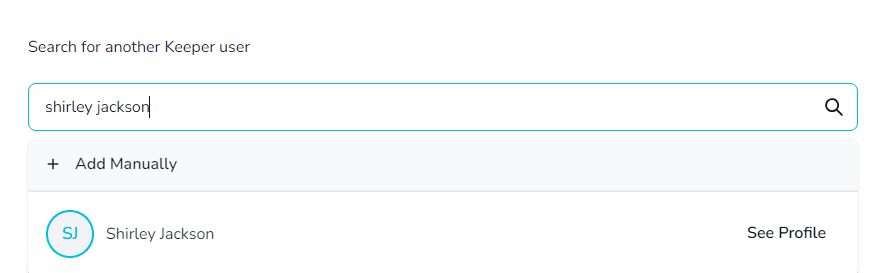
- Search for their name or email.
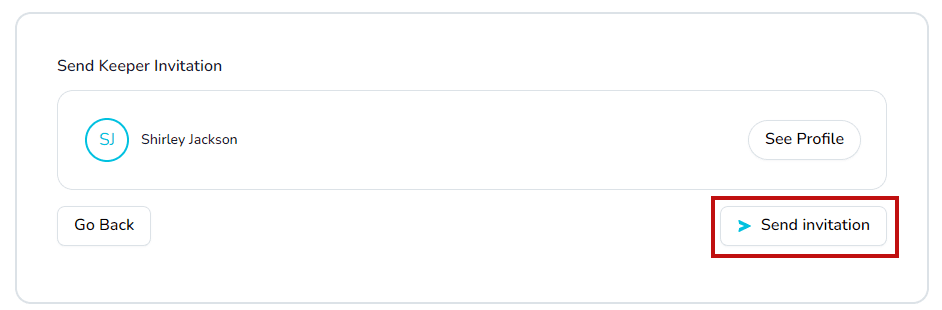
- Choose the correct person and select Send invitation.
Invite someone without a Keeper account
- From the same Memorial Keepers panel, enter the person’s name and email address.
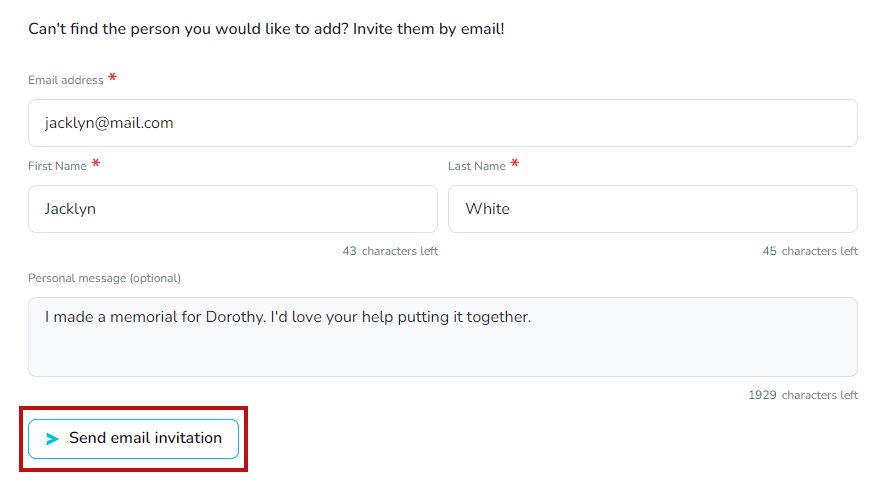
- Add a personal message if you like, then click Send email invitation. The recipient receives an email with steps to join Keeper and accept the invitation.
Need a refresher?
Review what a Keeper Administrator is before inviting others.