
Event PagesCreating & Editing Events
How do I reposition the banner image on an event page?
Adjust the crop of the event banner on desktop before saving changes.
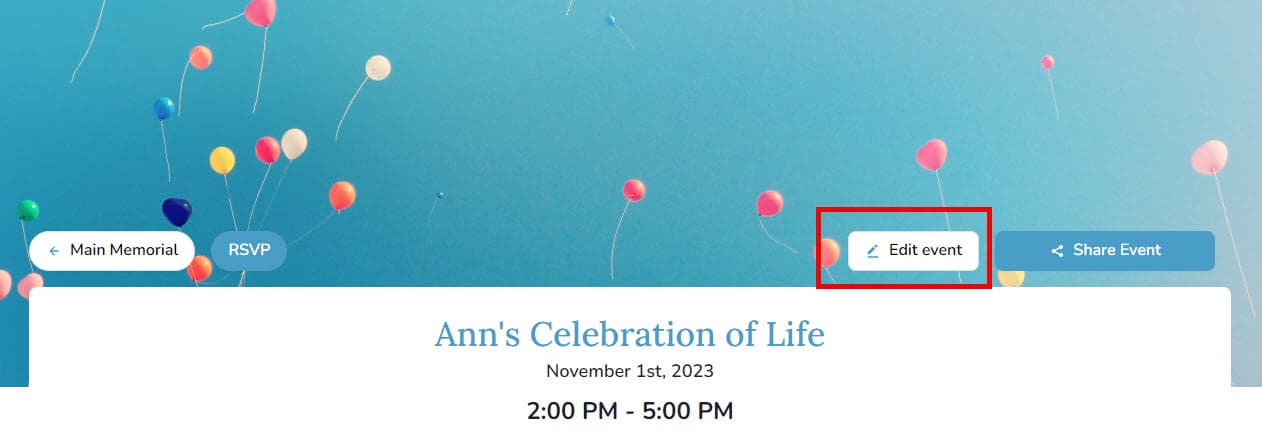
- Open the event and select Edit Event.
- Hover over the banner and choose Reposition banner image.
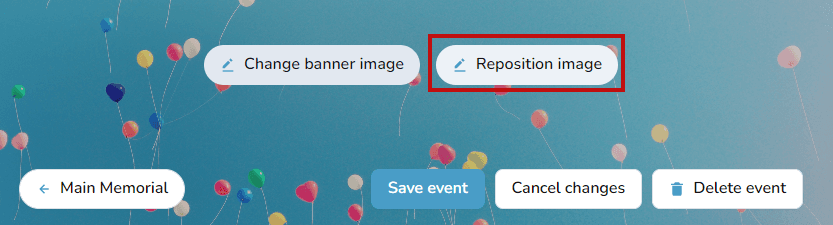
- Drag the image until the framing looks right, then save your settings.
Desktop only
Banner repositioning is currently available on desktop browsers.