
Event PagesCreating & Editing Events
How do I change the banner image for an event?
Update the event banner with a custom photo, a memorial image, or artwork from Keeper’s library.
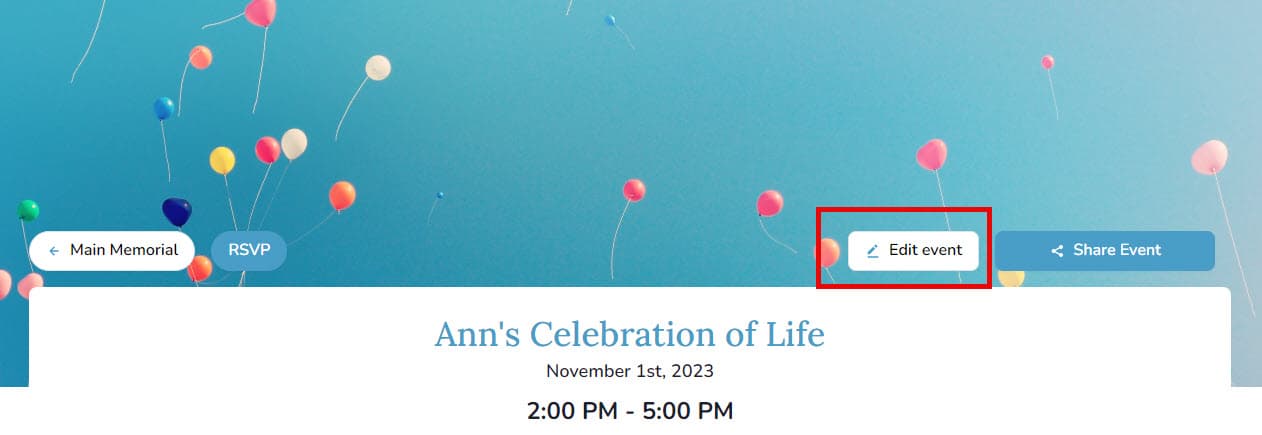
- Open the event page and select Edit Event.
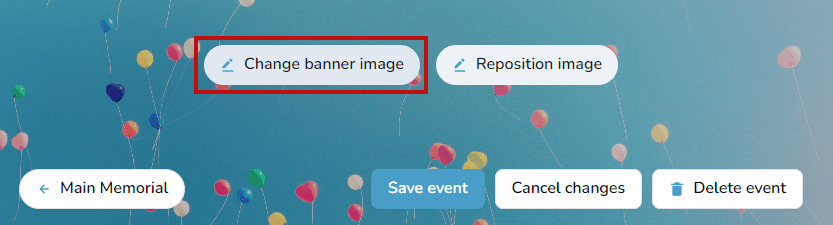
- On desktop, hover over the banner and choose Change banner image.
- On mobile, tap the image icon to open the banner options.

- Pick one of four sources:
- Upload a new image from your device.
- Select an existing photo from Mementos.
- Browse the Keeper image library.
- Search Unsplash for free imagery.
- Save your changes to update the event page.