
Event PagesCreating & Editing Events
How do I create an event page?
Keeper Plus members can add an event page from the memorial editor and publish it in minutes.
- Open the memorial and choose Edit Memorial.
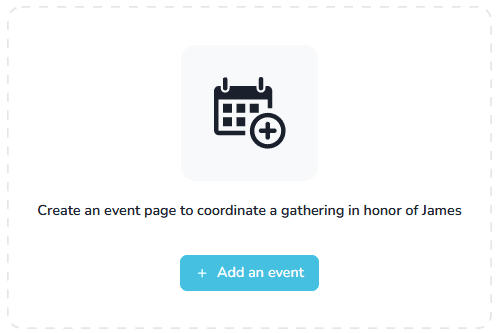
- Scroll to the event prompt and select Add an Event.
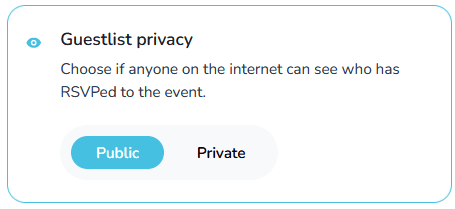
- Choose whether the guest list should be public or private.
- Fill in the required details:
- Event name
- Start time (end time optional)
- Event time zone
- Optional description and additional information
- When you’re ready, select Create Event.

Backdated events
You can backdate an event so past gatherings still appear on the memorial timeline.