
Tributes & ContributionsTributes
How do I share photos and videos in a tribute?
Attach up to ten images or videos to a tribute and add captions before publishing.
- Open the memorial’s Tributes section and start writing your message.
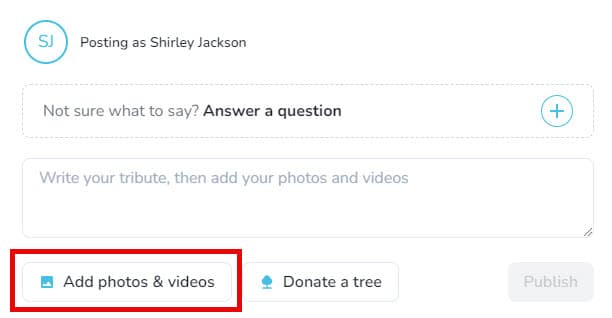
- Select Add Photos & videos to upload media from your device.
- Use the editor to crop, rotate, add captions, or supply alt text.
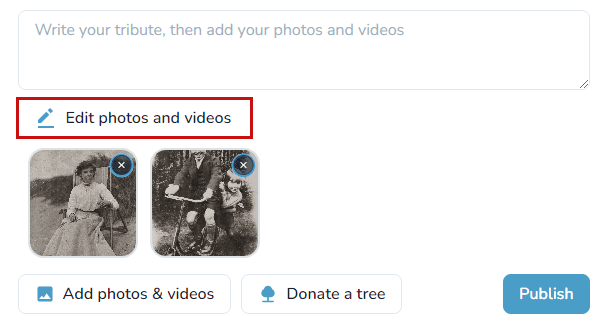
- Save your changes and publish the tribute when you’re ready.
Upload limits
Keeper Plus tributes can include up to 10 files; free memorials can include up to 3. Images must be .png, .jpg, .jpeg, .gif, or .heic between 5 KB and 25 MB. Videos support .avi, .mkv, .3gp, .mov, .mp4, .wmv, .mpg, and .mpeg up to 1 GB.