Tributes & ContributionsTributes
How do I share a tribute or condolence message?
Write a tribute, use question prompts, and publish your message on the memorial.
Guests and Keeper users alike can leave a tribute on a Memorial page to share a favorite memory, send condolences, or honor the memorialized life with a heartfelt message.
How do I share a tribute or condolence message on a Memorial?
- If you have a Keeper account, log in
- Navigate to the Memorial
- Scroll to the Tributes section
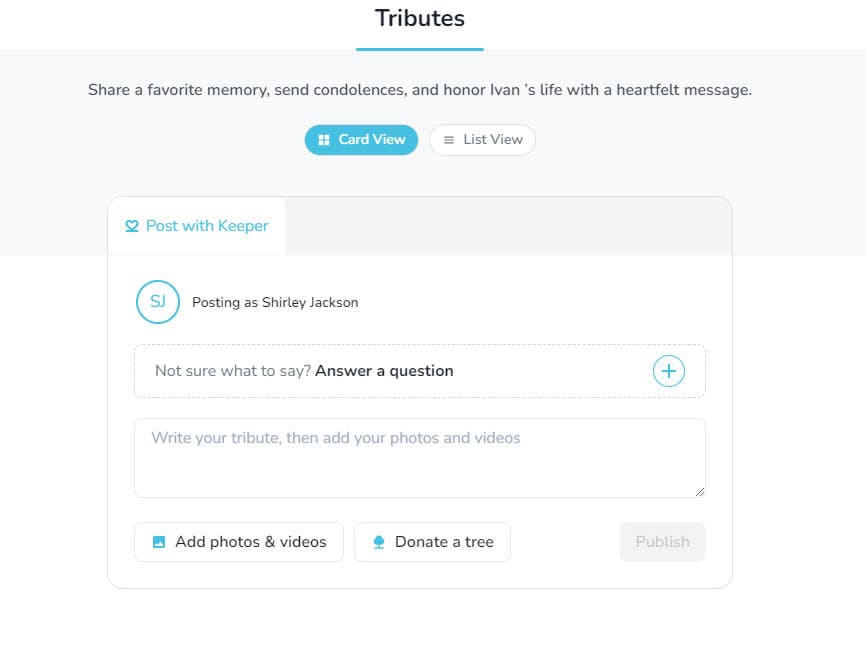
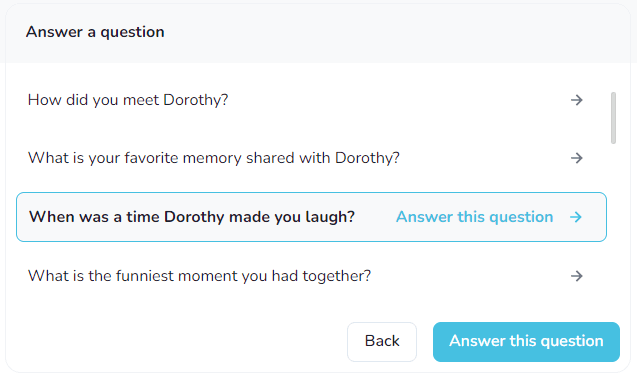
Optional: To utilize a prompt, select Answer a Question and scroll through the provided questions
- Then, select the question you would like to answer by selecting Answer this question
- Write your tribute text or your answer to the question in the text field
- Optional: Upload photos and videos to your tribute

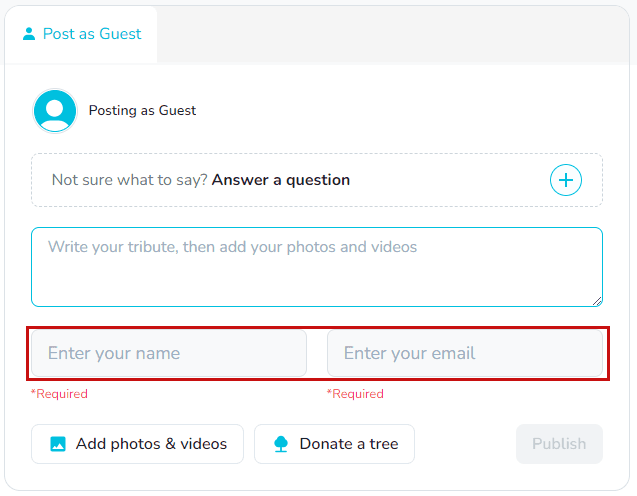
- If you are a logged in user, select Publish when you are ready to share the tribute
- If you are not logged into Keeper, you'll need to enter your name and email address.
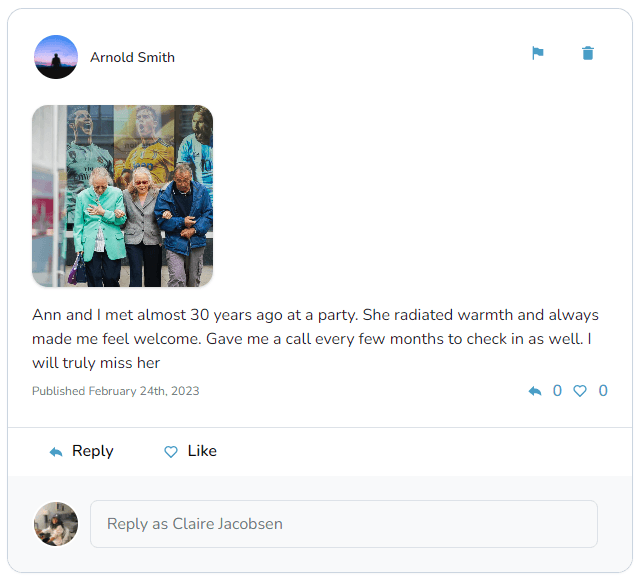
A published tribute will look like this: