
Memorial ManagementLiving Memorial
How do I create a living memorial for someone?
Use the memorial creation flow to set up a living memorial for a loved one who is still with you.
- Log in (or sign up) and open your Dashboard.
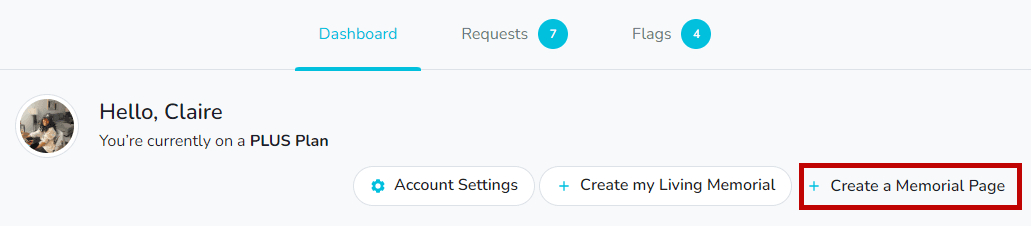
- Select + Create a Memorial Page.
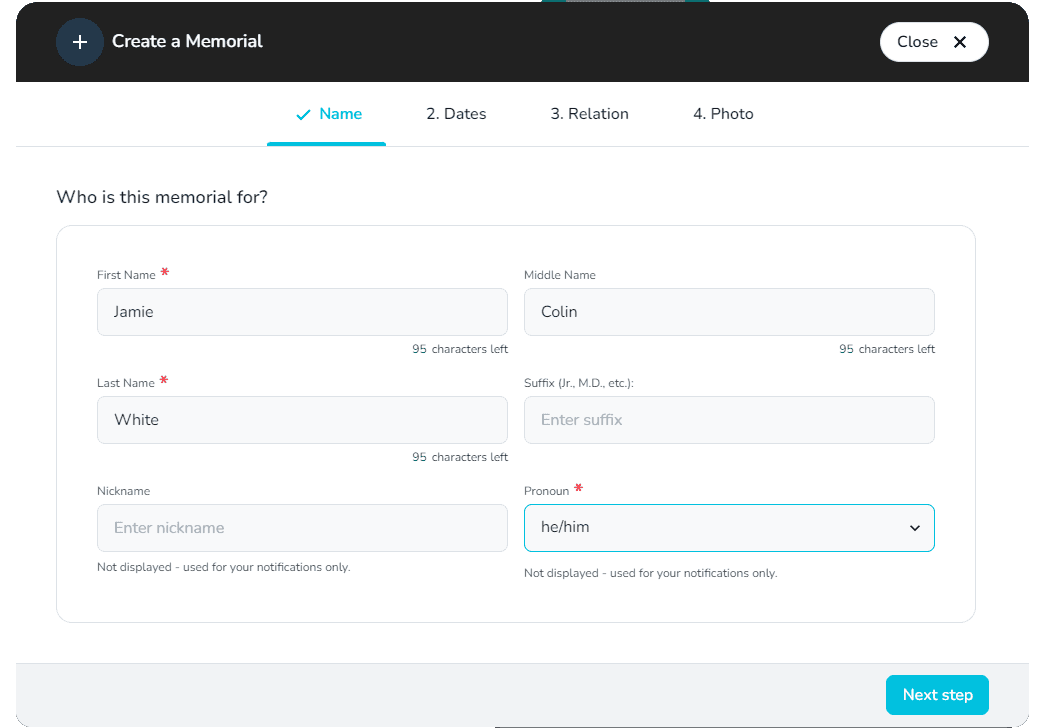
- Enter the person’s name and pronouns.
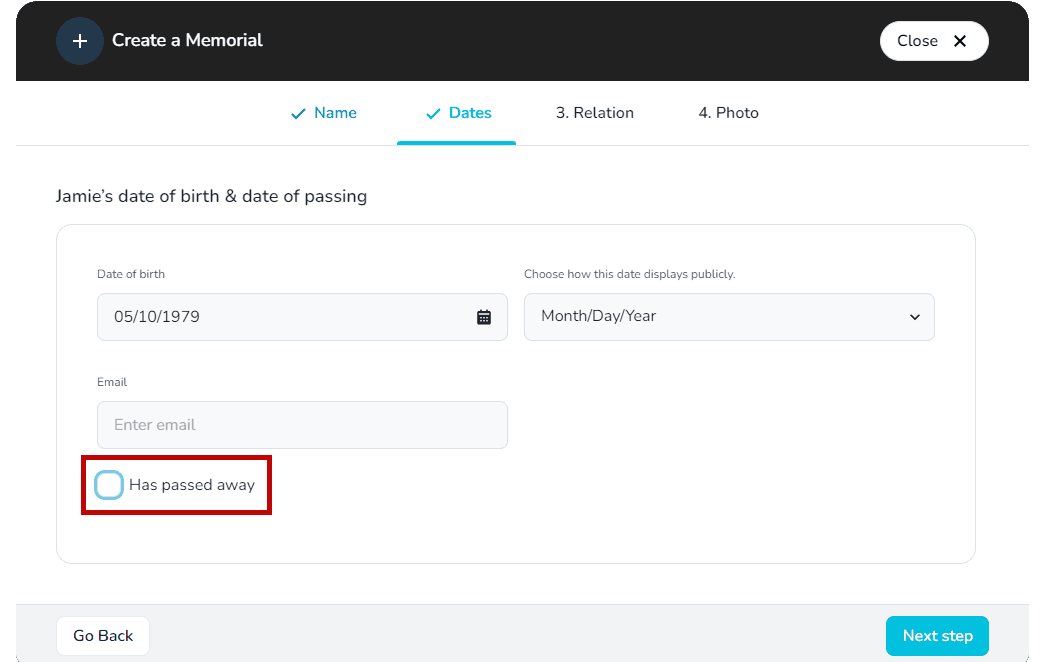
- Add their birth date and leave Has passed away? unchecked.
- Optionally enter their email address so they receive an invitation to collaborate on the page.
- Complete the remaining steps and select Create Memorial. You can begin adding stories, media, and family connections right away.
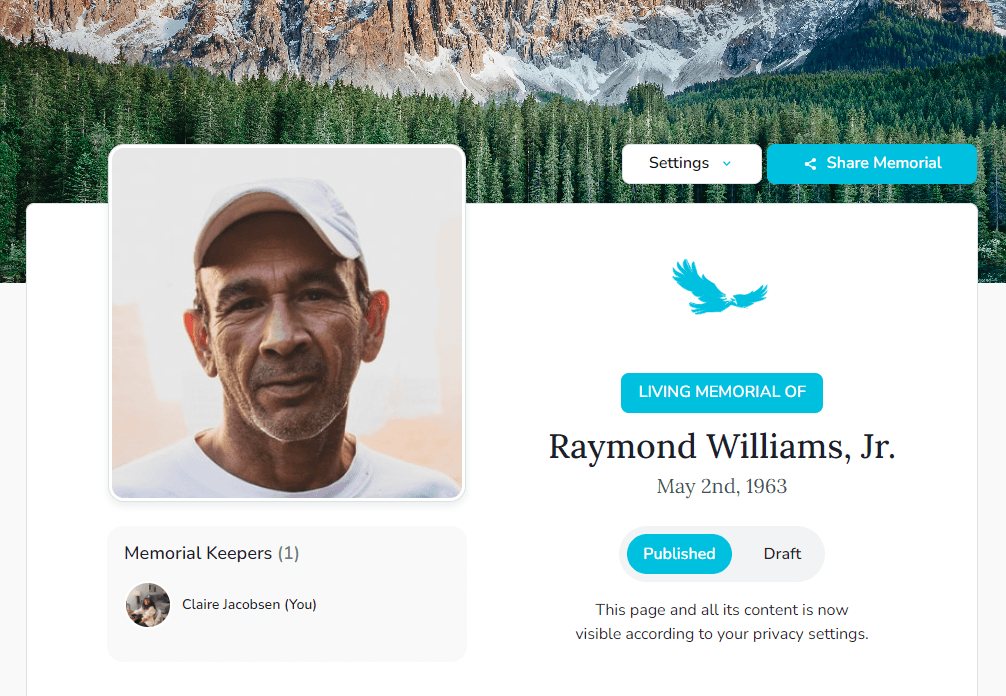
Keep it in draft
Set the memorial to Draft if you want to keep it private until your loved one is ready to share it.