
Memorial ManagementDownloading Content
How do I download all images and videos on a memorial?
Use the Download all Mementos option in Life & Mementos to export every photo and video.
- Open the memorial page and go to the Life & Mementos tab.
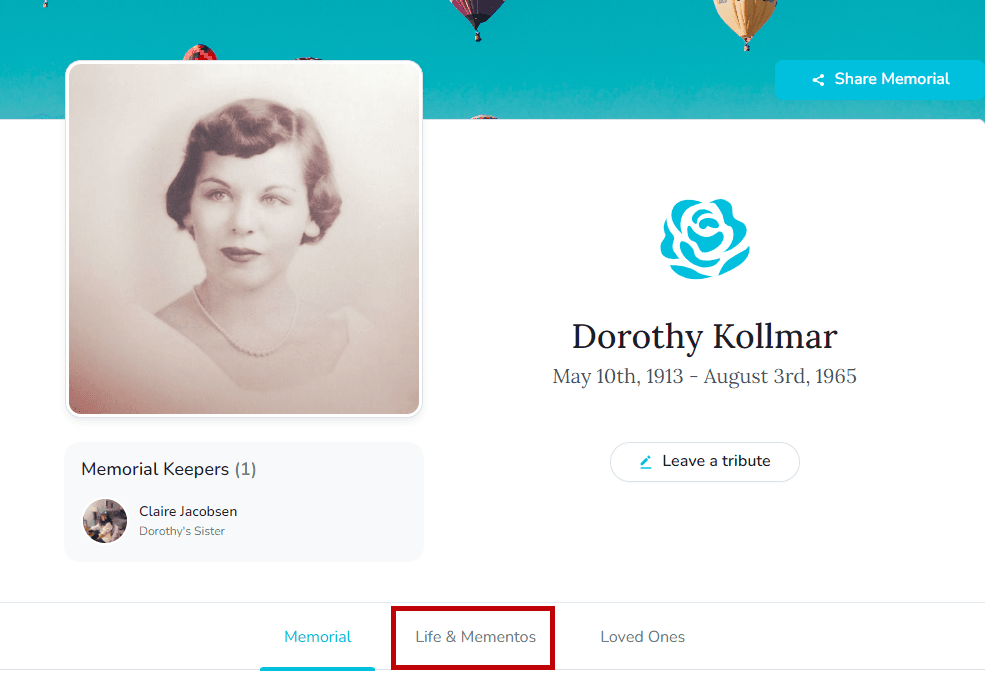
- Scroll to the Mementos Library and select Download all Mementos.
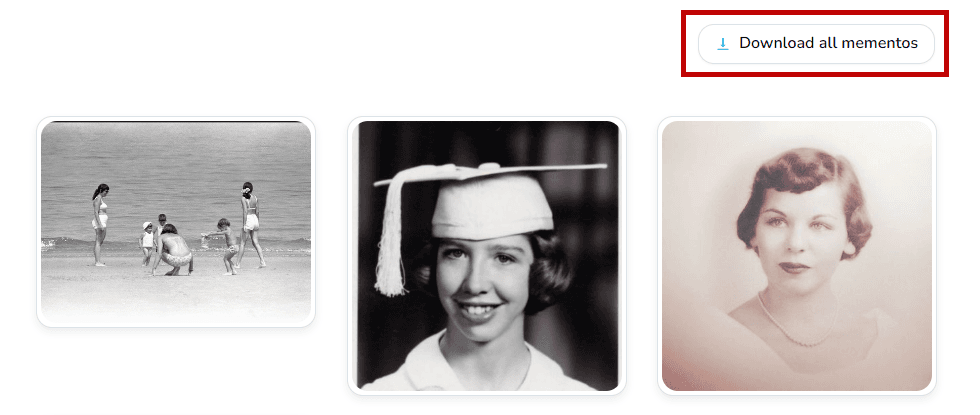
- Review the download instructions, stay on the page while the export runs, and retrieve the
.zipfile from your device when the download completes.
If you can't see the button
Only Keeper Administrators on Keeper Plus plans can enable bulk downloads. Ask a memorial keeper to turn on visitor downloads if the option is hidden.